Doodly vs VideoScribe in 2026: price, workflow, and a third option
Doodly and VideoScribe are the two classic whiteboard animation tools. How they differ on price, workflow, voice, and AI, and when an AI video maker fits better.
4 min read
GenPixy Blog
Ideas, how-tos, and updates for making explainer videos for YouTube, TikTok, Reels, and class.

Doodly and VideoScribe are the two classic whiteboard animation tools. How they differ on price, workflow, voice, and AI, and when an AI video maker fits better.
4 min read


Renderforest gives you templates to customize, plus generative AI credits. GenPixy AI turns one topic into a finished, narrated explainer with captions.
3 min read

InVideo AI builds videos from generated and stock footage, priced in credits per generation. GenPixy AI makes drawn whiteboard and cartoon explainers, priced per finished video.
3 min read

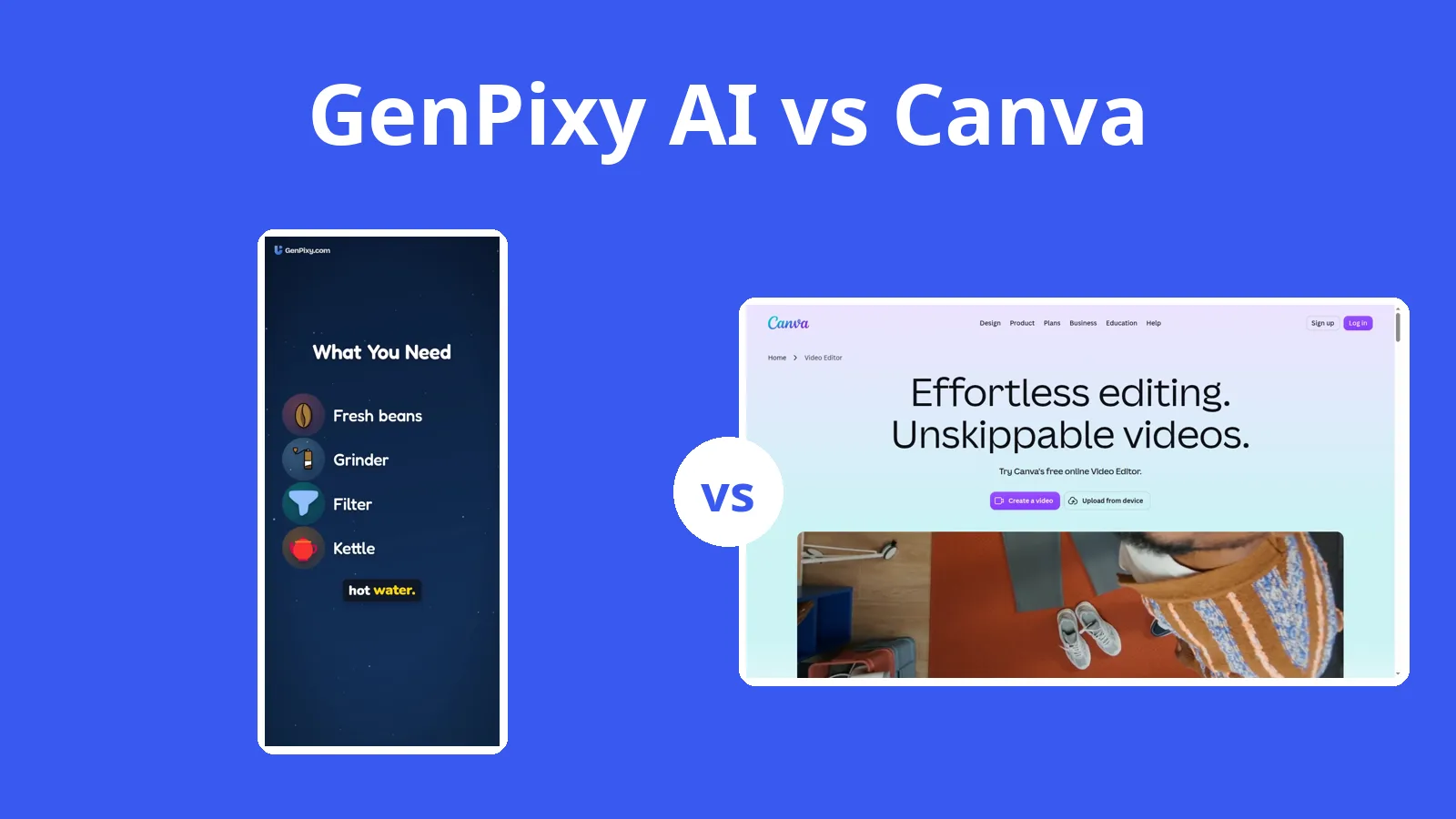
Canva's AI video makes clips of 6 to 8 seconds. GenPixy AI makes the full narrated explainer from one topic, and you can still upload the MP4 to Canva to add your brand.
5 min read

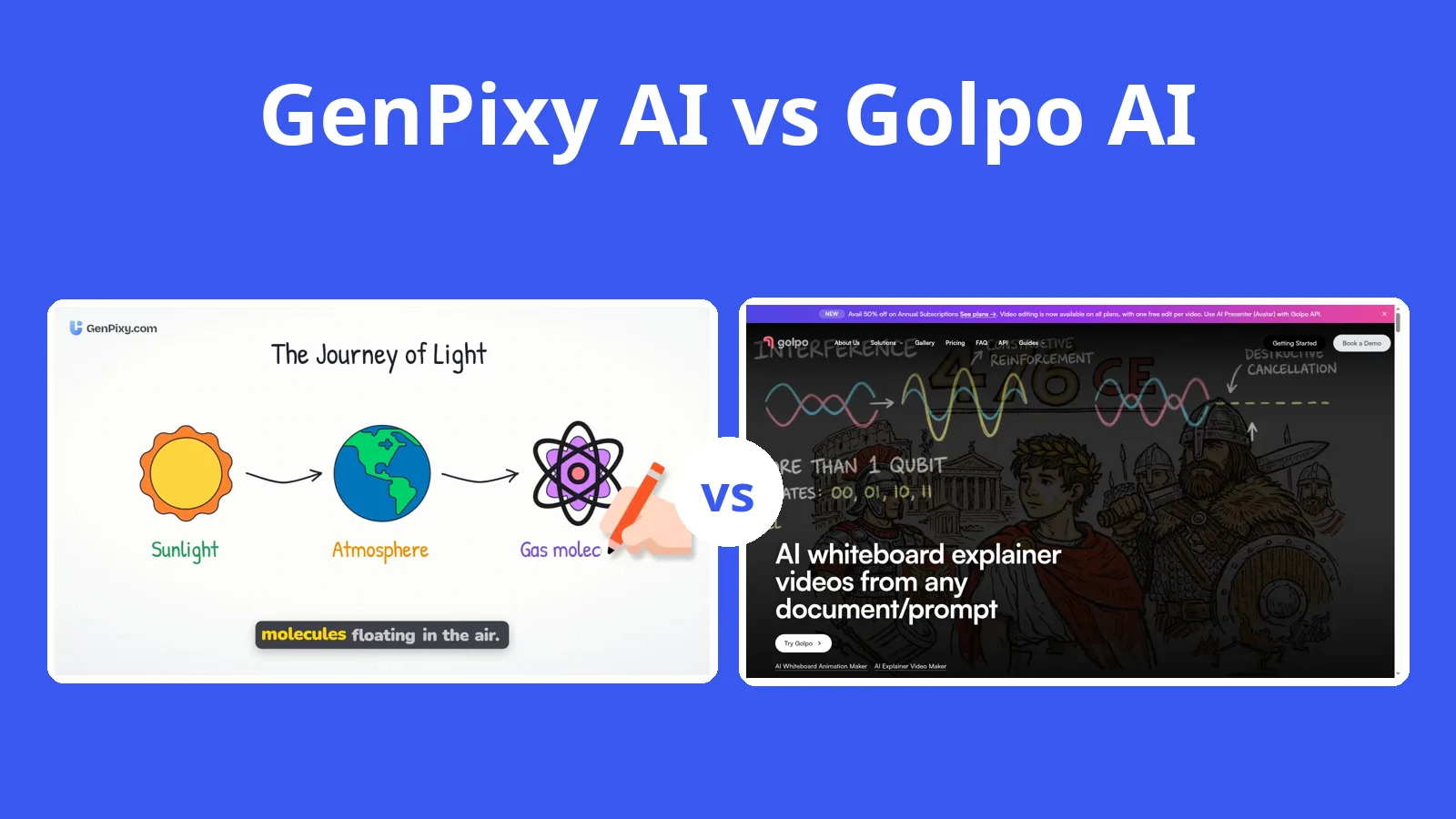
Golpo AI's free video carries a watermark and cannot be downloaded, and paid plans start at $39.99 a month. GenPixy AI's free videos download as MP4 files.
5 min read

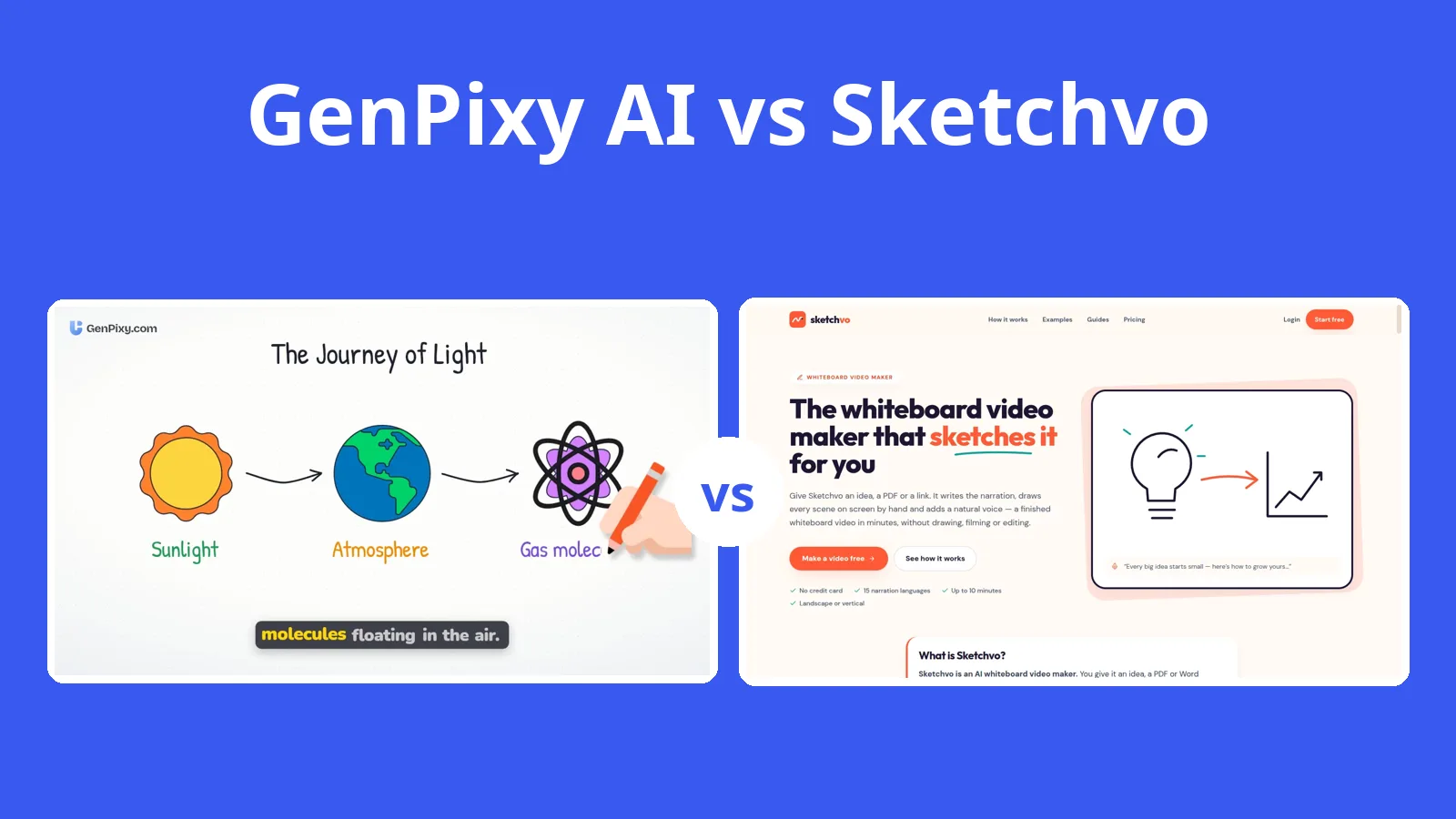
Sketchvo lets you review each scene and post straight to social media. GenPixy AI narrates in 70+ languages to Sketchvo's 15 and gives you free videos every day.
5 min read

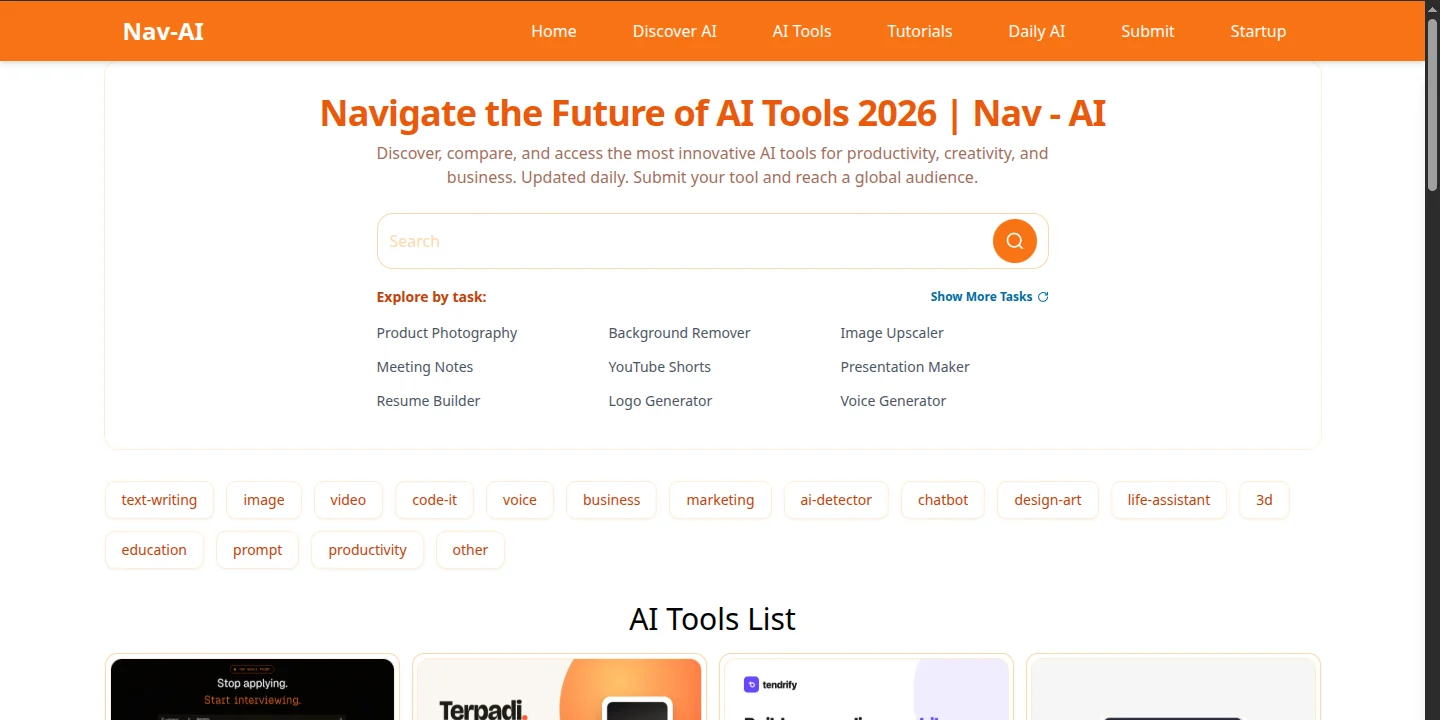
Nav-AI is a curated AI tools directory you browse by task. Here is why it is our first stop for the tools around a GenPixy video, from voice to logos.
2 min read

Paste a topic, notes, or a full script into DrawGen and get a narrated, subtitled animated video. How scripts are read, voices, and the free plan.
4 min read
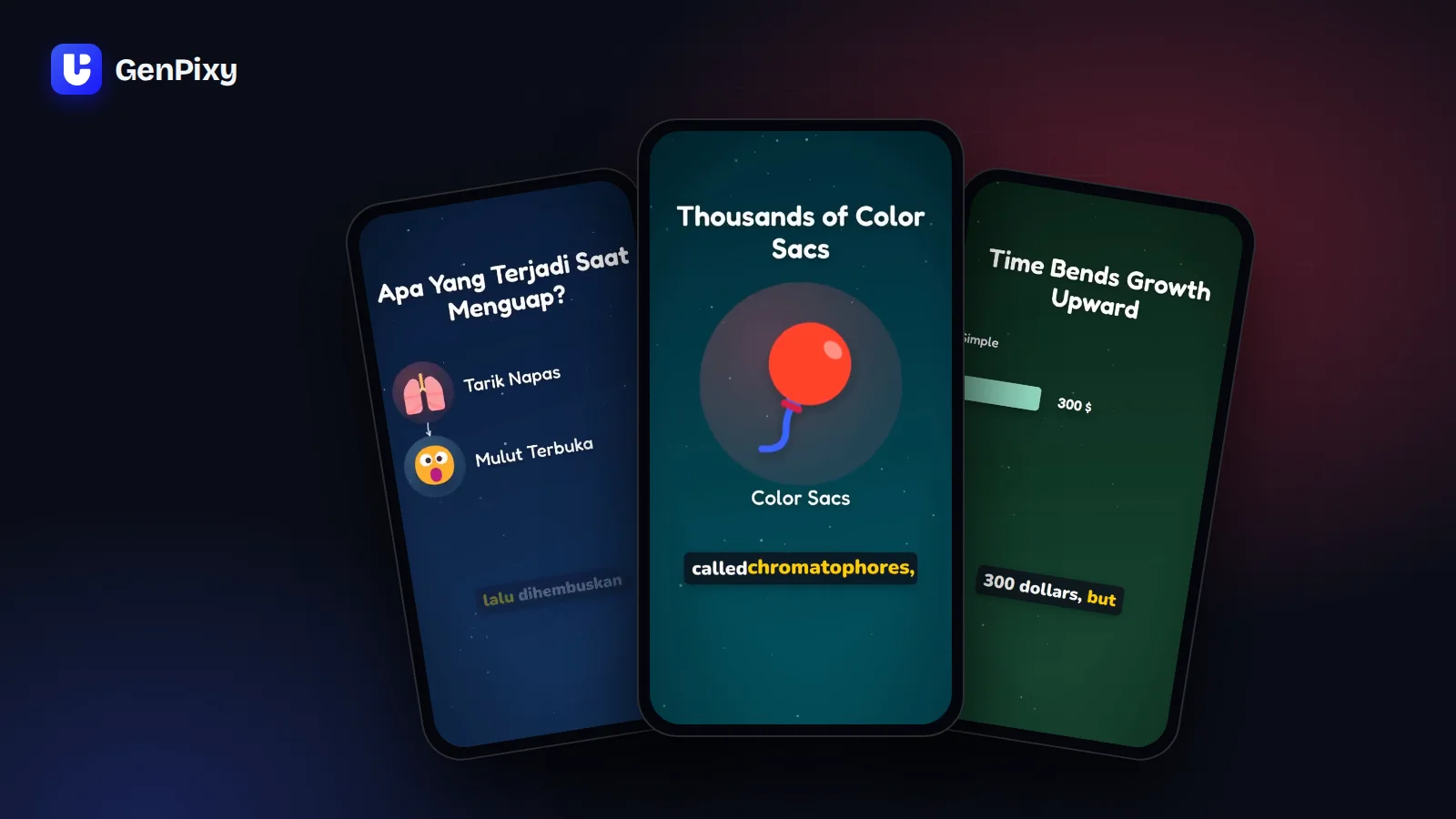
What DrawGen is, its three video styles, what you download, and how the free plan and the watermark work.
4 min read
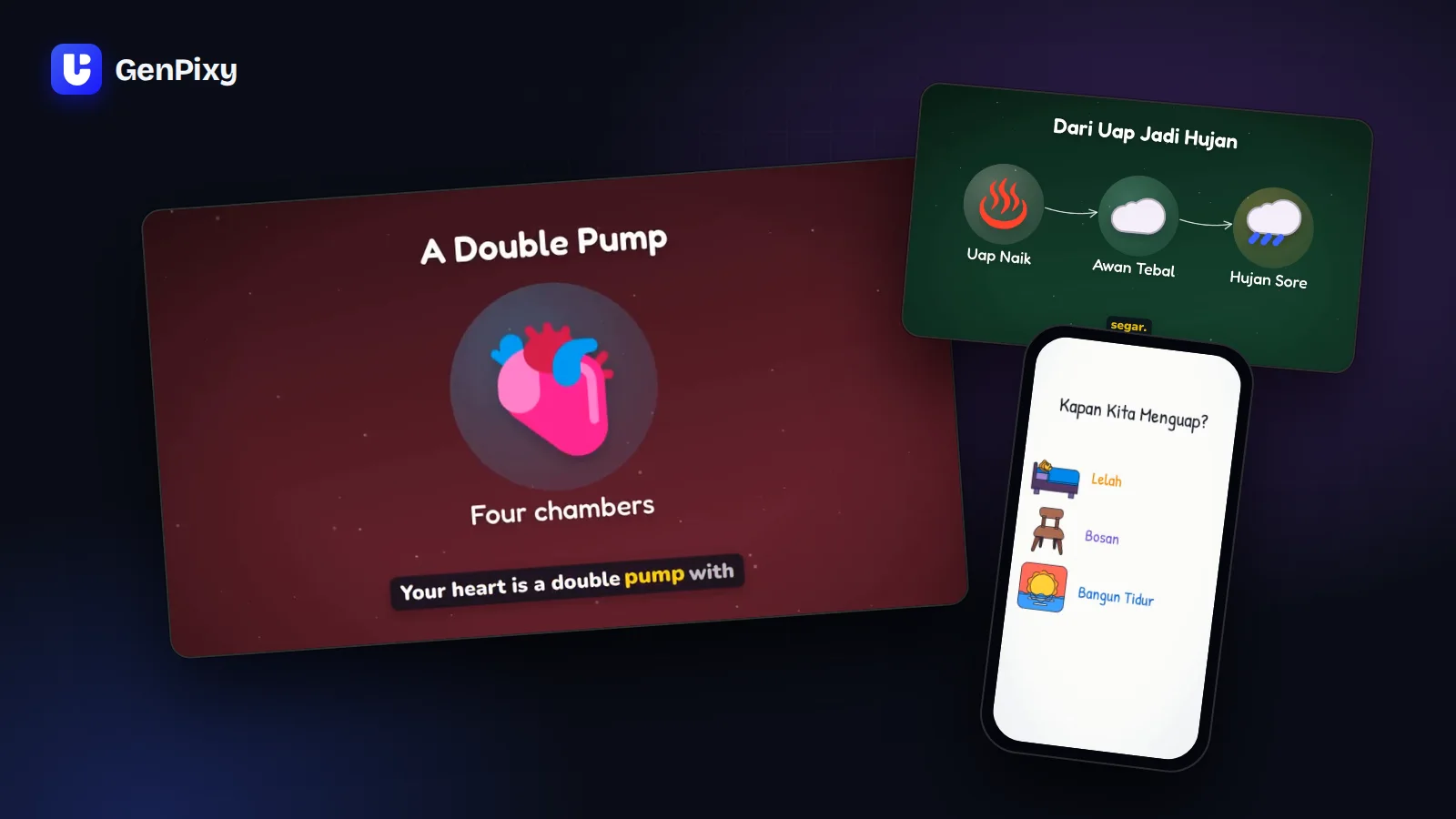
Type a topic, choose Whiteboard, and tick No watermark. Here is how to get a clean, narrated whiteboard video for free every day.
3 min read

Only three of seven whiteboard animation tools give you a free video without a watermark. See what each free plan really includes in 2026.
4 min read
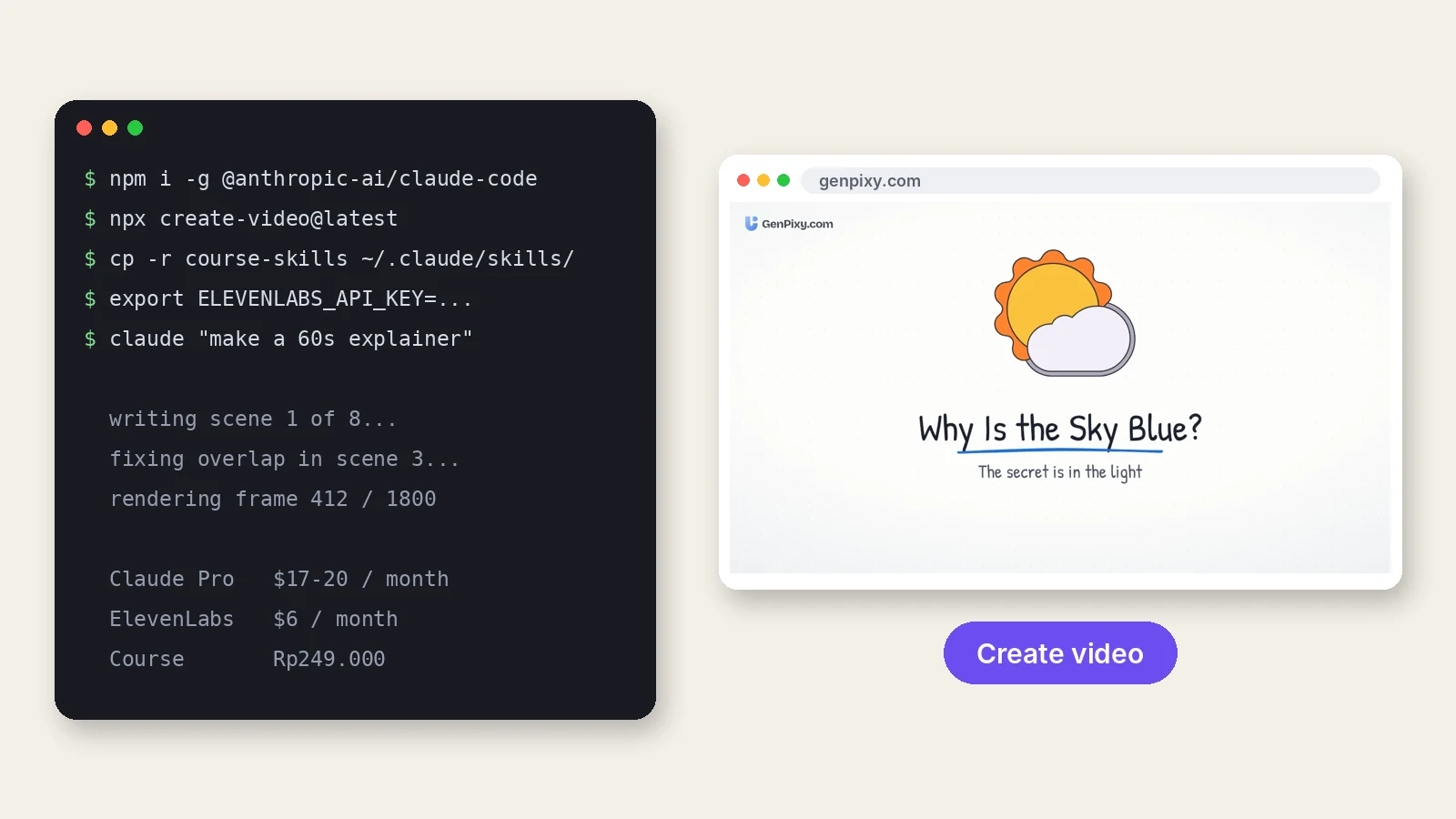
Making videos with Claude Code or Codex needs a paid agent plan, tools on your computer, and a voice account. GenPixy AI runs in the browser: sign up, type a topic, and generate.
6 min read
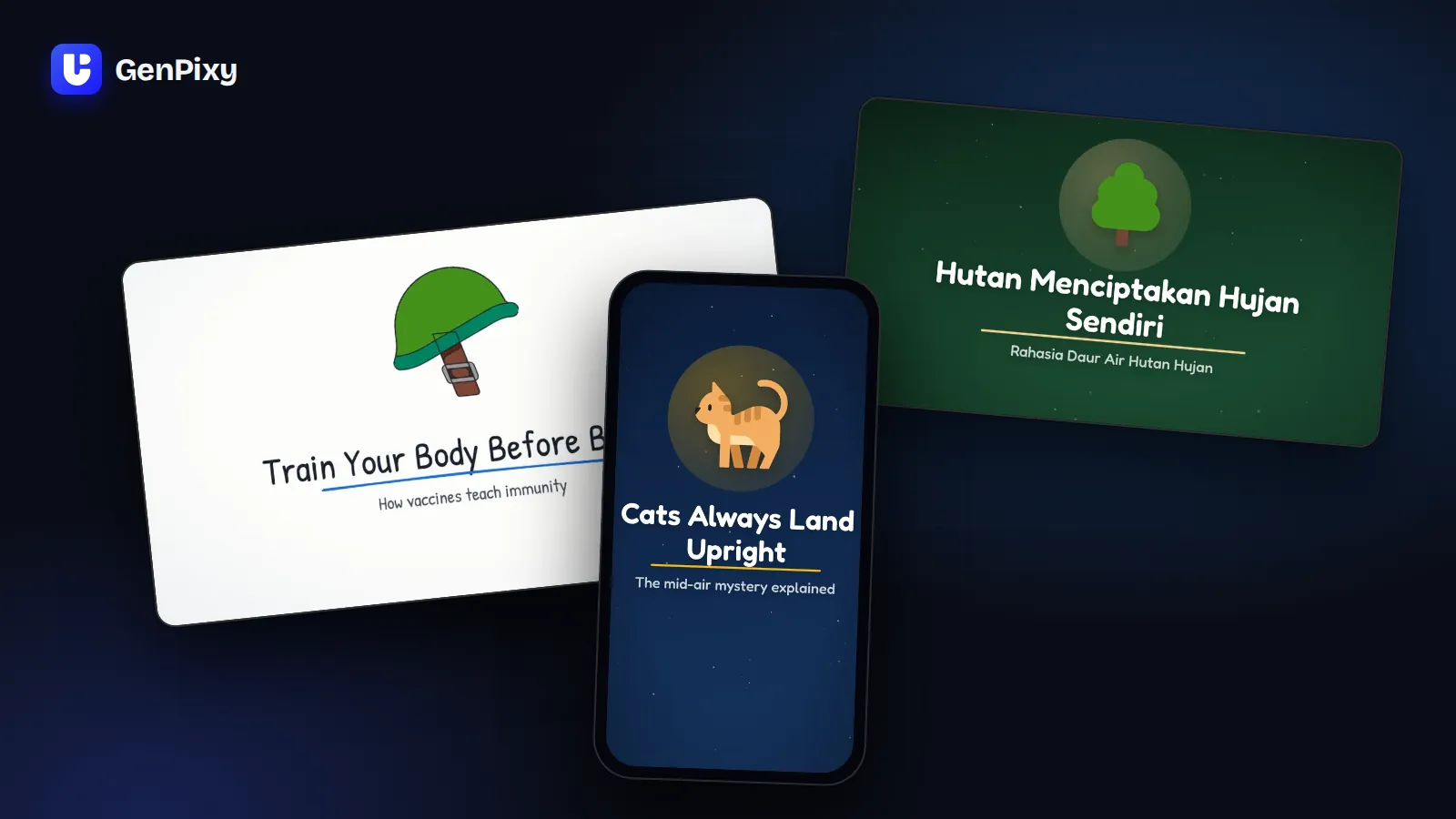
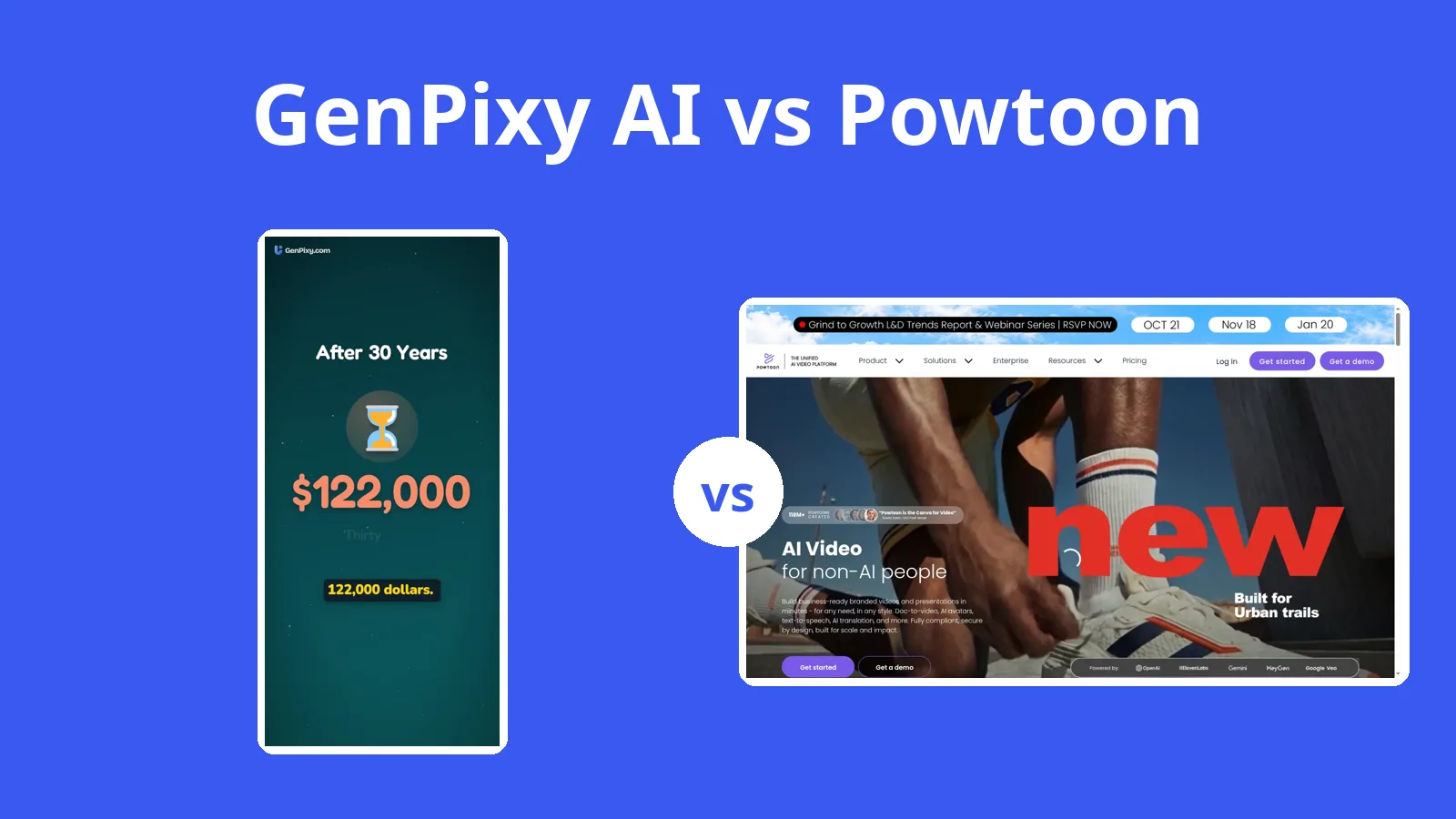
Powtoon's AI features spend credits from plans that start at $15 a month billed yearly. GenPixy AI makes a narrated explainer from one topic, with no subscription.
5 min read
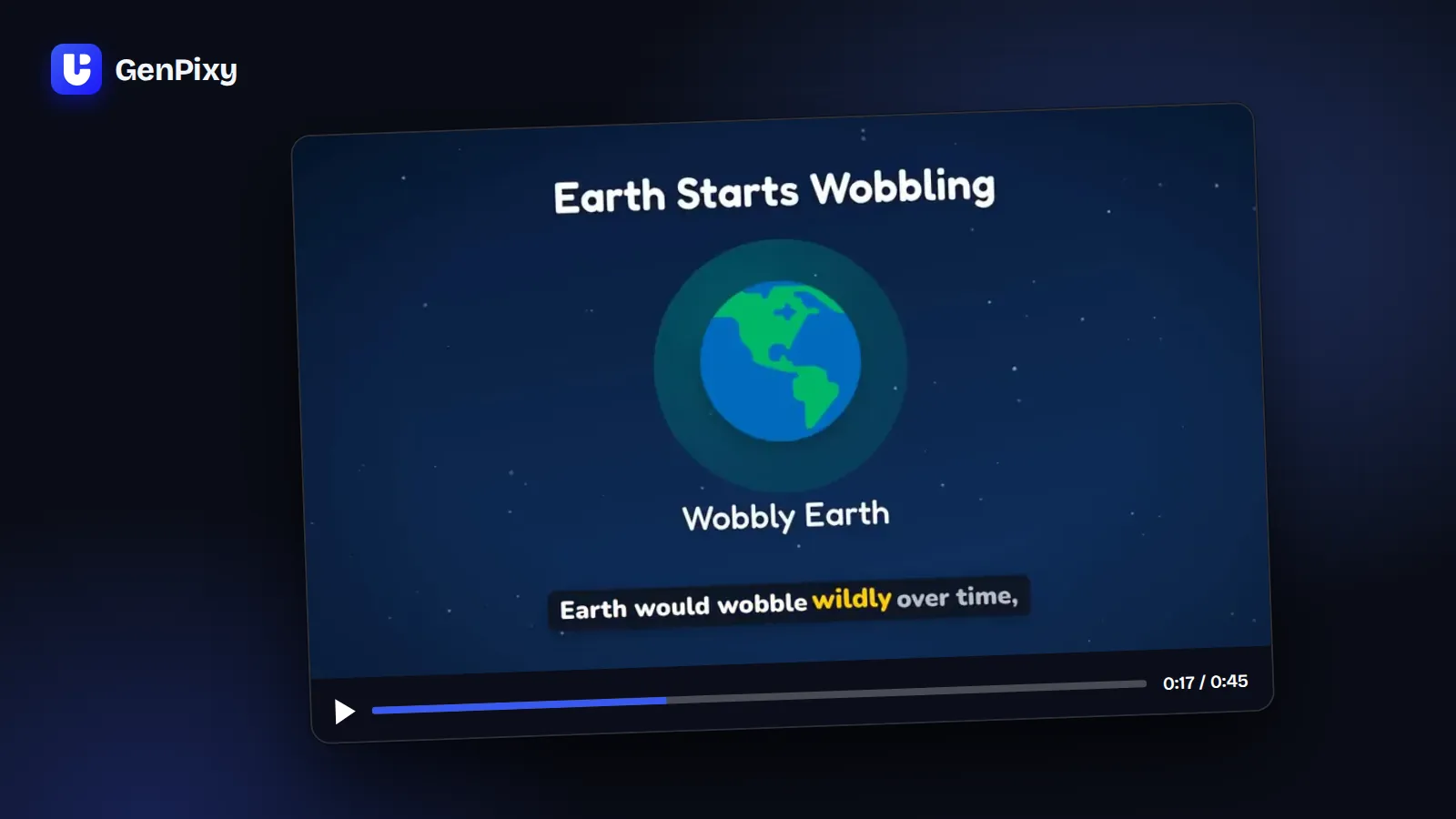
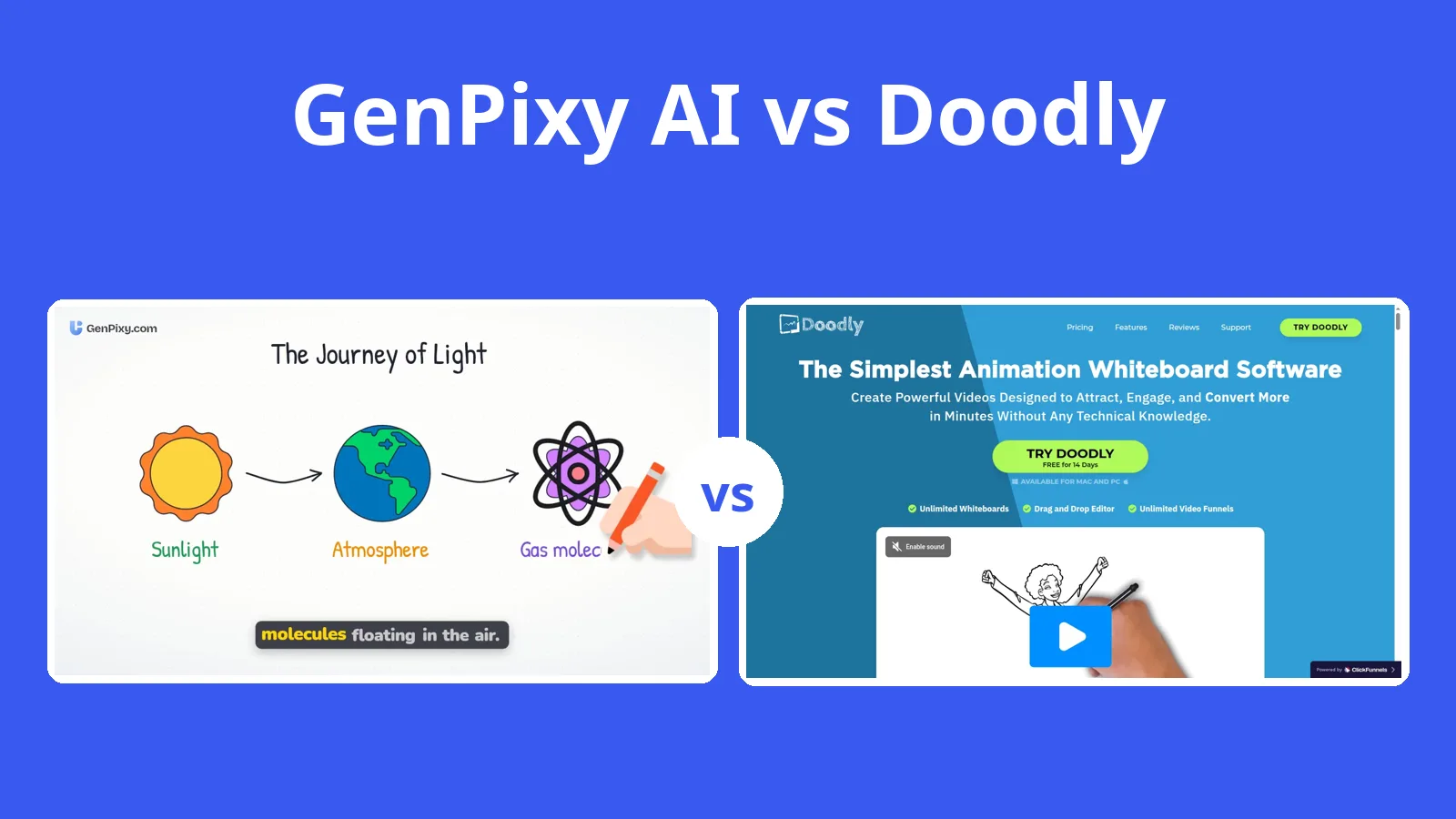
In Doodly you drag every character onto the canvas and record the voice yourself. GenPixy AI starts from a topic you type and gives you back a narrated video.
5 min read
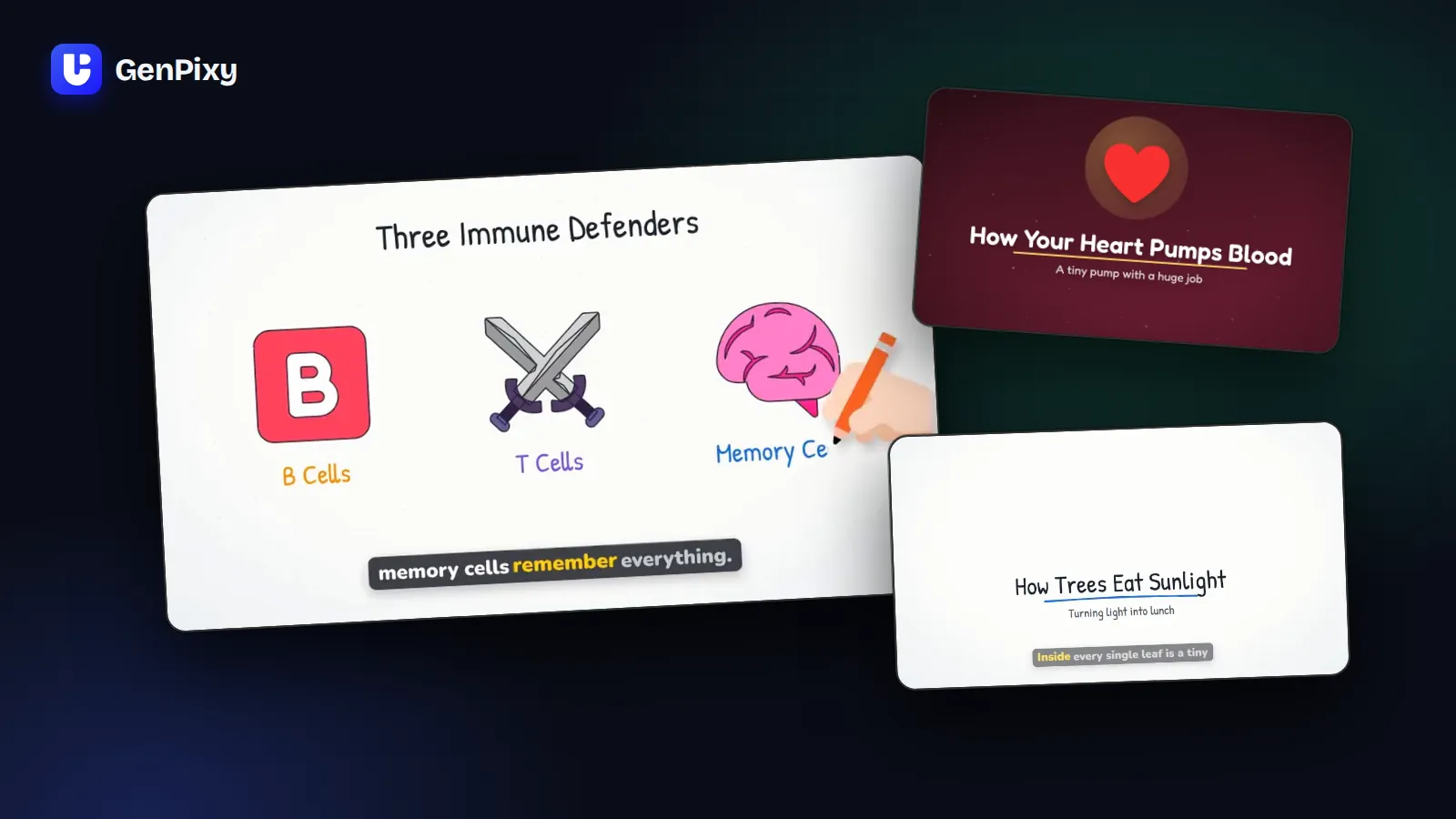
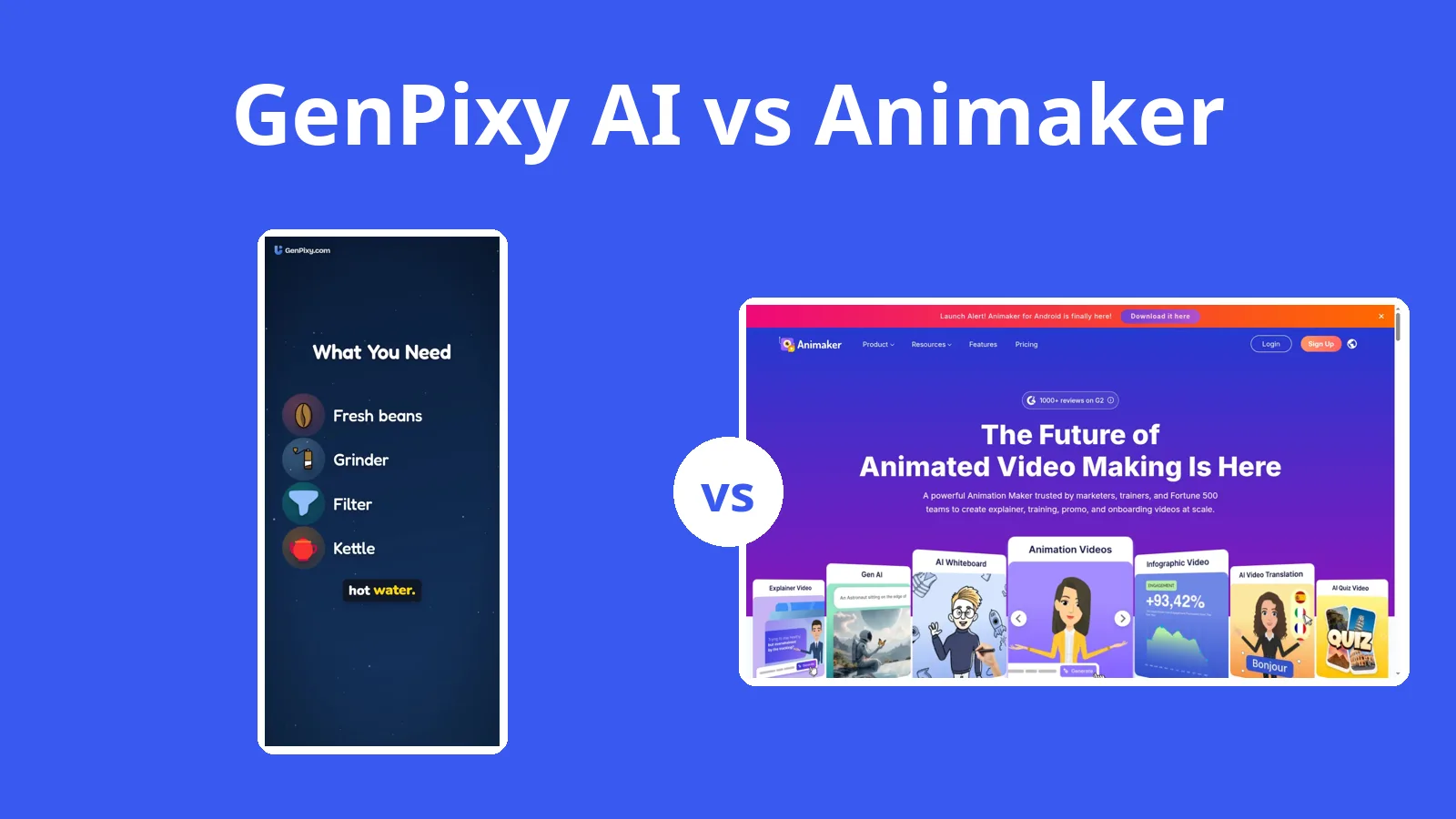
Animaker is a full animation studio with characters and a big editor, and its AI runs on monthly credits. For a short narrated explainer, GenPixy AI only needs a topic.
5 min read
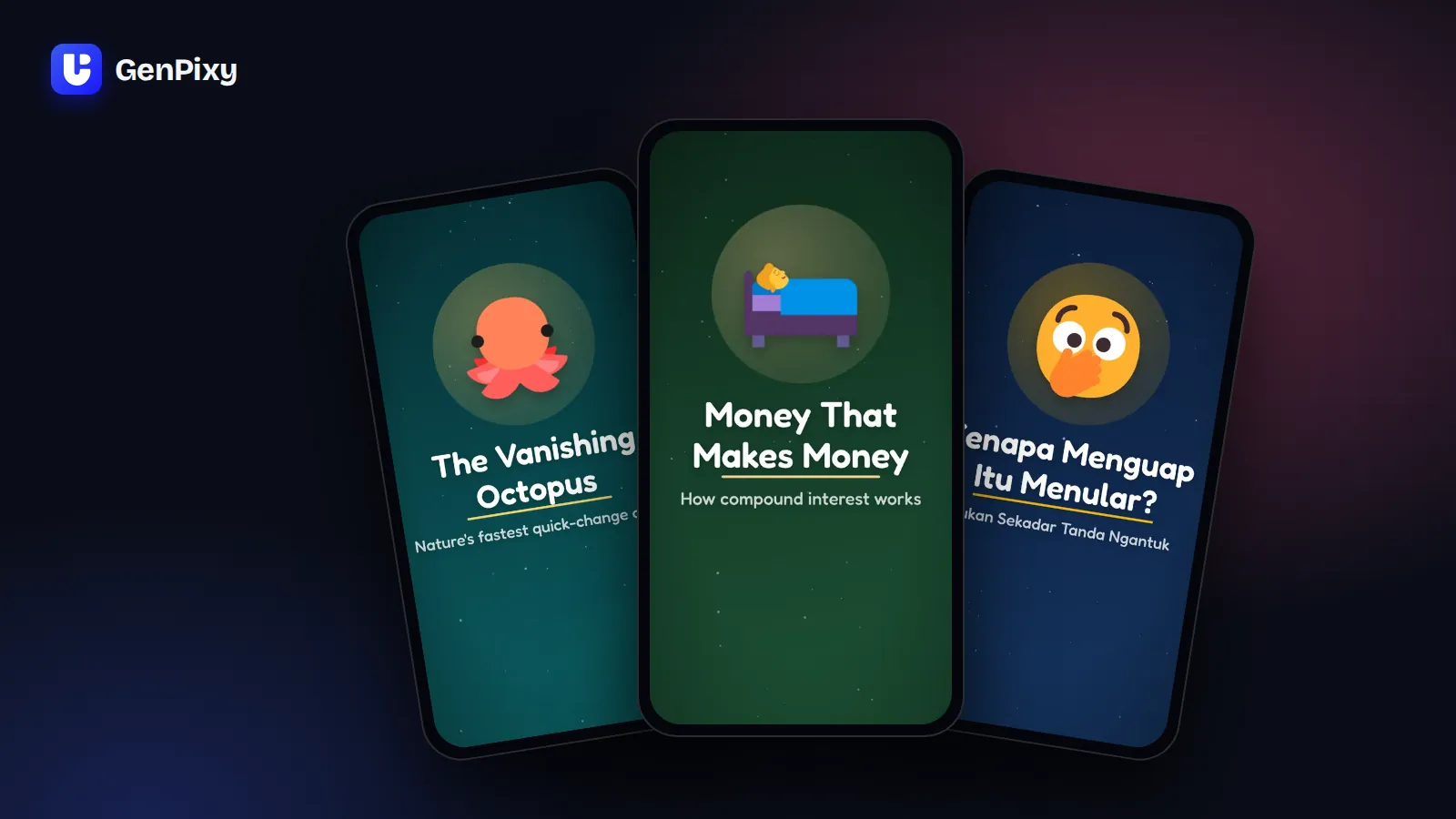
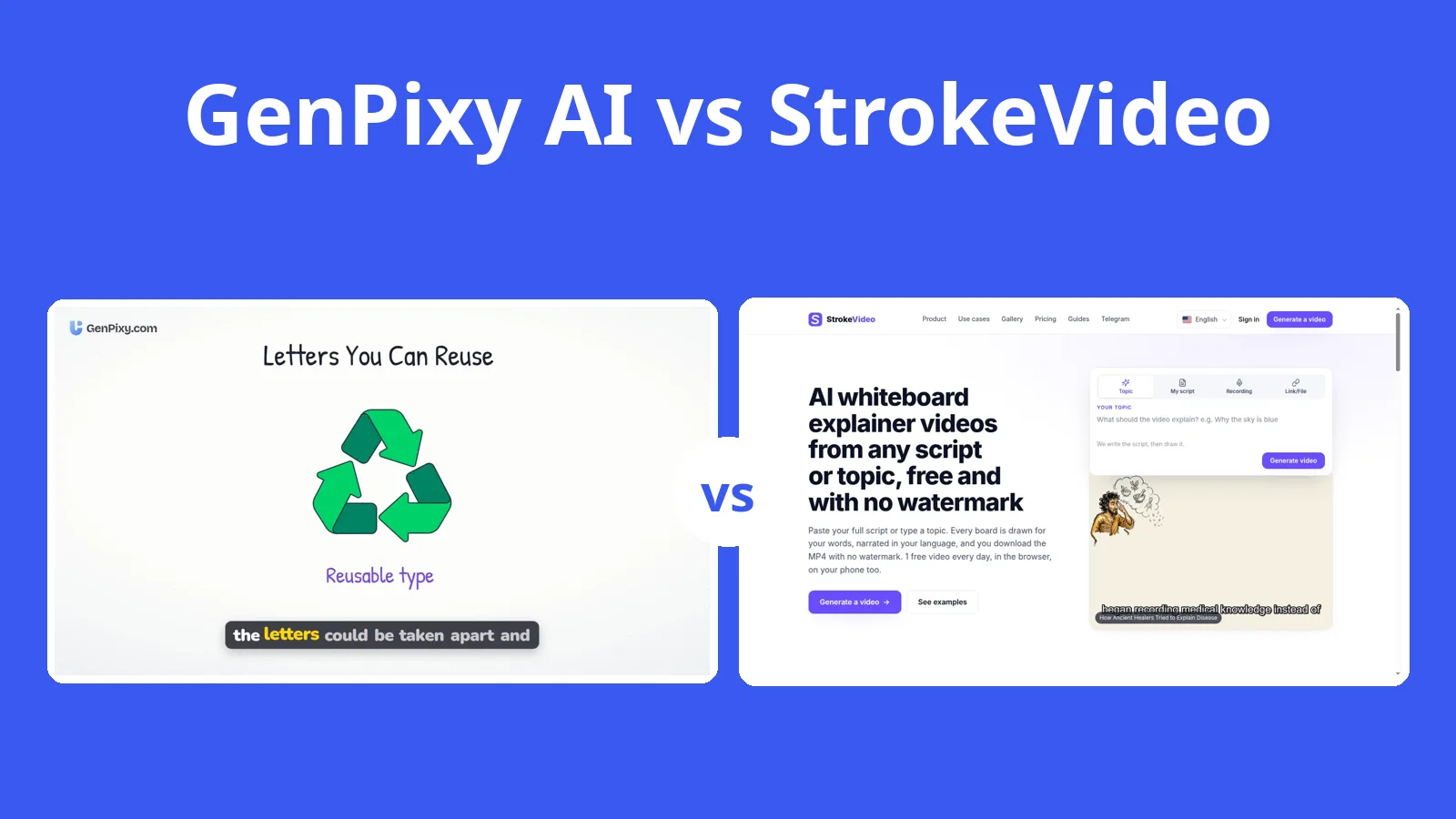
StrokeVideo has 23 drawing styles and narrates in 15 languages. GenPixy AI narrates in 70+ languages and includes an SRT caption file with every video.
5 min read

Vyond starts at $58 a month on a yearly team plan and has no free plan. If you make explainers on your own, GenPixy AI charges per video and lets you start free.
5 min read

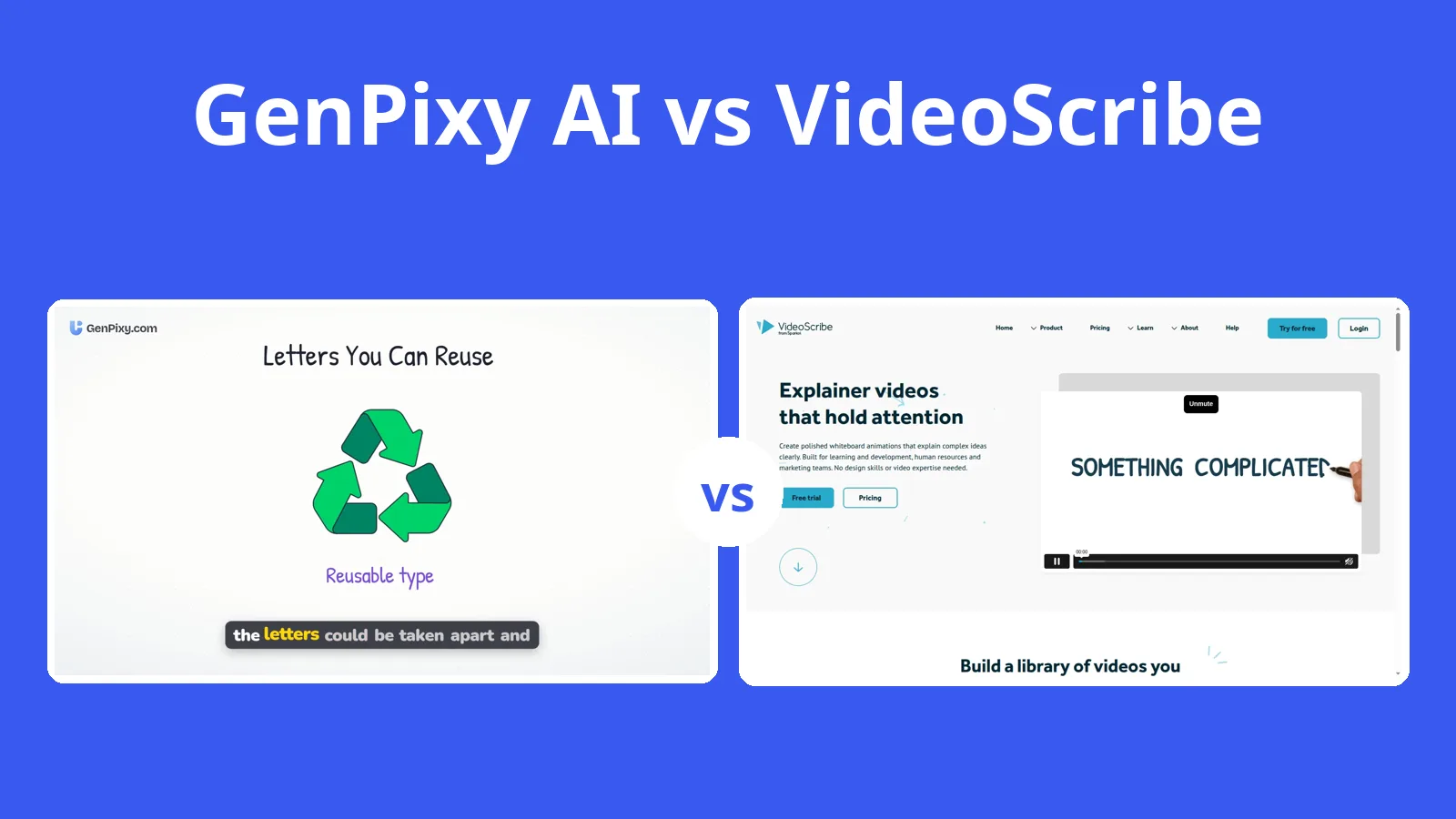
VideoScribe gives you a blank canvas, and you place every image yourself. GenPixy AI builds the whole whiteboard video from one topic, with the voice and captions already in.
6 min read

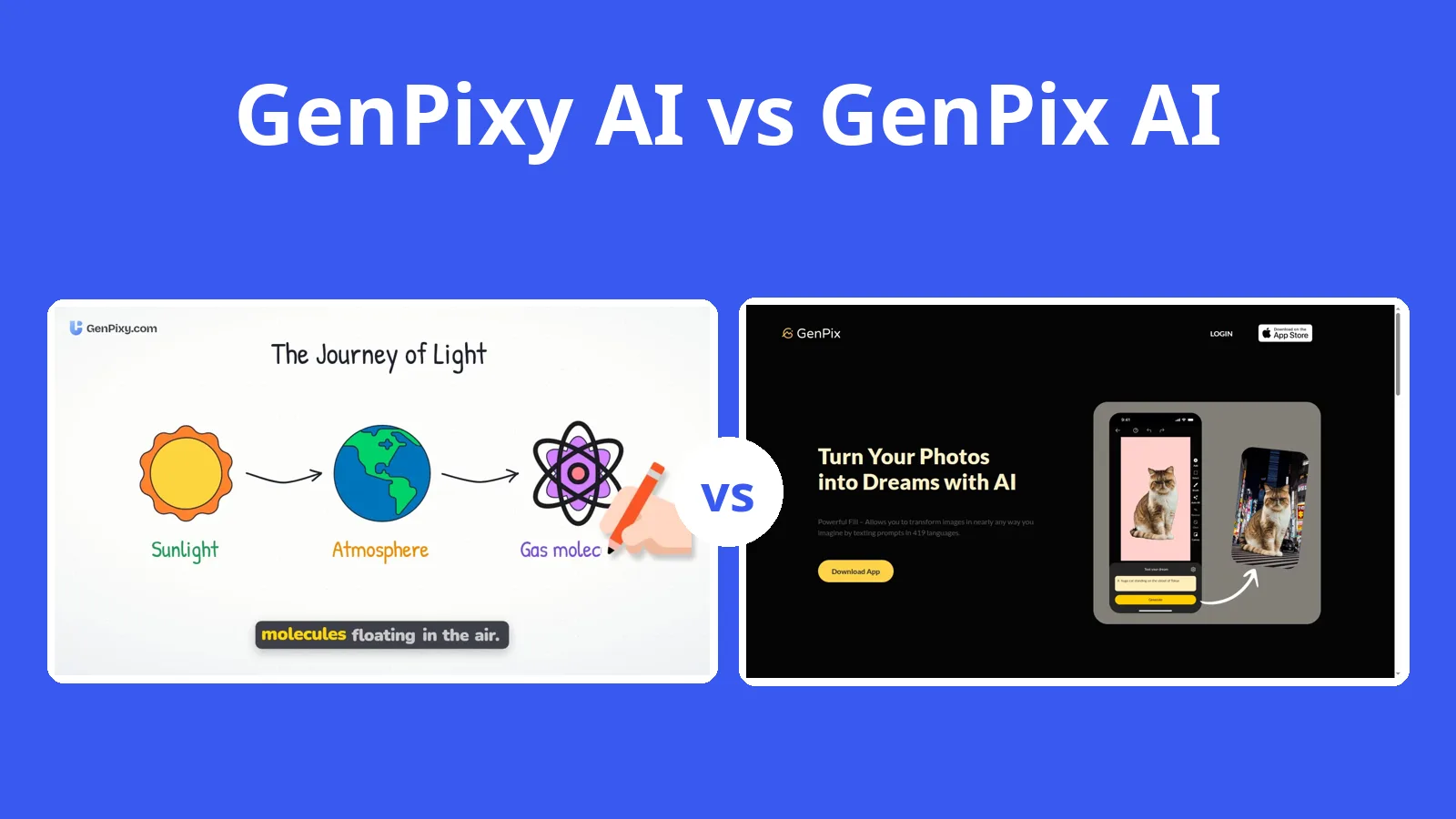
GenPixy AI and GenPix AI have similar names but are different products. GenPixy AI makes narrated explainer videos; GenPix is a photo editor app.
4 min read

Choose GenPixy AI settings for the video you want to share. Compare Whiteboard and Full Color, Landscape and Portrait, and narration language options.
3 min read

Copy eight GenPixy AI prompt examples for lessons, everyday science, business explainers, and short videos. Learn how to adapt each topic for your audience.
3 min read

New to GenPixy AI? Turn one clear topic into an animated explainer video. Learn what to prepare, how to start free, and what to check before posting.
3 min read

Make an animated lesson video with AI from one sentence: narration, drawings, captions, and music included. Step-by-step guide for teachers, with real examples and free limits.
4 min read

Real animated educational video examples made with GenPixy for biology, physics, health, and more, plus ready-to-copy lesson video topics for every subject.
3 min read

How to make AI history videos for YouTube and Shorts: topic ideas, prompts to copy, the best settings for a history channel, and how to check your facts.
4 min read

Compare 11 AI explainer video generators, including GenPixy, InVideo AI, Synthesia, HeyGen, Vyond, and VideoScribe: video style, free options, and what each tool is best for.
5 min read

Use ChatGPT to write better GenPixy video prompts. Copy a ready-made ChatGPT instruction and templates for lessons, fact Shorts, history, business, and kids videos.
4 min read

Turn any topic into a whiteboard explainer video. A hand draws each scene while a narrator explains, with captions on every word. No drawing, recording, or editing.
4 min read

Make faceless YouTube Shorts, TikToks, and Reels. Type one topic and get a vertical video with narration, captions, and a cover image. Plus topic tips and a simple weekly plan.
4 min read

Make faceless videos. Type one topic and GenPixy gives you a narrated explainer video with captions for YouTube, TikTok, and Reels. No camera, no mic, and no editing.
5 min read

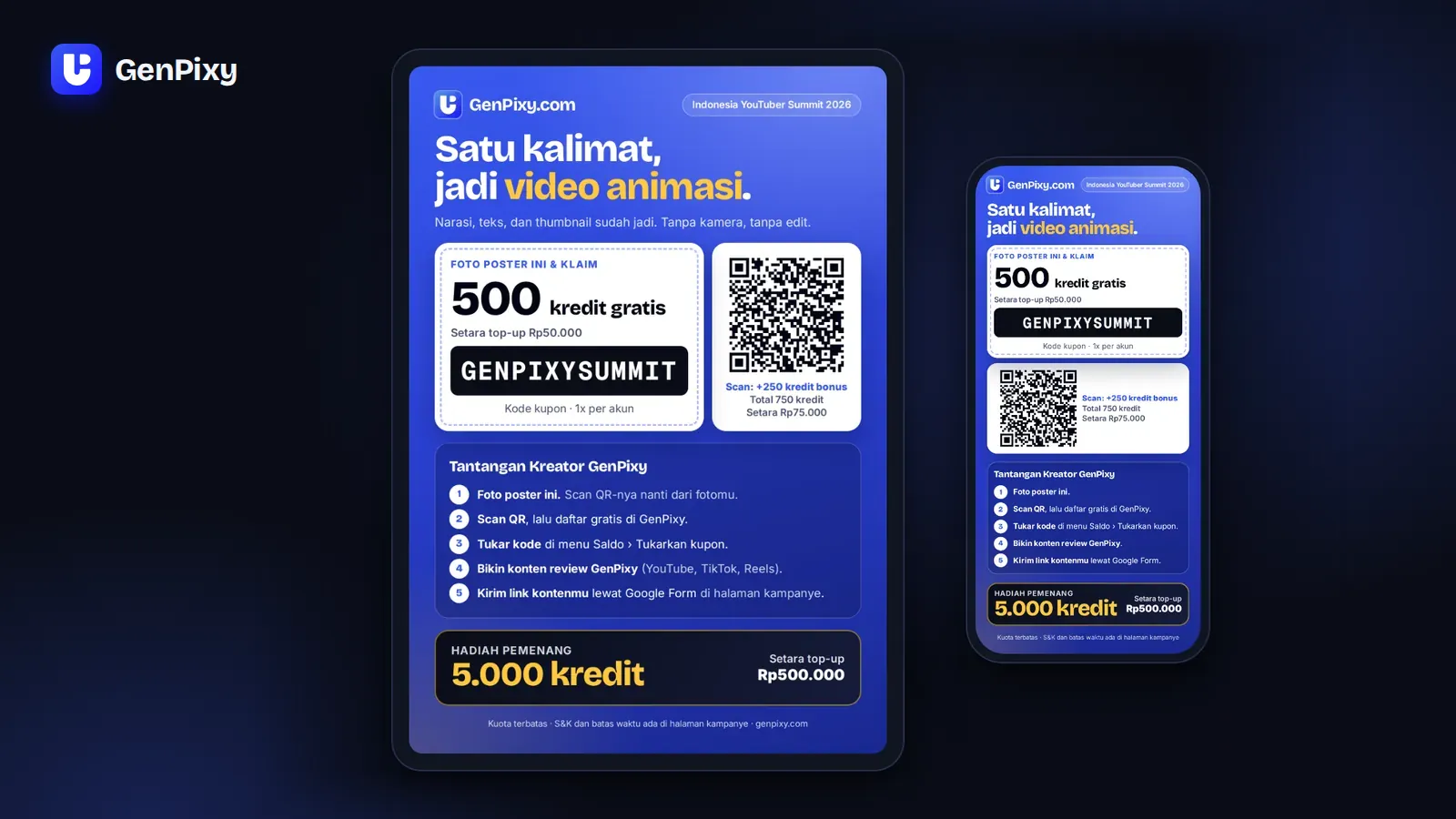
Claim a free GenPixy top-up worth IDR 75,000, make content that reviews GenPixy, and win a free top-up worth IDR 500,000. How to join, the rules, and the deadline.
4 min read

GenPixy is an AI platform that turns one sentence into a narrated, hand-drawn explainer video. Learn what GenPixy makes, who uses it, and how to start free.
4 min read

A step-by-step guide to making a narrated explainer video with GenPixy DrawGen. Write a topic, choose the style and format, then download and post your video.
2 min read

How teachers and university students use GenPixy to make short, narrated lesson videos in English or Bahasa Indonesia from one topic, with no video editing skills.
2 min read

Start a faceless explainer channel on YouTube, TikTok, or Reels with GenPixy. No camera, no microphone, and no editing. Plan topics, post often, and learn what works.
2 min read