 GenPixy
GenPixy AI vs VideoScribe: Which Is Better for Explainers?
VideoScribe gives you a blank canvas, and you place every image yourself. GenPixy AI builds the whole whiteboard video from one topic, with the voice and captions already in.
6 min read
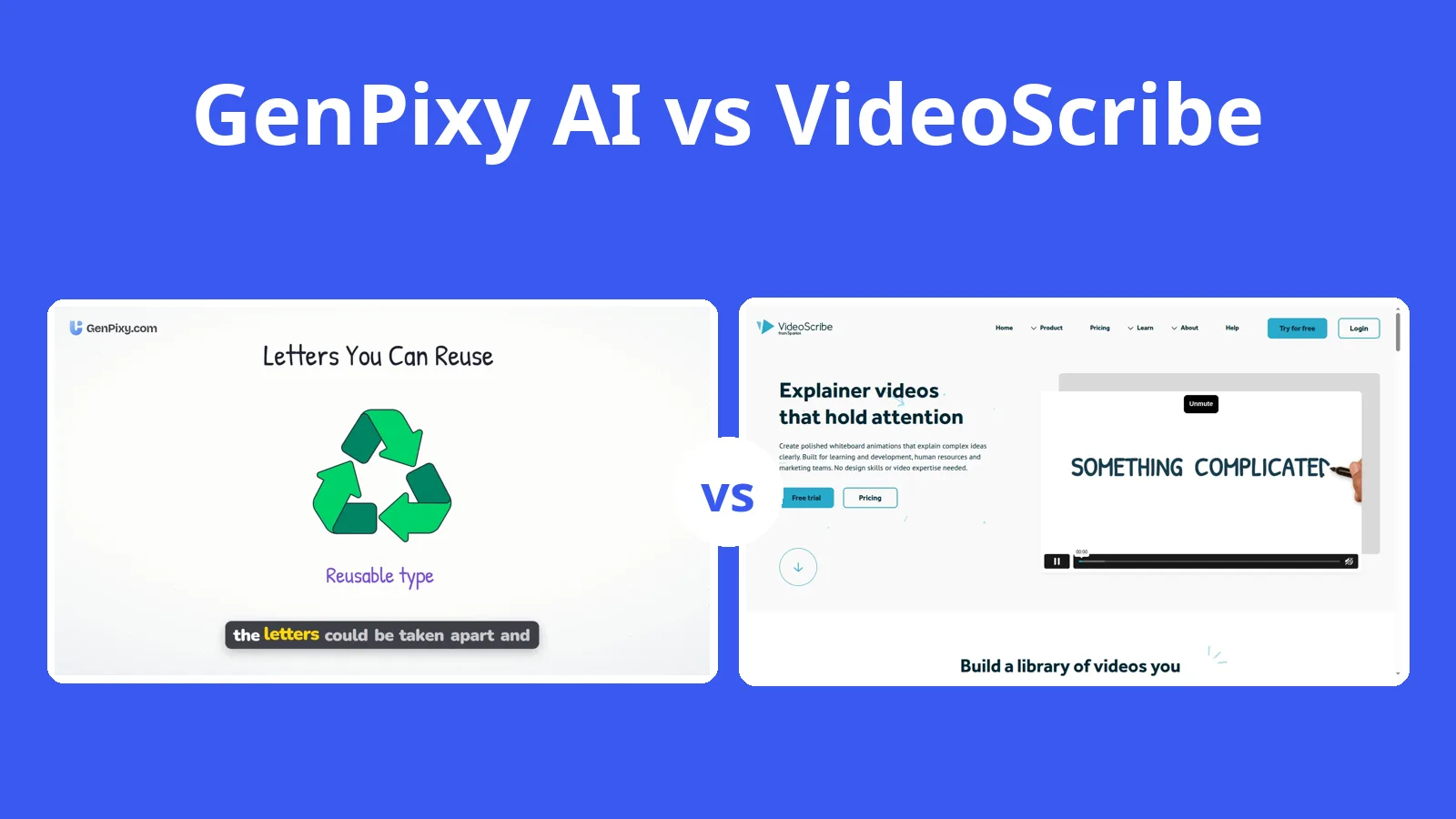
Placing every image and setting every draw and camera move in VideoScribe takes a long time once a video runs past a few minutes; GenPixy AI builds the whole explainer from a single topic. VideoScribe is a canvas you fill yourself, with AI helpers that take over parts of the job. The official pages for GenPixy AI and VideoScribe were read on 27 October 2026.
GenPixy AI makes a finished, narrated whiteboard video in Landscape or Portrait, with captions and an SRT file, and you can start for free. VideoScribe only makes sense when placing each scene by hand is the point, and its 7-day trial allows 3 watermarked downloads before a paid plan starts.
What GenPixy AI and VideoScribe produce, and what they cost
VideoScribe facts come from its official website and help pages, checked on 27 October 2026. VideoScribe shows prices by country, so your price can be different.
| GenPixy AI | VideoScribe | |
|---|---|---|
| How a video is made | AI makes the whole video: script, drawings, voice, and captions | You build each scene in an editor; AI helpers write a script, make images, and make a voiceover |
| What you start with | A topic, or your own script (up to 5,000 characters) | A blank canvas or a template |
| Look | Whiteboard (hand-drawn) or Full Color | Classic whiteboard draw-on animation |
| Video shape | Landscape 16:9 or Portrait 9:16 | Landscape, portrait, or square |
| Video length | 30 seconds to 10 minutes | 5 to 20 minutes, by plan |
| Voice | AI narration in 70+ languages, male or female voice | AI voiceover in 45+ languages on Core and Max, or your own recording |
| Captions and extras | Word-by-word captions, SRT file, thumbnail, YouTube title and hashtags | Not stated on the official pages |
| Free option | 3 videos a day, up to 60 s, 720p, no card | 7-day free trial: 3 downloads with a watermark |
| Paid price | Credits from $1.00, no subscription; about $0.15 per 1-minute 720p video | Lite from $8.42/month billed yearly ($21.09 monthly) |
| Works on | Browser on a phone or computer | Browser and desktop app |
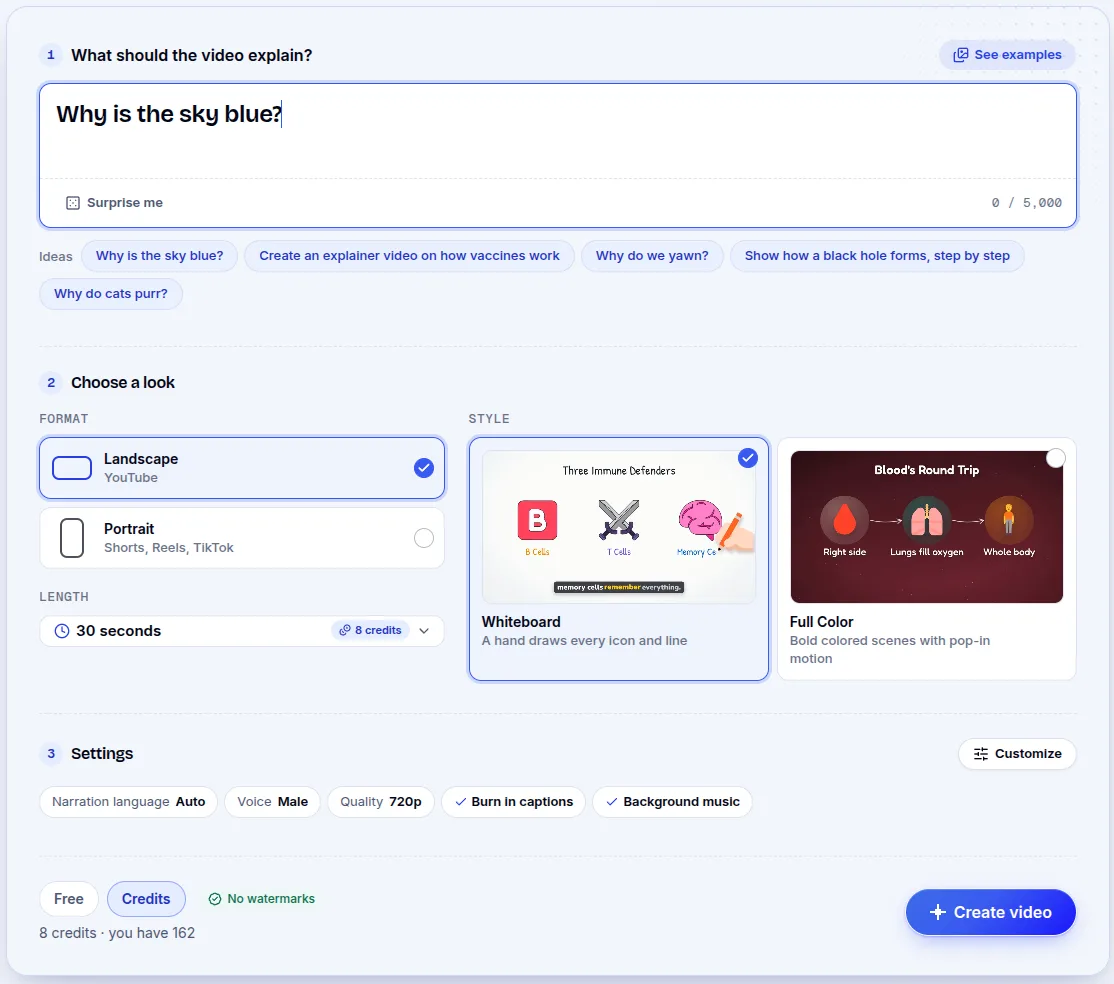
Typing a topic in GenPixy AI
You can give GenPixy AI a topic, for example "Why is the sky blue?", or paste in a script. Next, choose orientation (Landscape or Portrait), style (Whiteboard or Full Color), a duration between 30 seconds and 10 minutes, and the narration language. The output includes a script, images, narration, captions, and music. The MP4 download also includes a thumbnail, an SRT subtitle file, and a YouTube title, description, and hashtags. You use it in a browser on a phone or computer.
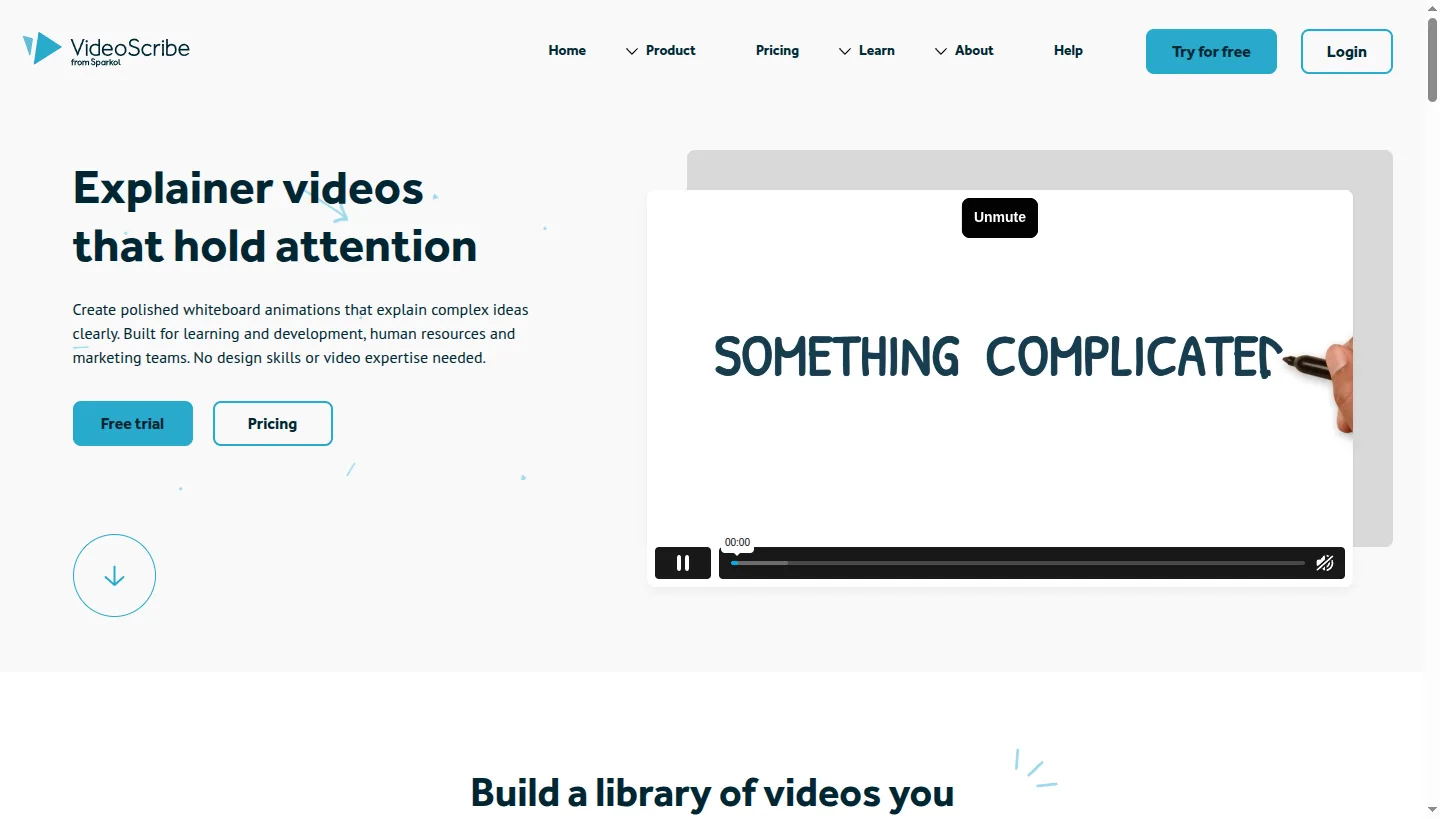
Placing every image in VideoScribe
VideoScribe, made by Sparkol, is whiteboard animation software. You add images from its library, choose how each one appears (draw, pulse, bounce, and more), and set camera moves to zoom and pan. Then you add music and a voiceover and download an MP4 in Full HD. VideoScribe also has AI helpers that write a script, make images, and make a voiceover, though assembling the scenes stays your job. It runs in the browser and as a desktop app, and projects sync between the two.
VideoScribe's license prices and GenPixy AI credits
VideoScribe's 7-day trial needs no credit card and allows 3 downloads, each carrying a watermark. Paid plans are sold per license. These are the prices on the official pricing page for our region:
| Plan | Billed monthly | Billed yearly |
|---|---|---|
| Lite | $21.09 per month | $8.42 per month ($101.01 per year) |
| Core | $35.52 per month | $14.34 per month ($172.05 per year) |
| Max | $44.40 per month | $18.04 per month ($216.45 per year) |
Lite covers 5 downloads a month and no AI voiceover, which starts on Core.
GenPixy AI sells credits rather than a subscription. Each day includes 3 free videos, up to 60 seconds at 720p, and you do not need a card. Longer or 1080p videos come from credit packs starting at $1.00. A 1-minute 720p video costs about $0.15 and a 10-minute 720p video under $1. The price appears before you press start, and in Indonesia it is shown in rupiah.
The Printing Press, built from one topic
The video below was made in GenPixy AI from one topic. Press play to watch the drawings, narration, and captions.
Where VideoScribe's control is worth the work
VideoScribe earns its place when you want to control every image, the drawing hand, the timing, and the camera move. The image library runs to 5 million pictures, and Max adds custom fonts and a brand kit. It also handles videos up to 20 minutes, twice the GenPixy AI limit, and it comes as a desktop app with team licenses.
The cost of placing every scene yourself
That control has a time cost, because a long video takes much longer to build by hand. The trial's 3 downloads carry a watermark, there is no free plan, and Lite, the cheapest paid tier, is $8.42 a month when billed yearly. Its official pages do not mention captions or SRT files.
Choosing VideoScribe for brand control
VideoScribe fits when you want to build each scene yourself and need brand control. Most people, teachers and students included, can get a similar whiteboard look from GenPixy AI with far less work. You give it one topic and get back a narrated video with captions and an SRT file, with free videos every day and no subscription.
Questions about price and scene building
Can GenPixy AI replace VideoScribe for a whiteboard explainer?
Yes, if you would rather the video were made for you. GenPixy AI turns one topic into a script, images, narration, and captions; VideoScribe is an editor where you build the video yourself.
Which is cheaper, GenPixy AI or VideoScribe?
GenPixy AI, for most people. It gives free daily videos and sells credits with no subscription. VideoScribe needs a paid plan once the 7-day trial ends, and in the region we checked Lite is $8.42 a month when billed yearly.
Can VideoScribe make a video from a topic?
Not in one step, judging by its official pages. Its AI tools write scripts, make images, and record voiceovers, but you still place the scenes yourself.
Sources
Every page below was read on 27 October 2026. Plans and prices do change, so check the official site before buying.
The comparison page has more tools, and the best AI explainer video generators for 2026 covers the wider field.
Create your first GenPixy AI video free, with no credit card needed.