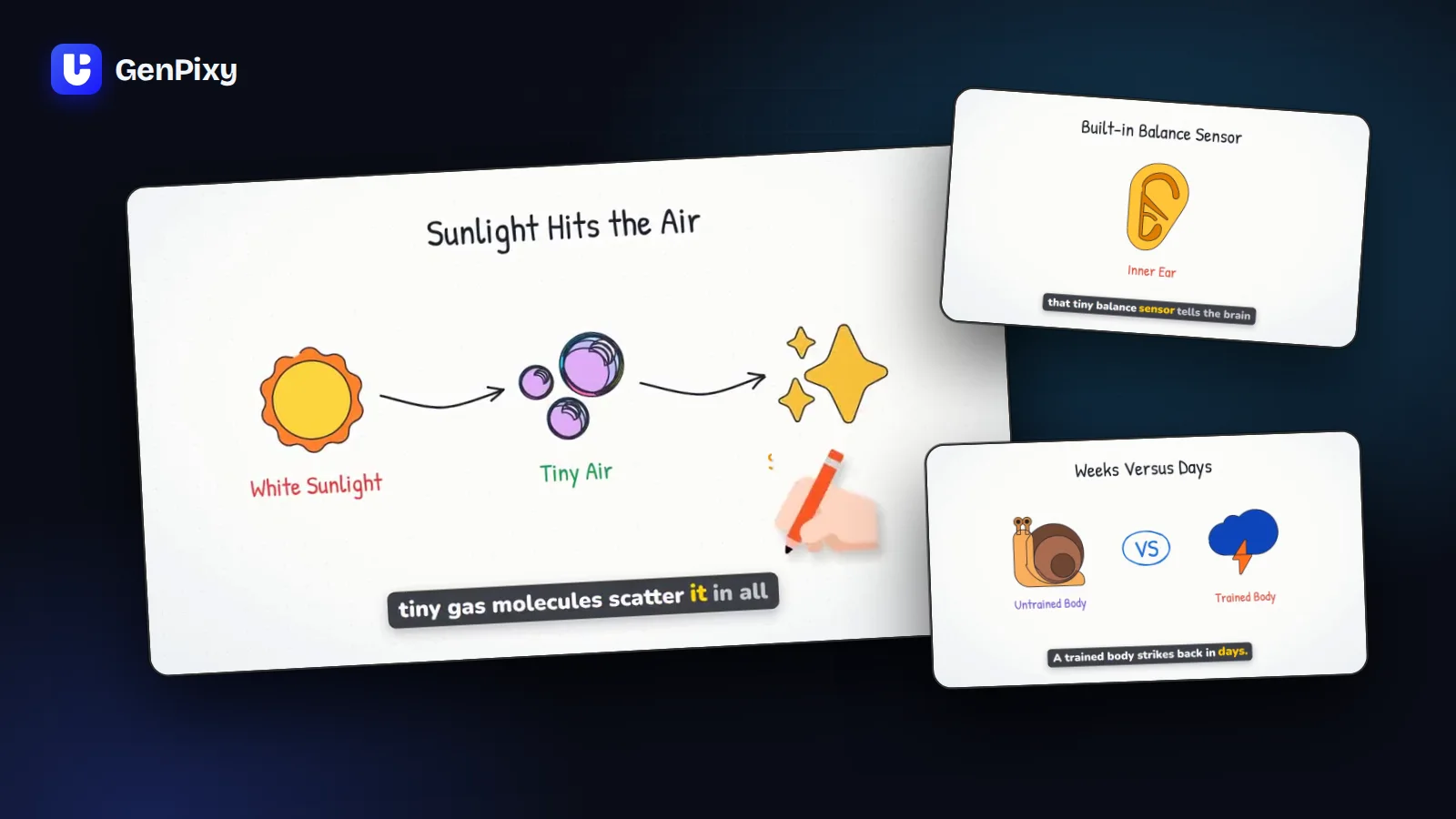
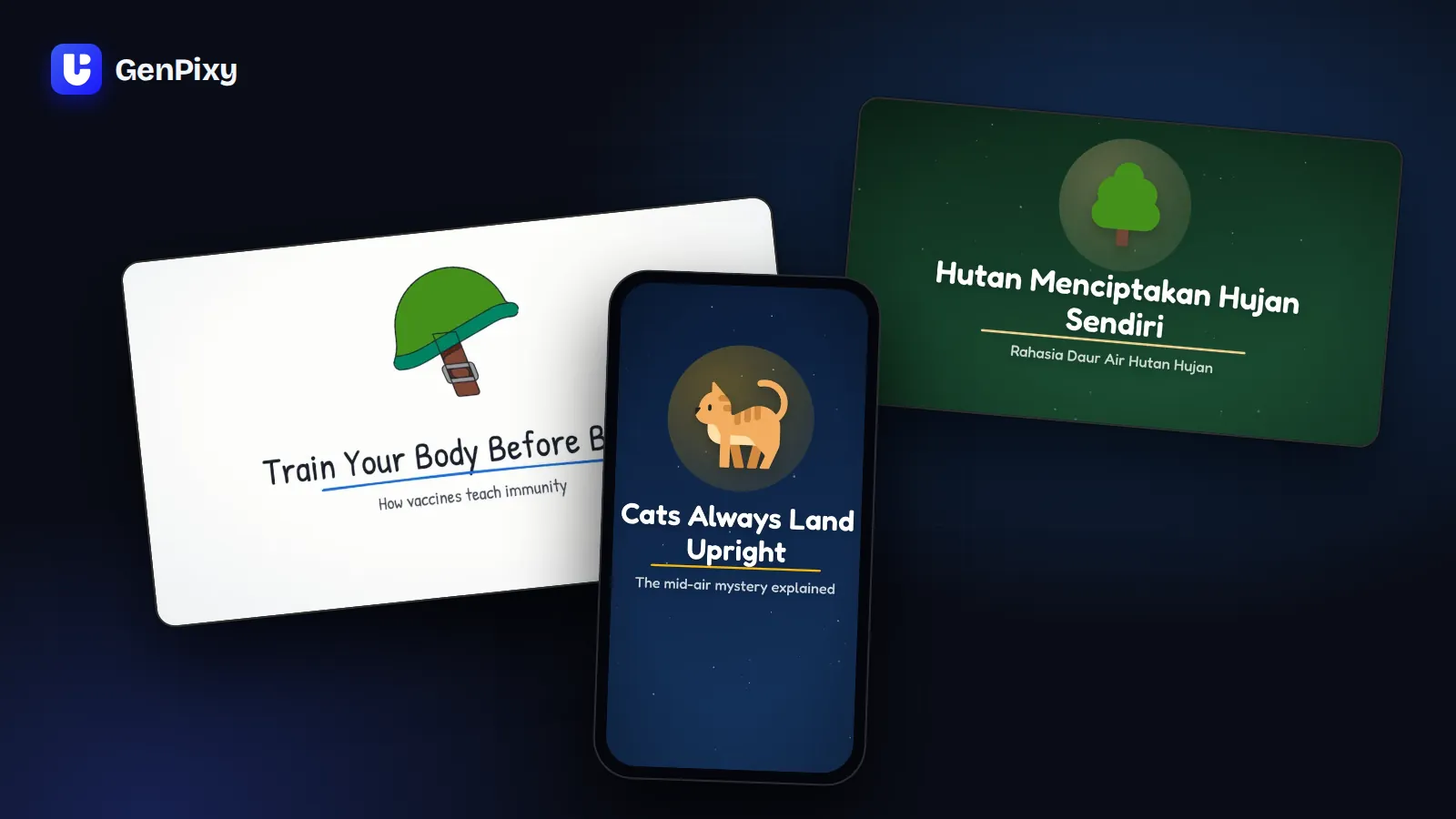
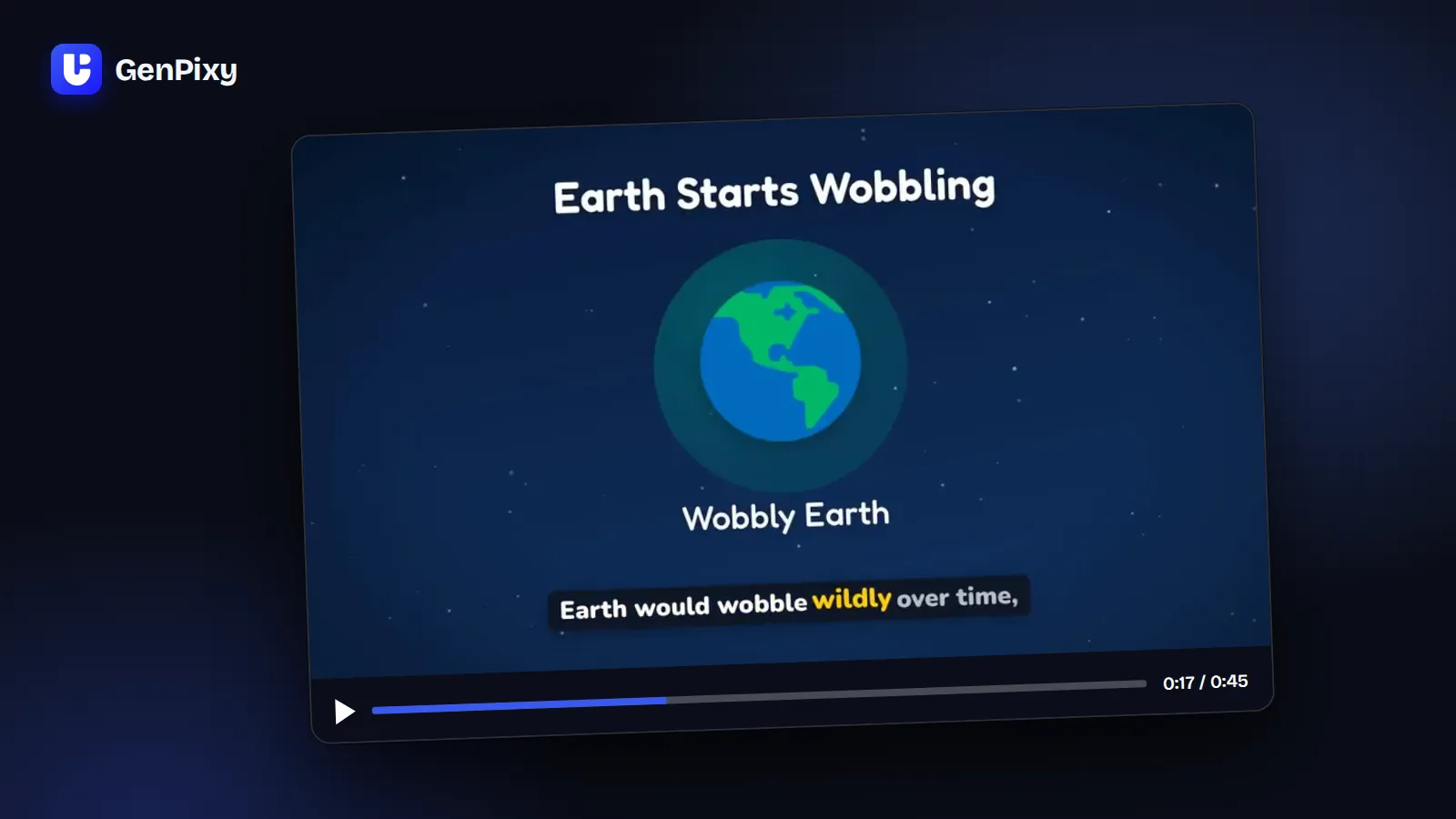
 GenPixy
AI Faceless Video Maker: Make Faceless Videos from One Sentence
Make faceless videos with AI. Type one topic and GenPixy gives you a narrated explainer video with captions for YouTube, TikTok, and Reels. No camera, no mic, and no editing.
5 min read
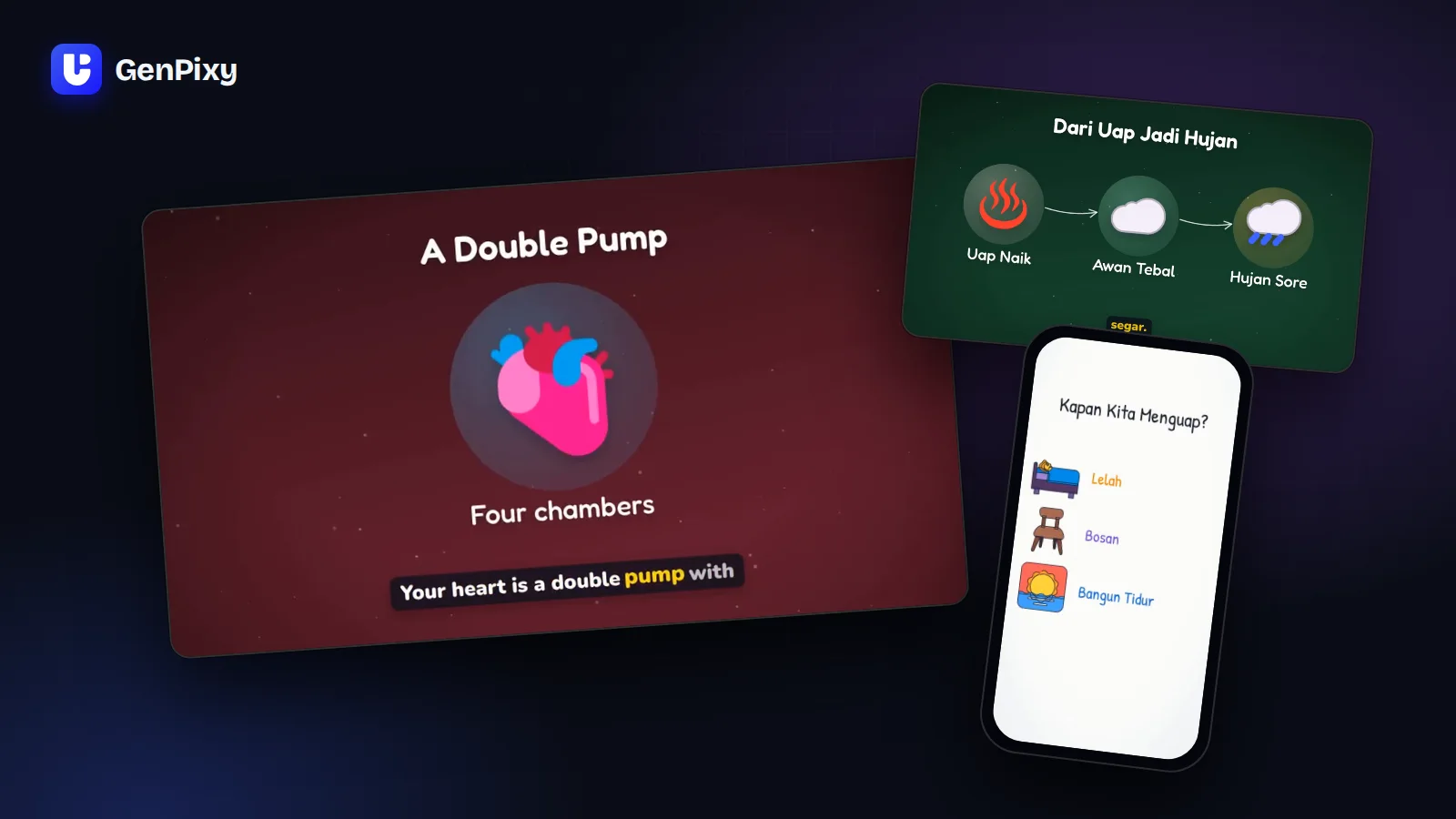
An AI faceless video maker turns an idea into a finished video where nobody appears on camera. You do not film, record your voice, or edit. GenPixy is an AI faceless video maker for explainer videos: you type one topic, and you get a narrated, animated video with captions, ready for YouTube, TikTok, and Instagram Reels.
This guide explains what a faceless video is, which kind of AI tool fits your channel, and how to make your first faceless video for free.
What is a faceless video?
A faceless video is a video where the creator never shows their face. Pictures, on-screen text, and a narrator tell the story. Faceless videos are common in these niches:
- Science and "why" questions
- History stories and fun facts
- Money basics and study tips
- Short lessons for students
People watch these videos for the answer. They do not need to see who made it. That is why a faceless channel can grow without a camera, a studio, or a big budget.
What you get from GenPixy
Every GenPixy video is ready to post:
| You get | Why it helps |
|---|---|
| An MP4 video with narration | No microphone and no voice recording |
| Animated drawings in every scene | No filming and no search for stock footage |
| Word-by-word captions | People who watch with the sound off can follow |
| An SRT subtitle file | Upload captions to YouTube or any other platform |
| A cover image (thumbnail) | Your video looks finished in the feed |
| A YouTube title, description, and hashtags | You spend less time on each upload |
Here is a real video that GenPixy made from one topic:
Which kind of AI faceless video maker do you need?
"Faceless video" covers several kinds of AI tools. Choose the kind that matches your content.
| Kind of tool | What the video looks like | Good for |
|---|---|---|
| Stock footage video maker | Clips from a video library with a voice-over | Lists, travel, and general news |
| AI avatar video maker | A digital presenter talks to the camera for you | Talking-head videos without your own face |
| AI image slideshow maker | AI pictures with slow zooms and a voice-over | Stories and mysteries |
| AI explainer video maker (GenPixy) | Drawings that appear in time with the narration | Questions, lessons, science, money, and history |
GenPixy focuses on explainer videos. If your channel answers questions or teaches ideas, drawn scenes keep the viewer's eyes on the idea. Every video also has the same look, so your uploads feel like one series.
How to make a faceless video with AI in 4 steps
- Write one topic. Create a free GenPixy account, open DrawGen, and type one clear question, for example "Why do cats purr?"
- Choose the look. Choose Portrait 9:16 for Shorts, TikTok, and Reels, or Landscape 16:9 for YouTube. Then choose the Whiteboard or the Full Color style.
- Choose the voice. Choose the narration language (English, Indonesian, or Same as topic) and a male or female voice. Select Play to hear a sample.
- Generate and post. Select Generate video. You can close the page while you wait. When the video is ready, watch it, check the facts, and download the files.
For every option in the form, read how to make an explainer video with GenPixy.
Faceless video ideas that work
Use a pattern, then fill it with your own topics. A pattern tells viewers what to expect from your channel.
| Pattern | Example topic |
|---|---|
| "Why does…?" | Why does ice float on water? |
| "What if…?" | What would happen if the Moon disappeared? |
| "How does … work?" | How does your heart pump blood around your body? |
| Myth or fact | Do goldfish really have a 3-second memory? |
| Explained in 60 seconds | Compound interest explained in 60 seconds |
| History mystery | Why did the Titanic sink? |
Make your faceless videos stand out
AI makes the video. You make the channel. These habits help your channel grow and stay trustworthy:
- Post in series. Group your topics, for example "Animal superpowers" or "Money basics". A viewer who likes one video watches the next one.
- Keep one look. Use the same style and format on one channel, so people know your videos at a glance.
- Make the title yours. GenPixy suggests a YouTube title and description. Edit them so they sound like you.
- Check every fact. GenPixy uses AI, and AI can make mistakes. Check health, money, and history facts with a trusted source before you post.
- Follow platform rules. YouTube, TikTok, and Instagram have rules about AI content. Add an AI label when a platform asks for one.
Common questions
Is there a free AI faceless video maker?
Yes. A free GenPixy account can make up to 5 videos per day, each up to 60 seconds long at 720p. You do not need a credit card. For 90-second videos or 1080p quality, use credits. See the GenPixy pricing.
Do GenPixy videos have a watermark?
No. GenPixy does not add a watermark to your videos, so you can post them as they are.
Can I monetize faceless videos made with AI?
Many faceless channels earn money. You own the videos that you make with GenPixy (see the Terms of Service). Platforms such as YouTube pay channels that add their own value, not channels that post repetitive, mass-produced content. Choose your own topics, build series, and check your facts.
Do I need to use my own voice?
No. Every GenPixy video comes with narration. Choose a male or female voice in English or Indonesian.
Can I make faceless videos in Bahasa Indonesia?
Yes. Write your topic in Indonesian and choose Same as topic or Indonesian. The narration and the captions are then in Indonesian.
How long can a faceless video be?
You can choose 30, 60, or 90 seconds. Free videos are up to 60 seconds long.
Make your first faceless video
Start free on GenPixy and make your first faceless video today.
- Do you want vertical videos? Read the guide to the AI shorts creator for YouTube Shorts, TikTok, and Reels.
- Do you like the hand-drawn look? Read about the AI whiteboard video generator.
- Do you want a full channel plan? Read how to start a faceless YouTube or TikTok channel.