 GenPixy
AI Whiteboard Video Generator: Turn Any Topic into an Explainer Video
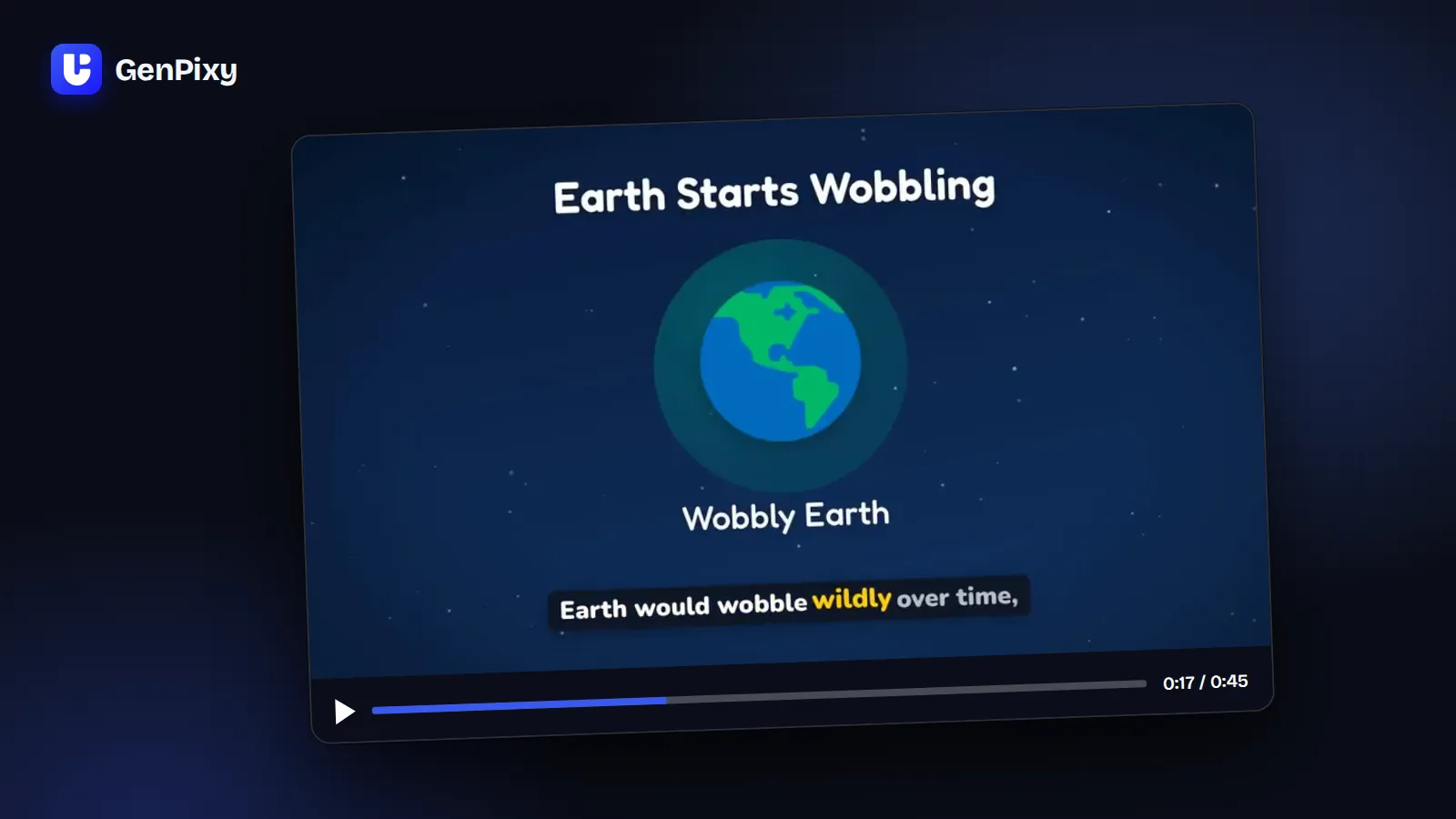
Turn any topic into a whiteboard explainer video with AI. A hand draws each scene while a narrator explains, with captions on every word. No drawing, recording, or editing.
4 min read
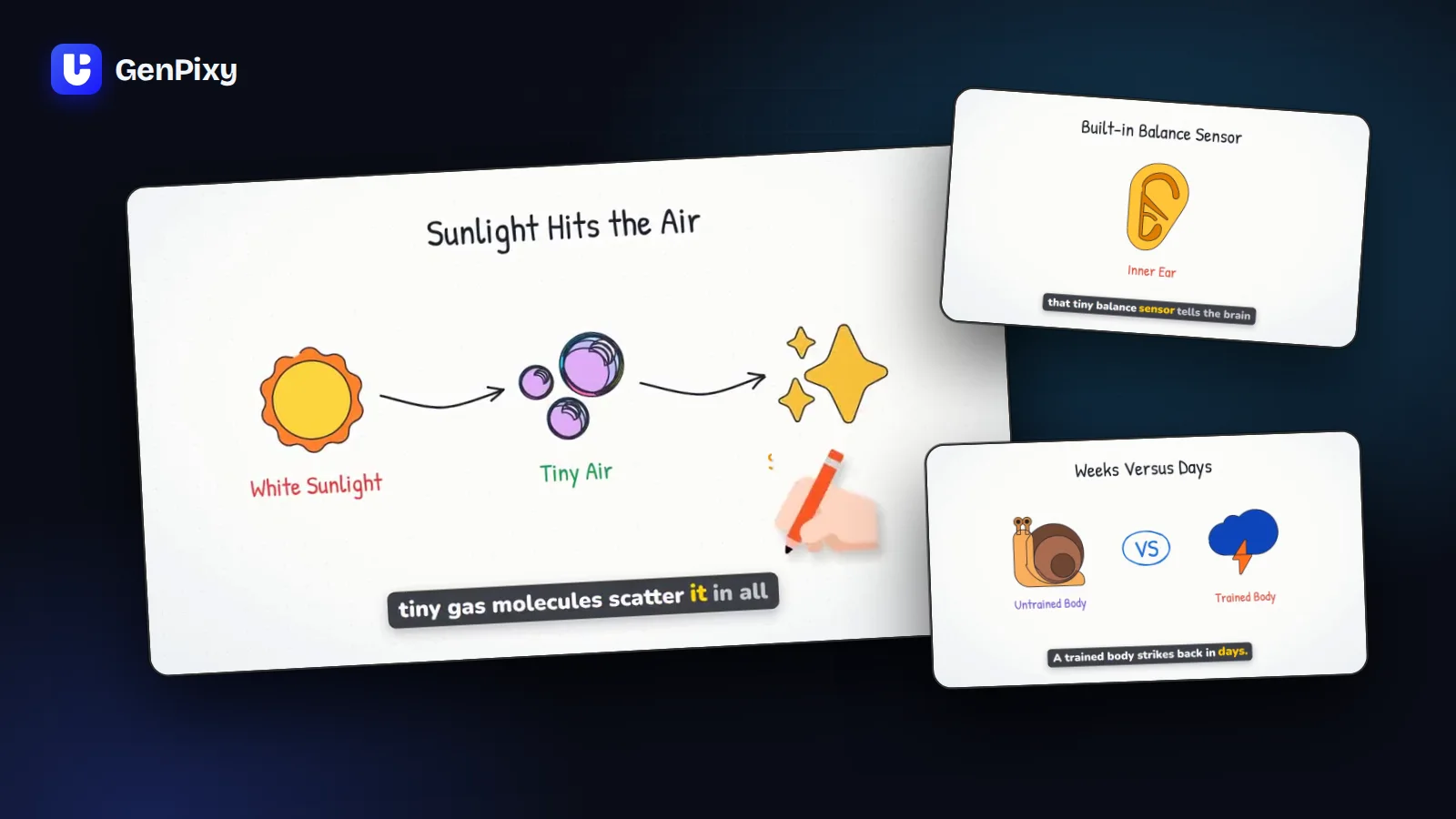
An AI whiteboard video generator makes the classic "hand draws on a whiteboard" video for you. With GenPixy, you type a topic and get a finished whiteboard explainer video: a hand draws each picture, a narrator explains the idea, and captions follow every word. You do not need drawing skills, a microphone, or editing software.
What is a whiteboard explainer video?
A whiteboard video explains an idea with simple drawings on a white background while a narrator talks. Viewers watch the idea take shape, one line at a time, which makes it easy to follow. You see this style in classrooms, online courses, and YouTube education channels.
Making a whiteboard video by hand takes many hours of drawing, recording, and editing. An AI explainer video generator such as GenPixy gives you the finished video from one sentence.
Whiteboard or Full Color?
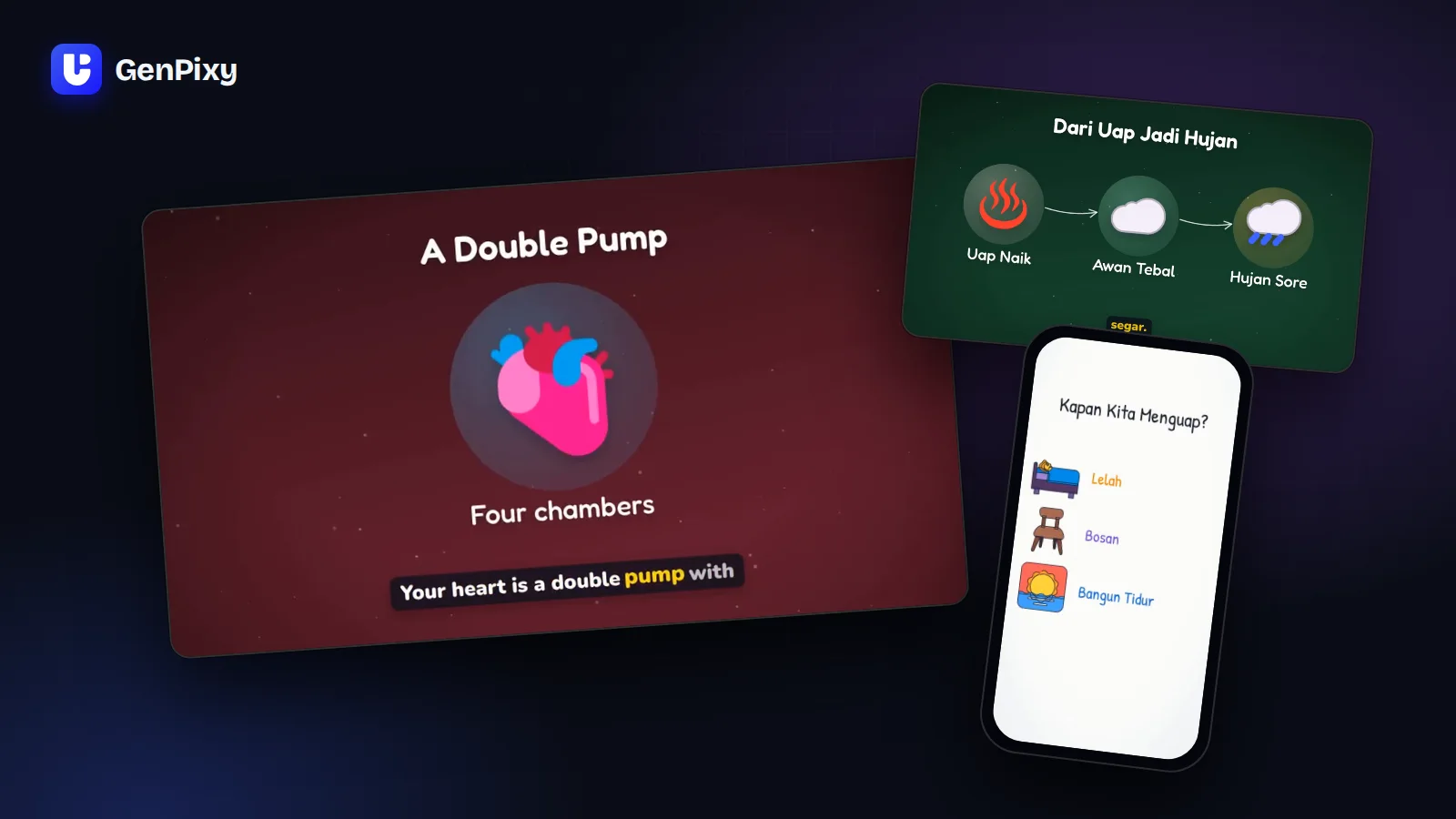
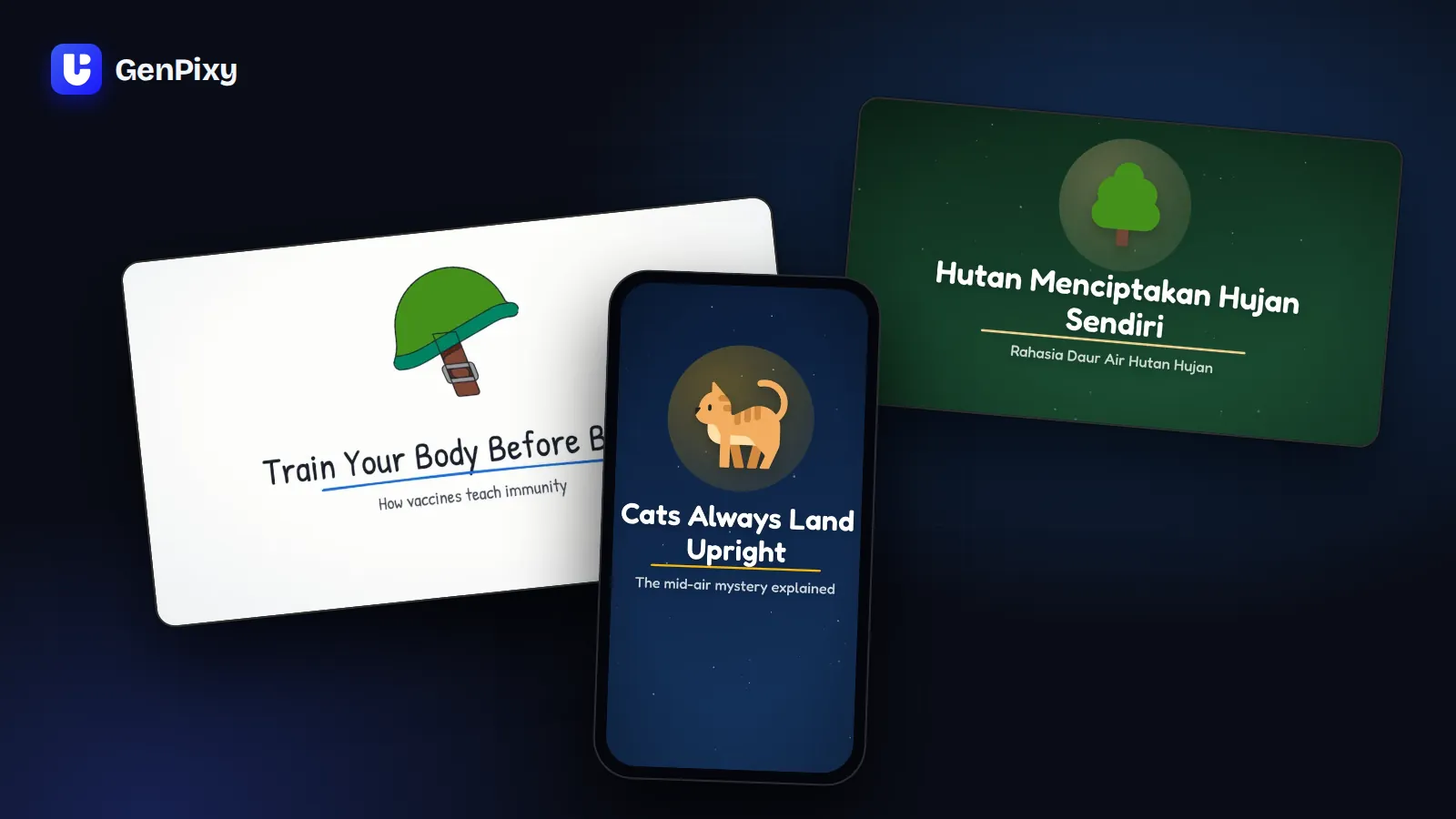
GenPixy makes two styles. Switch the style, and GenPixy draws the same story in the new look.
| Whiteboard | Full Color | |
|---|---|---|
| Look | A hand draws each picture, line by line, on white | Bold colored scenes with pictures that pop in |
| Feels like | A calm lesson | A social media feed |
| Best for | Classes, courses, "how it works" topics, YouTube | Shorts, TikTok, Reels, and fun facts |
How to make a whiteboard video with AI in 5 steps
- Type your topic. Create a free GenPixy account, open DrawGen, and write one question, for example "How do vaccines train your immune system?" You can add a short note, such as who the video is for.
- Choose Whiteboard. Choose the Whiteboard style. Then choose Landscape 16:9 for YouTube and class screens, or Portrait 9:16 for phones.
- Choose the language and the voice. Choose English, Indonesian, or Same as topic, and a male or female voice.
- Generate. Select Generate video. You can close the page. Your video waits for you in My Gallery.
- Download and share. You get the MP4 video, an SRT subtitle file, a cover image, and a YouTube title and description.
AI whiteboard generator or a video made by hand?
| Made by hand | Made with GenPixy | |
|---|---|---|
| Skills you need | Drawing, voice recording, and editing | Writing one clear question |
| Tools you need | Whiteboard software, a microphone, an editor | A browser on a phone or a computer |
| Captions | You type and time them | Included, word by word, plus an SRT file |
| A second version | You start again | Try again with the same settings, then change the format or style |
| Control | You control every drawing | You choose the topic, style, format, language, voice, and length |
If you need a specific drawing in every scene, such as your own logo or product, make the video by hand. If you need clear explainer videos often, an AI whiteboard video generator saves you hours on every video.
Great topics for whiteboard explainer videos
| Use | Example topic |
|---|---|
| Science | How do plants make food from sunlight? |
| Health basics | How do vaccines train your immune system? |
| Money | What is inflation, and why do prices go up? |
| History | Why did the Roman Empire fall? |
| Study summary | What causes the seasons on Earth? |
| Technology | How does the internet send a message around the world? |
Who uses AI whiteboard videos?
- Faceless YouTube channels that answer questions. Read the AI faceless video maker guide.
- Teachers who want a short visual intro for the next lesson. Read GenPixy for teachers and university students.
- University students who need a clear video for a presentation.
- Short-form creators who post explainers on Shorts and TikTok. Read the AI shorts creator guide.
Common questions
Is there a free AI whiteboard animation generator?
Yes. A free GenPixy account can make up to 5 videos per day in the Whiteboard or the Full Color style. Each free video is up to 60 seconds long at 720p. You do not need a credit card.
Can I make a whiteboard video from text?
Yes. Type a topic or a question, and add a short note if you need one. GenPixy turns it into a narrated whiteboard video with captions.
Can I make whiteboard videos in Bahasa Indonesia?
Yes. GenPixy makes videos with English or Indonesian narration and captions.
Can I use GenPixy videos in class or on YouTube?
Yes. You own the videos that you make with GenPixy (see the Terms of Service), and GenPixy does not add a watermark. Watch each video before you share it, and check important facts, because AI can make mistakes.
How long are the videos?
You can choose 30, 60, or 90 seconds. For 90 seconds or 1080p quality, use credits. See the GenPixy pricing.
Make your first whiteboard video
Start free on GenPixy and turn your next topic into a whiteboard explainer video. For every option in the form, read how to make an explainer video with GenPixy.