 GenPixy
DrawGen by GenPixy AI: AI Whiteboard Animation Generator
What DrawGen is, its three video styles, what you download, and how the free plan and the watermark work.
4 min read
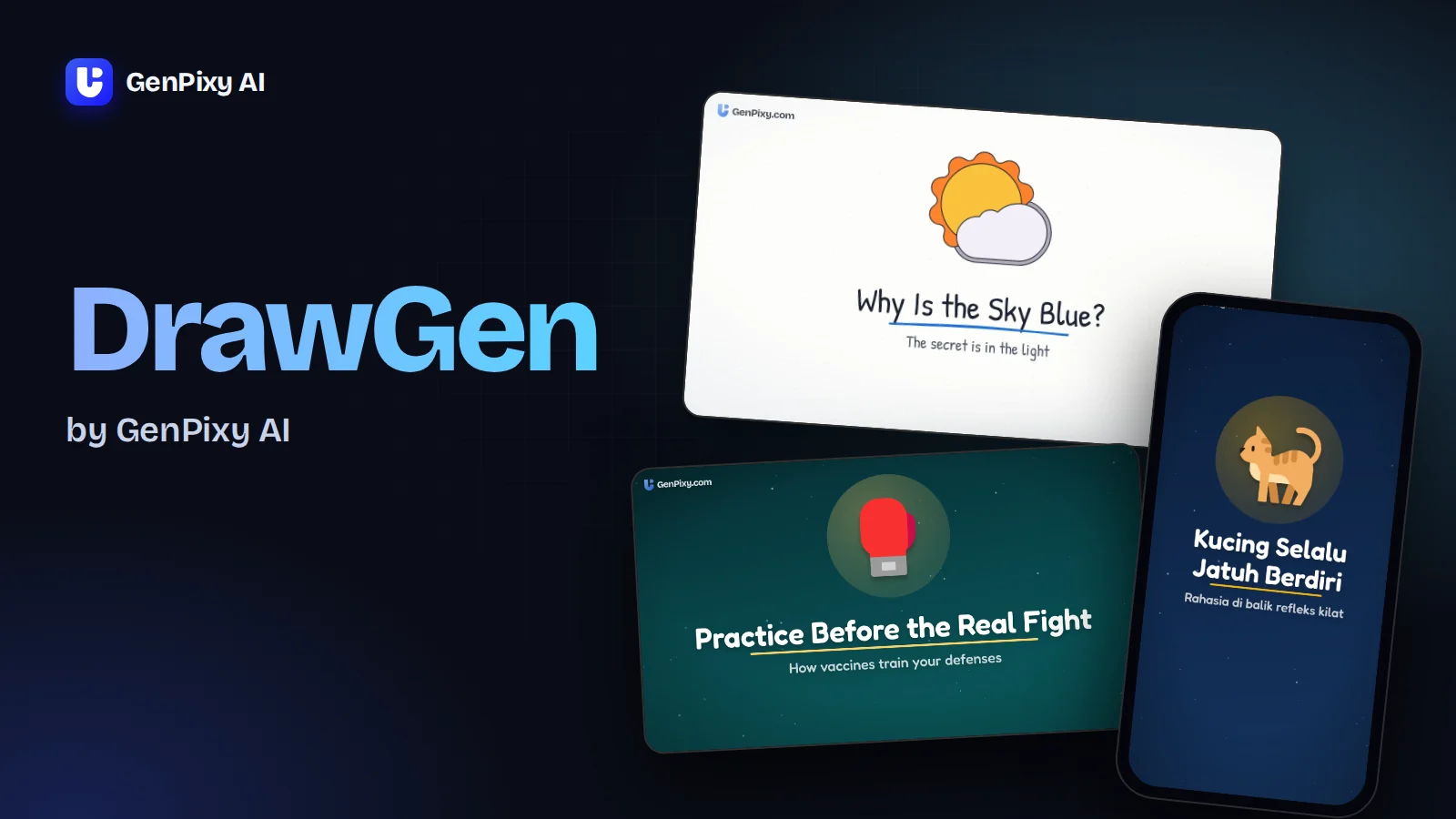
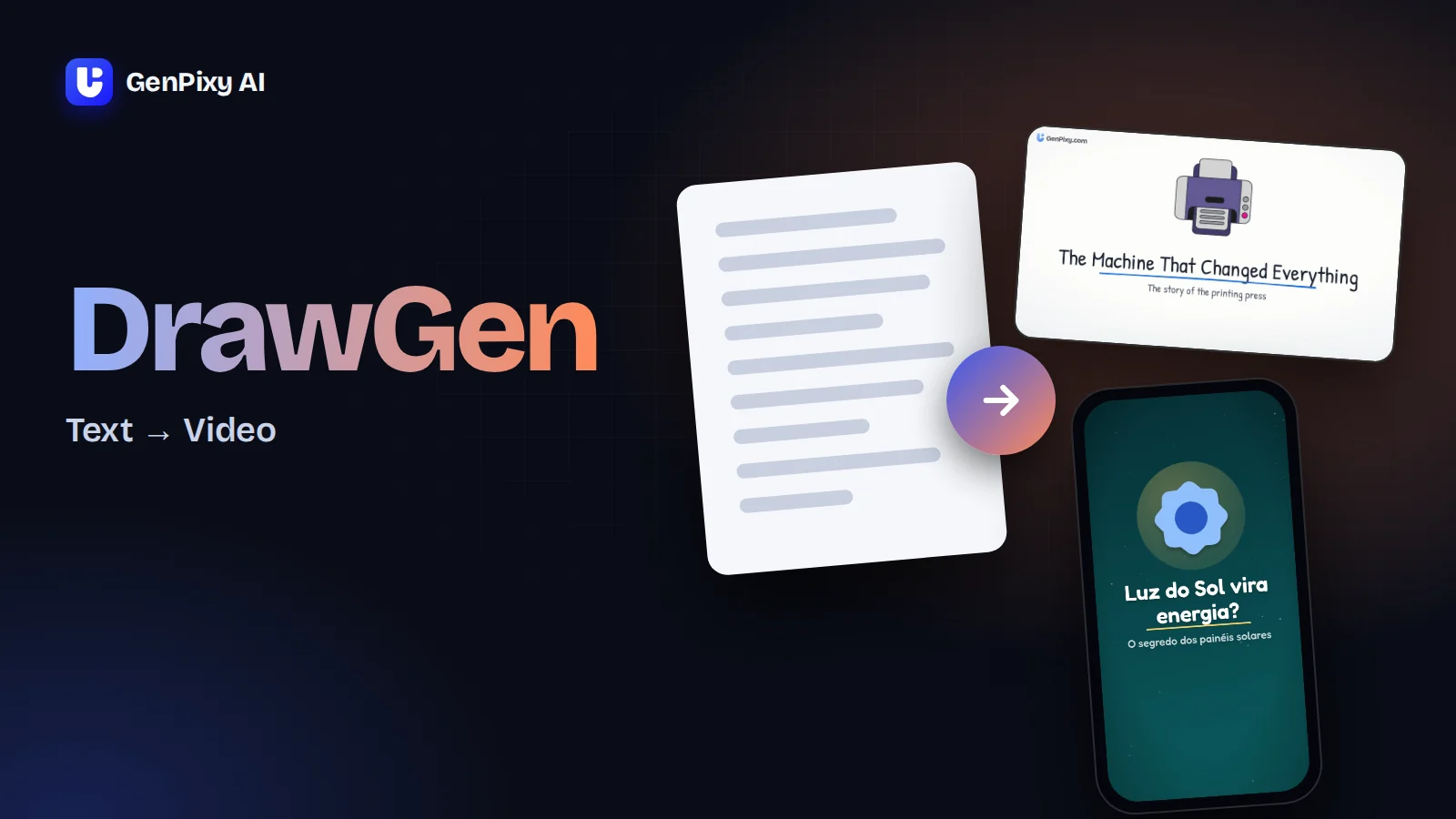
DrawGen is the AI whiteboard animation generator inside GenPixy AI. You type one topic, and it returns a finished explainer video with drawings, a narrator, and subtitles. It runs in the browser at genpixy.com, and a free account can make 3 videos a day.
Maybe you saw the name at the end of a video, in a chatbot answer, or in a friend's link. Here is what DrawGen makes, what it costs, and what it does not do.
Where DrawGen sits in GenPixy AI
GenPixy AI is the company behind the web app, and DrawGen is the video maker you open after signing in. You do not download DrawGen separately. It works on a phone or a computer in any modern browser. Other products also use the name DrawGen, for sports draws or factory quotes. They are not related to the AI explainer video maker on genpixy.com.
Whiteboard, Animate, or Color Board
DrawGen has three styles for the same topic. Pick one in the form; you can make the topic again in another style later.
| Style | What you see | Good for |
|---|---|---|
| Whiteboard | A hand draws every icon and line on a white board | Lessons, science, history, step-by-step ideas |
| Animate | Characters act out your story, for example a teacher, a scientist, a kid, or a cat | Stories, money tips, everyday questions |
| Color Board | Bold colored scenes with pop-in motion, with flat 2D or 3D icons | Shorts, Reels, and TikTok explainers |
In Animate you can pick up to 3 characters yourself, or leave the cast empty and DrawGen picks it for the story.
More real videos, each with its exact prompt, are on DrawGen Watch.
What you download besides the MP4
A finished download includes:
- The video with narration and word-by-word subtitles, in Landscape (16:9) for YouTube, or Portrait for Shorts, TikTok, and Reels
- An SRT subtitle file
- A thumbnail image
- A YouTube title, a description, and hashtags to copy
Length runs from 30 seconds to 10 minutes, at 720p or 1080p. The narrator speaks English, Bahasa Indonesia, or one of 70+ languages on Auto. Write the topic in the language you want, and the narration uses that language. Indonesian has several male and female voices to pick from.
Free videos and top-up packs
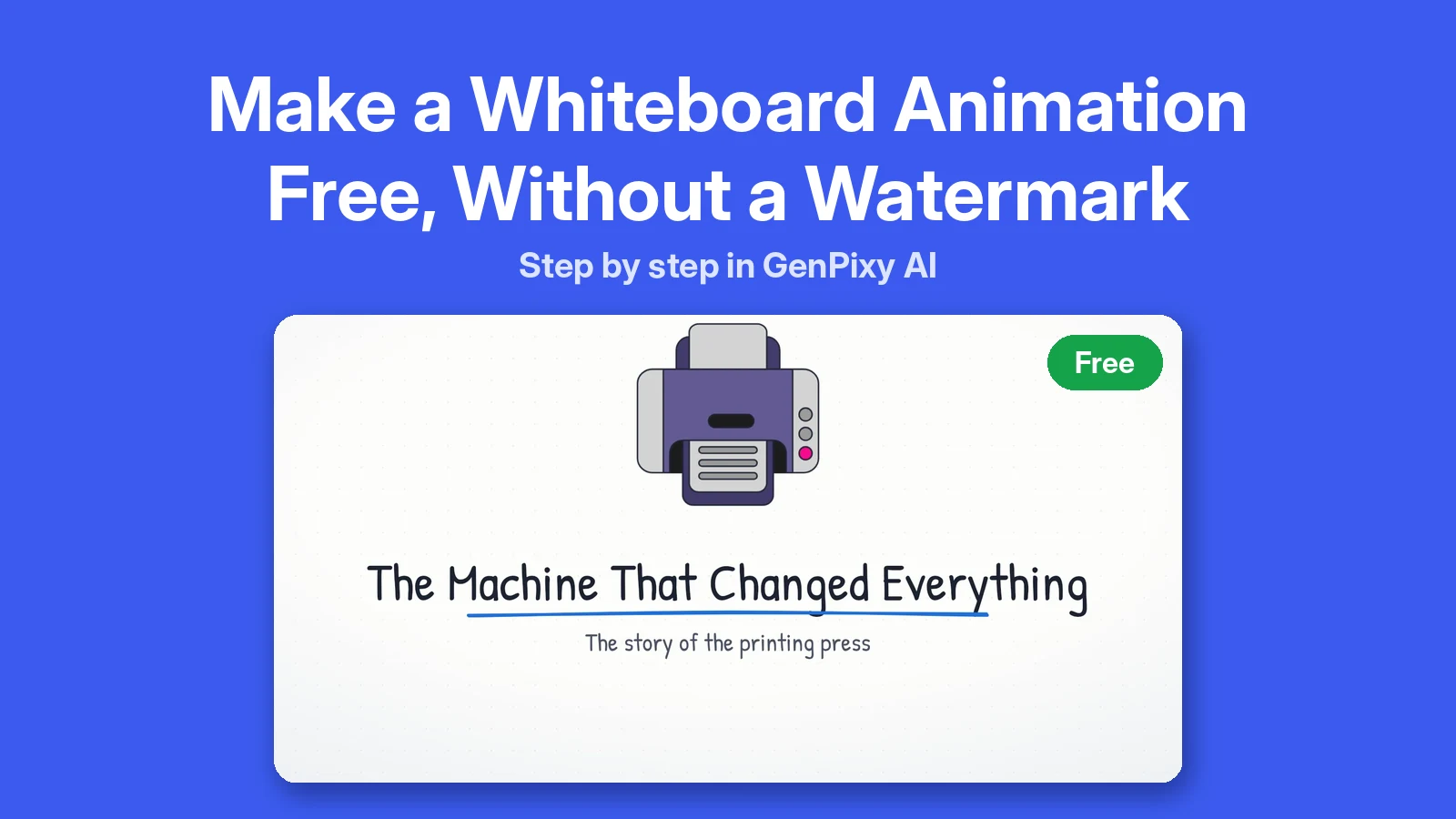
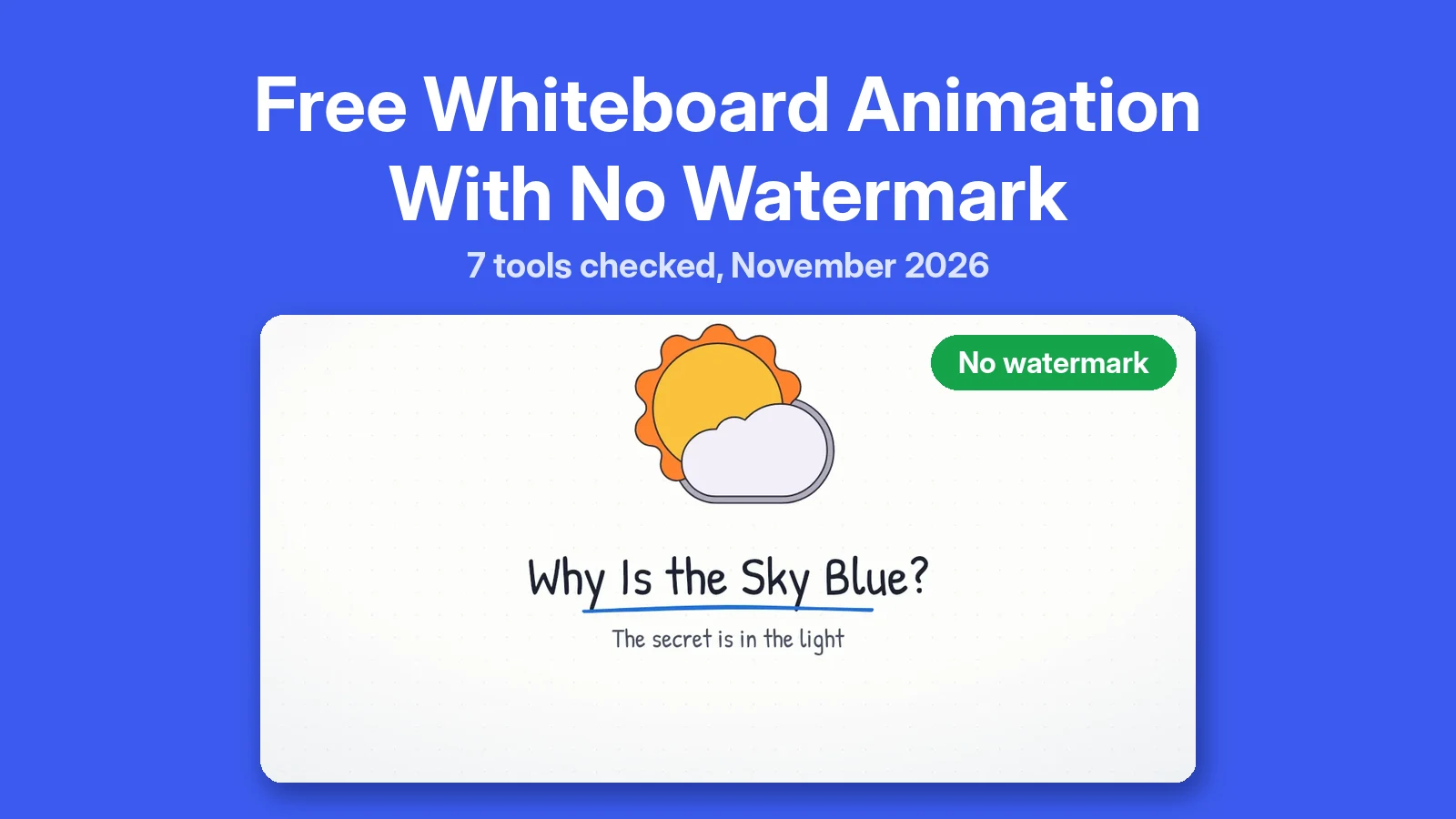
A free account makes up to 3 videos a day, each up to 60 seconds at 720p, and you need no credit card. Free videos carry a small GenPixy AI mark, but once a day you can tick No watermark and get one clean free video.
Longer videos, 1080p, and videos without any mark come with a top-up. Packs start at $1.00, there is no subscription, and DrawGen shows the price of each video before you start it. See pricing for the current packs.
What DrawGen does not make
DrawGen makes 2D animated explainers. Realistic footage, talking avatars, videos of your face, and edits of your own clips are not part of it. A stock footage tool or a video editor fits those jobs better. Our comparison of AI explainer video generators shows which kind of tool does what.
Making videos without the web form
Developers and AI agents can skip the web form. The GenPixy API takes the same topic and settings over HTTP, and an MCP server lets AI assistants start a video, check it, and fetch the files.
DrawGen account, script, and language questions
Is DrawGen the same as GenPixy?
Not quite. DrawGen is the video maker, and GenPixy AI is the app it lives in. One GenPixy account includes DrawGen.
Can DrawGen make a video from my own script?
Yes. Paste your script instead of a topic. If it needs more time than the length you picked, DrawGen tells you how long it needs, and you can change the length or let it shorten the script. The text to video guide covers this step by step.
Can I make a DrawGen video in Bahasa Indonesia?
Yes. Pick Bahasa Indonesia, or write the topic in Indonesian on Auto. You get Indonesian narration and subtitles.
Make your first DrawGen video free. No credit card needed.