 GenPixy
DrawGen Text to Video: Turn a Script or Topic into an Animated Video
Paste a topic, notes, or a full script into DrawGen and get a narrated, subtitled animated video. How scripts are read, voices, and the free plan.
4 min read
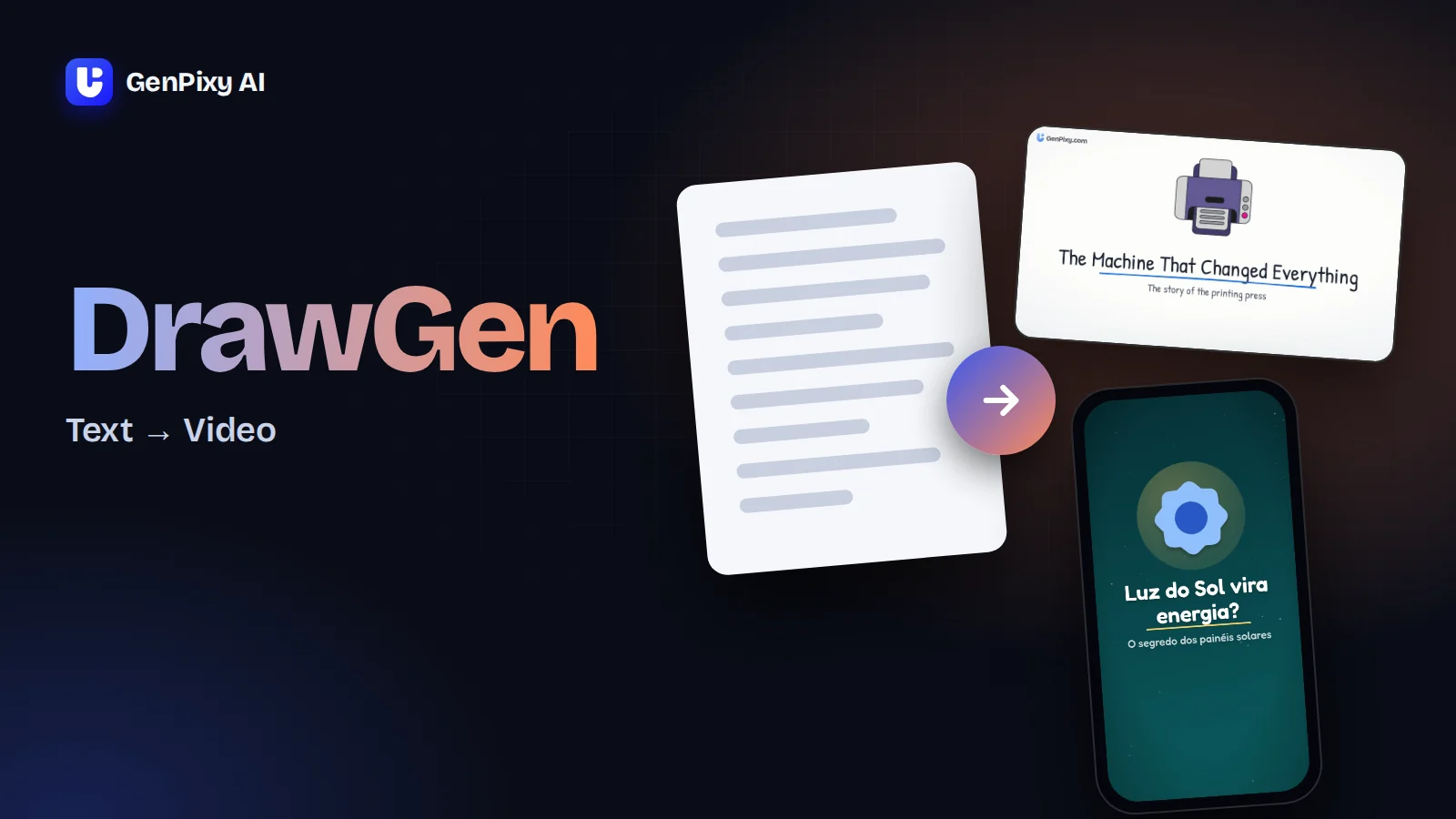
DrawGen text to video turns a one-line question, lesson notes, or a finished script into an animated video with narration and subtitles. Paste it into GenPixy AI, choose a look and a voice, and it is free to try with no credit card.
The amount DrawGen writes depends on what you paste. A short topic gets a full script written for it. When a finished script fits the length you picked, DrawGen reads it word for word in your order and fixes only clear typos.
What you paste into the box
| What you paste | What DrawGen does with it | Example |
|---|---|---|
| One question or topic | Writes the narration and the scenes for you | "Why do cats always land on their feet?" |
| Notes or bullet points | Turns them into a narrated explanation that follows your points and your order | Five bullet points from a biology lesson |
| A finished script | Reads your words and draws scenes to match them | A 150-word voiceover you wrote for a Short |
The box takes up to 5,000 characters, which is roughly a 5 to 6 minute voiceover. Scene notes in your script, such as "show a map here", become pictures, not narration. You can also put wishes in the text, such as "female voice", "vertical video", or "no music". Press Match settings to prompt and DrawGen moves the form settings to what your text asks for, then shows you what it changed.
When your script is longer than the video
A 60-second video holds about 150 spoken words. When your script needs more time, DrawGen says so before it starts, for example "Your script needs about 2 minutes to be read in full." Switch to the length it suggests, or keep your length and let DrawGen shorten the script to fit; nothing is cut without that choice.
Free videos are up to 60 seconds, so a long script needs a top-up for the longer lengths, which go up to 10 minutes.
Six steps from text to video
- Create a free GenPixy AI account and open DrawGen.
- Paste your topic, notes, or script into the box.
- Pick the format: Landscape for YouTube or a class screen, Portrait for TikTok, Reels, and Shorts.
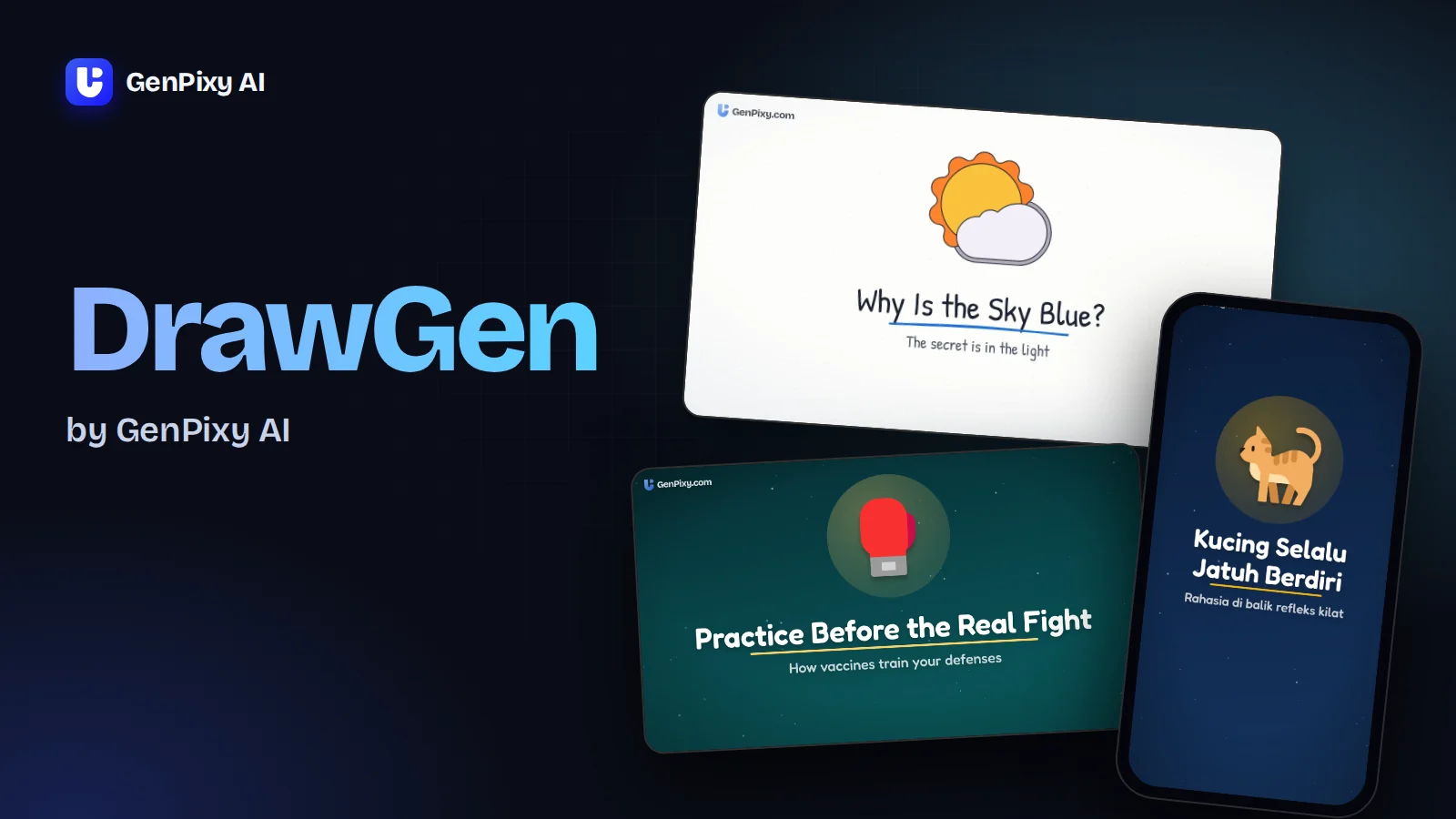
- Pick a style: Whiteboard, Animate, or Color Board. Our DrawGen introduction shows each style with a sample video.
- Pick the narration language and a male or female voice, then the length.
- Press Create video. You can close the tab; the video waits in My Gallery.
Voices, languages, and subtitles
Leave the language on Auto and DrawGen narrates in the language of your text, with 70+ languages to choose from, including Spanish, Hindi, Japanese, and Arabic. English and Bahasa Indonesia can also be picked directly, and Indonesian has several voices, so a script written in Indonesian gets an Indonesian voiceover without any translation step.
Subtitles appear word by word on the video, and the download includes them as an SRT file too. Turn subtitles or background music off when your text asks for it or when you plan to add your own.
Free text to video and the watermark
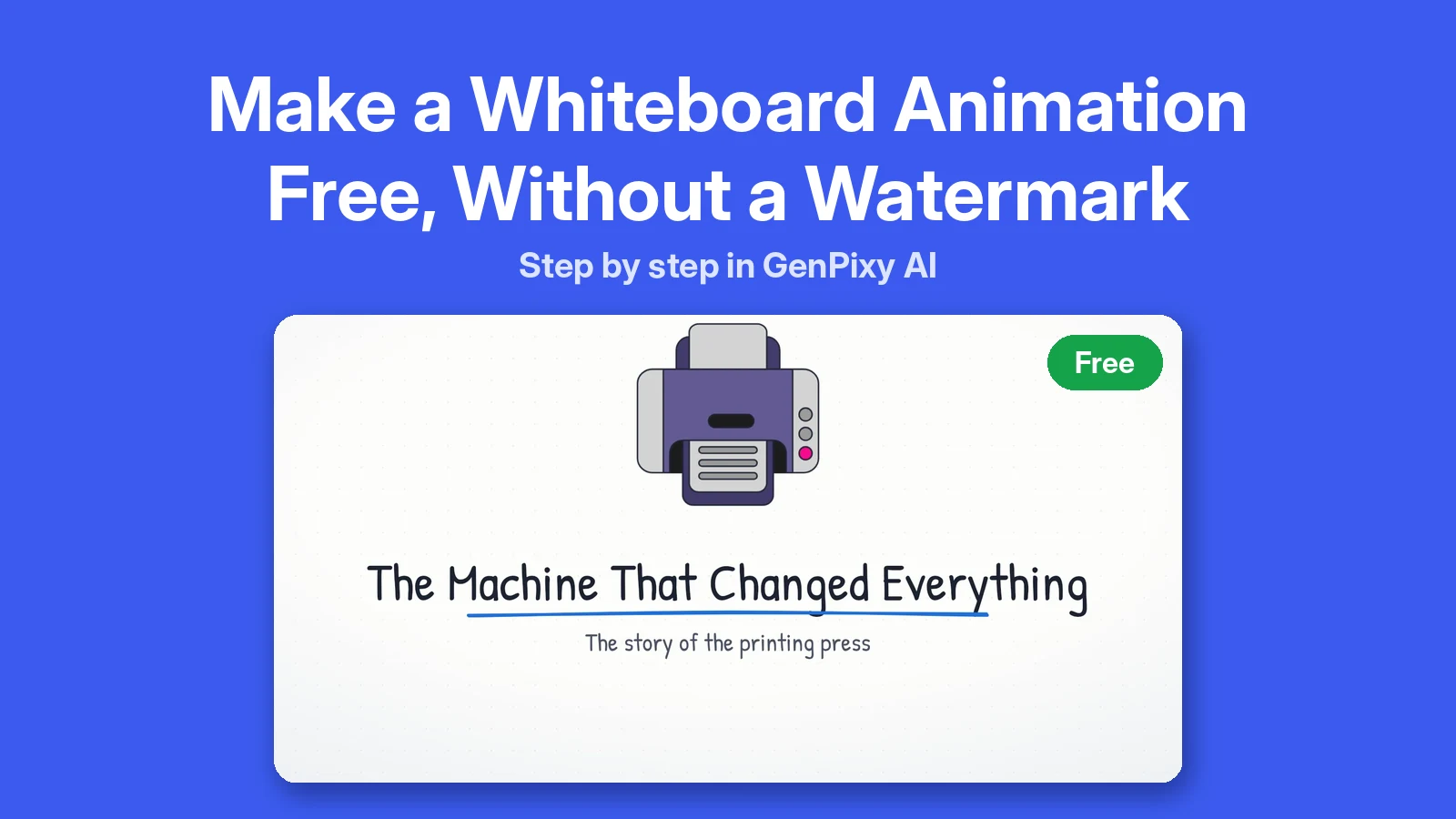
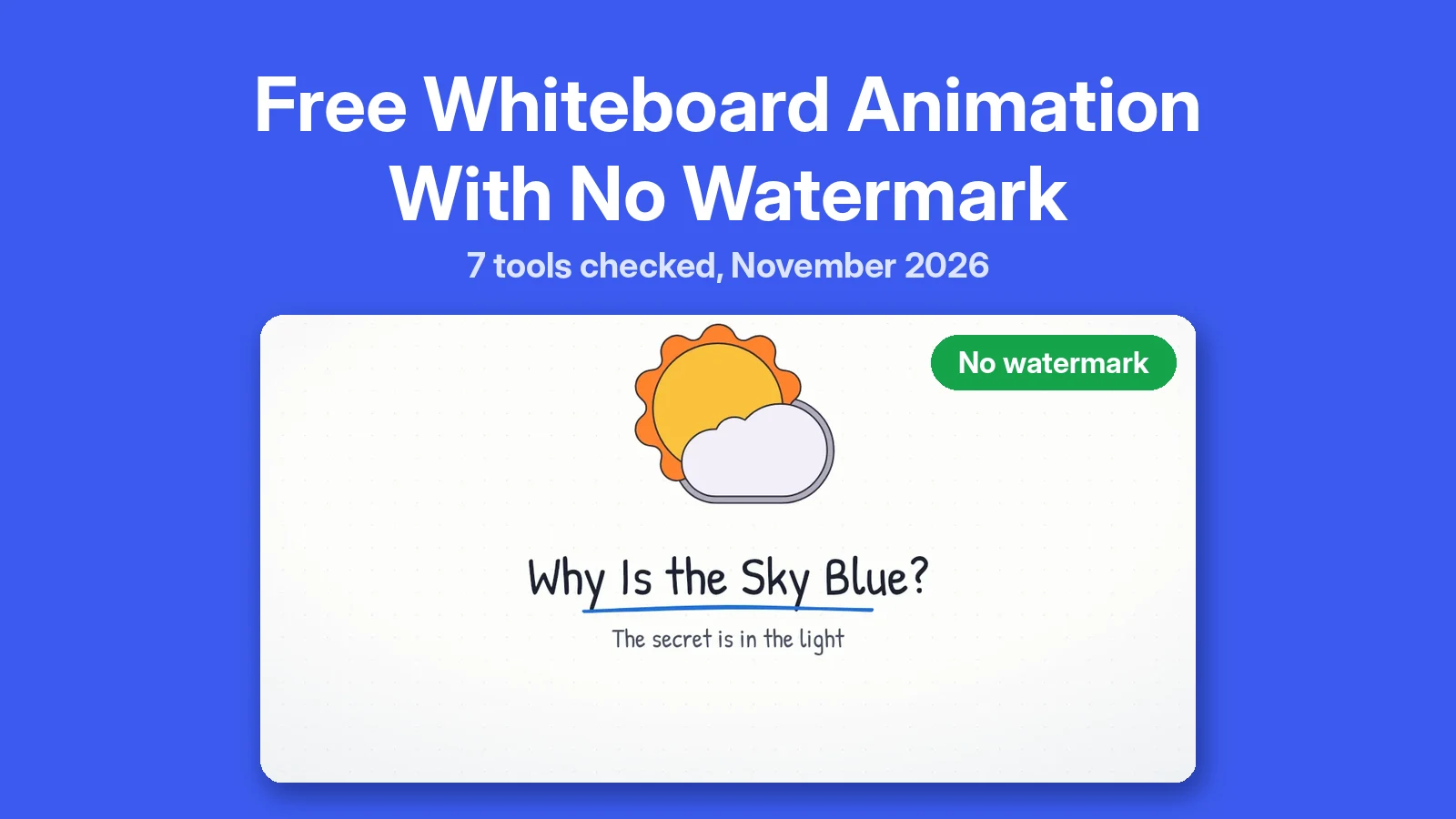
A free account makes 3 videos a day at 720p. Those videos carry a small GenPixy AI mark. Tick No watermark on one video a day to make it clean. A short GenPixy screen still closes it.
If you need several clean videos a day, 1080p, or lengths past 60 seconds, a top-up removes the mark from every video. Packs start at $1.00, top-ups do not expire, and DrawGen shows the price before you confirm. More on pricing.
A script that works well as a video
Short sentences read better aloud. Put one idea in each paragraph, because each part of the script tends to get its own scene. This script fits a 30-second Portrait video:
Ever wonder why bread rises? It's yeast. These tiny living cells eat the sugar in the dough. As they eat, they breathe out carbon dioxide gas. The gas gets trapped in stretchy gluten, like air in a balloon. That's why the dough puffs up. Then the oven heat sets the bubbles in place, and you get soft, airy bread.
For prompt ideas, see 8 GenPixy AI prompt examples, or let ChatGPT draft a script with our prompt templates.
Questions about DrawGen text to video
Will DrawGen change the words of my script?
When the script fits the length, DrawGen reads your sentences in your order and fixes only clear typos. If the script is too long and you keep your length, DrawGen shortens it but keeps your opening, your closing, and your own wording. If it is much shorter than the length, DrawGen adds a few sentences between yours to fill the time.
Can I turn a blog post or article into a video?
Yes, paste the text. For a long article, paste the part you want to explain, or pick a longer length so the full text fits.
Does DrawGen add pictures that match my text?
Yes. Each part of the narration gets drawings or scenes in the style you chose. You do not upload images.