 GenPixy
How to Write a GenPixy Video Prompt with ChatGPT (Templates)
Use ChatGPT to write better GenPixy video prompts. Copy a ready-made ChatGPT instruction and templates for lessons, fact Shorts, history, business, and kids videos.
4 min read
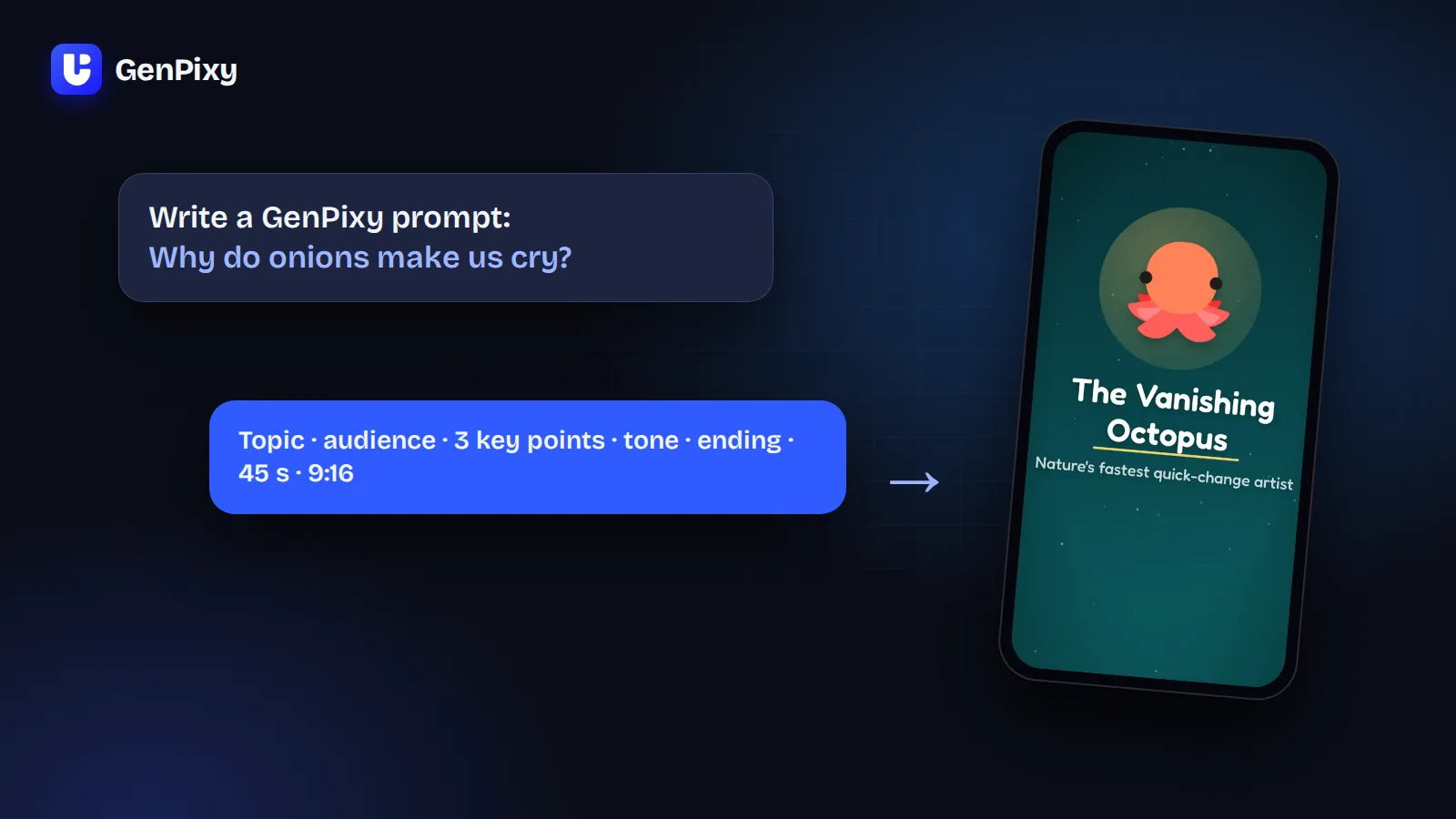
Use ChatGPT to write a GenPixy video prompt. Give it your topic and the instruction below, then paste the answer into DrawGen. A good GenPixy prompt names the topic, the audience, the key points, the tone, and the ending. It doesn't need camera shots, 3D scenes, or actors. GenPixy makes 2D animated explainer videos.
Below is a ready-to-copy instruction for ChatGPT. There are also templates for common videos and the mistakes to avoid.
Do I need a long prompt?
No. One sentence, such as "Why do we yawn?", is enough for a good video. A longer prompt helps when you want control over:
- Who the video is for (kids, students, adults, beginners)
- What it must cover (3 to 5 key points)
- The order (for example, a timeline or steps)
- The tone (fun, calm, serious, like a documentary)
- The ending (a summary, a question, or a call to action)
A prompt can be up to 5,000 characters, but most good prompts are 300 to 1,000 characters.
What a GenPixy prompt should include
| Part | Example |
|---|---|
| Topic | How do vaccines train your immune system? |
| Audience | Middle school students |
| Key points | What a vaccine contains, how the body learns, why boosters exist |
| Order | Start with a question, then explain step by step |
| Tone | Friendly and clear |
| Ending | One sentence summary |
| Settings (optional) | 60 seconds, 9:16, English narration |
What to leave out
GenPixy makes animated explainer videos with narration, drawings, captions, and music. These instructions do not help, so leave them out:
- Camera directions such as "drone shot", "close-up", or "cinematic lighting"
- 3D, realistic, or "Pixar style" looks
- Real actors, faces, lip sync, or talking avatars
- Turning a photo into a video
- Names of songs or artists for the music
The look of your video comes from the style you choose in DrawGen: Whiteboard or Full Color.
Copy this instruction into ChatGPT
Paste this into ChatGPT, and replace the last line with your topic:
You write prompts for GenPixy DrawGen. DrawGen makes 2D animated explainer videos with narration, drawings, captions, and music from a text prompt.
Write one prompt for the topic below. Use plain text, under 1,000 characters.
Include: the topic as a question, the audience, 3 to 5 key points in a logical order, the tone, and how the video should end.
Optionally add the length (30 seconds to 10 minutes), the format (16:9 or 9:16), and the narration language.
Do not include camera shots, 3D, realistic footage, actors, faces, lip sync, or song names.
Topic: [your topic here]
Then paste ChatGPT's answer into DrawGen and select Match settings to prompt. GenPixy reads the length, format, and language from the prompt and sets the form to match. Free videos are up to 60 seconds at 720p, so if your prompt asks for a longer or sharper video, GenPixy shows that it needs credits.
Templates for common videos
Lesson video
Explain photosynthesis for 7th grade students.
Cover: what plants take in, what they make, and the role of chlorophyll.
Use one everyday example. Tone: friendly and clear.
End with one question the teacher can ask the class.
Fact Short for YouTube Shorts, TikTok, or Reels
A 45-second fact video: Why do onions make us cry?
Open with a surprising fact in the first sentence. Keep each scene short.
End with a question for the comments. Format 9:16.
History story
Why did the Titanic sink? Tell the story in time order, from leaving Southampton to the rescue.
Include one fact most people do not know. Tone: calm, like a documentary.
End with one sentence that answers the question.
Business or money explainer
Explain compound interest for young adults who just started working.
Use a simple example with a monthly saving. Cover: what it is, why time matters, and one common mistake.
Tone: friendly, no jargon. End with one practical tip.
Kids story
A short story for kids aged 5 to 7: a little seed that wants to become a tree.
Teach what a plant needs: water, sunlight, and soil.
Tone: warm and simple. End with a friendly lesson.
More ideas are in animated lesson video examples by subject and how to make AI history videos.
Common mistakes
- Too many topics in one video. Make one video per idea. Split a big topic into a series.
- A script with timestamps. You do not need a second-by-second script. Give GenPixy the key points, and you get the finished video.
- A length that does not fit the content. Ten key points do not fit in 30 seconds. Choose a longer length or fewer points.
- No audience. "For beginners" or "for 10-year-olds" changes the words a lot.
Common questions
Can ChatGPT make the video itself?
ChatGPT can write the prompt. GenPixy turns the prompt into the finished video with narration, drawings, captions, and music.
Can I write the prompt in another language?
Yes. Write the prompt in the language you want and choose Auto, and the video speaks that language. GenPixy supports more than 70 narration languages.
Is it free?
Yes. A free GenPixy account can make up to 3 videos per day, each up to 60 seconds. Free videos have a GenPixy watermark.
Try your prompt now
Start with a free GenPixy account: Create a free GenPixy account. Paste your prompt into DrawGen and get your first video.