 GenPixy
Best AI Explainer Video Generators in 2026 (11 Tools Compared)
Compare 11 AI explainer video generators, including GenPixy, InVideo AI, Synthesia, HeyGen, Vyond, and VideoScribe: video style, free options, and what each tool is best for.
5 min read
The best AI explainer video generator depends on the look you want. For an AI presenter, pick Synthesia or HeyGen. For stock footage, pick InVideo AI or Pictory. For cartoon characters, pick Vyond, Animaker, or Powtoon. For a hand-drawn whiteboard or animated illustration explainer made from one sentence, with free videos every day, pick GenPixy.
Below you'll find a side-by-side comparison of 11 tools, short notes on each, and questions that help you choose. We checked the free options on each tool's official pricing page on 18 October 2026. Plans change often, so check the pricing page before you decide.
Quick picks
- Best for a finished explainer from one sentence: GenPixy
- Best AI presenter (talking avatar): Synthesia, HeyGen
- Best for stock footage videos: InVideo AI, Pictory
- Best for cartoon characters and business scenes: Vyond
- Best for classic whiteboard animation that you build yourself: VideoScribe
- Best for designed videos with templates: Canva
AI explainer video generators compared
| Tool | Video look | Video from a text prompt | Free option (checked 18 Oct 2026) | Best for |
|---|---|---|---|---|
| GenPixy | Whiteboard drawing or full color animated illustrations | Yes, one sentence is enough | Free plan: 3 videos per day, up to 60 s, 720p, watermark | Lessons, fact Shorts, faceless channels |
| InVideo AI | Generated clips and stock footage | Yes | See current plans on the pricing page | Social media and marketing videos |
| Synthesia | AI avatar presenter | Partly (you guide the script and scenes) | Free plan: 10 minutes of video per month, watermark | Training and talking head videos |
| HeyGen | AI avatar presenter | Yes | Free plan: 3 videos per month, up to 1 minute | Avatar and translated videos |
| Vyond | Cartoon characters and AI avatars | Yes | Free trial only | Business and e-learning scenes |
| Animaker | Cartoon and whiteboard animation | Partly | Free plan with watermark | Animated characters and infographics |
| Powtoon | Cartoon and infographic animation | Yes | Free plan: 720p, up to 3 minutes, watermark | Team and internal videos |
| Steve AI | Cartoon and stock footage | Yes | Free plan at 720p | Low-cost animated explainers |
| Pictory | Stock footage with AI voice | Yes | Free trial | Turning blog posts and scripts into video |
| VideoScribe | Whiteboard drawing | Partly (you build the scenes) | 7-day free trial, watermark | Hand-drawn explainers with full control |
| Canva | Templates and short AI clips | Partly | Free plan with a monthly limit on AI uses | Designed videos and presentations |
Notes on each tool
GenPixy
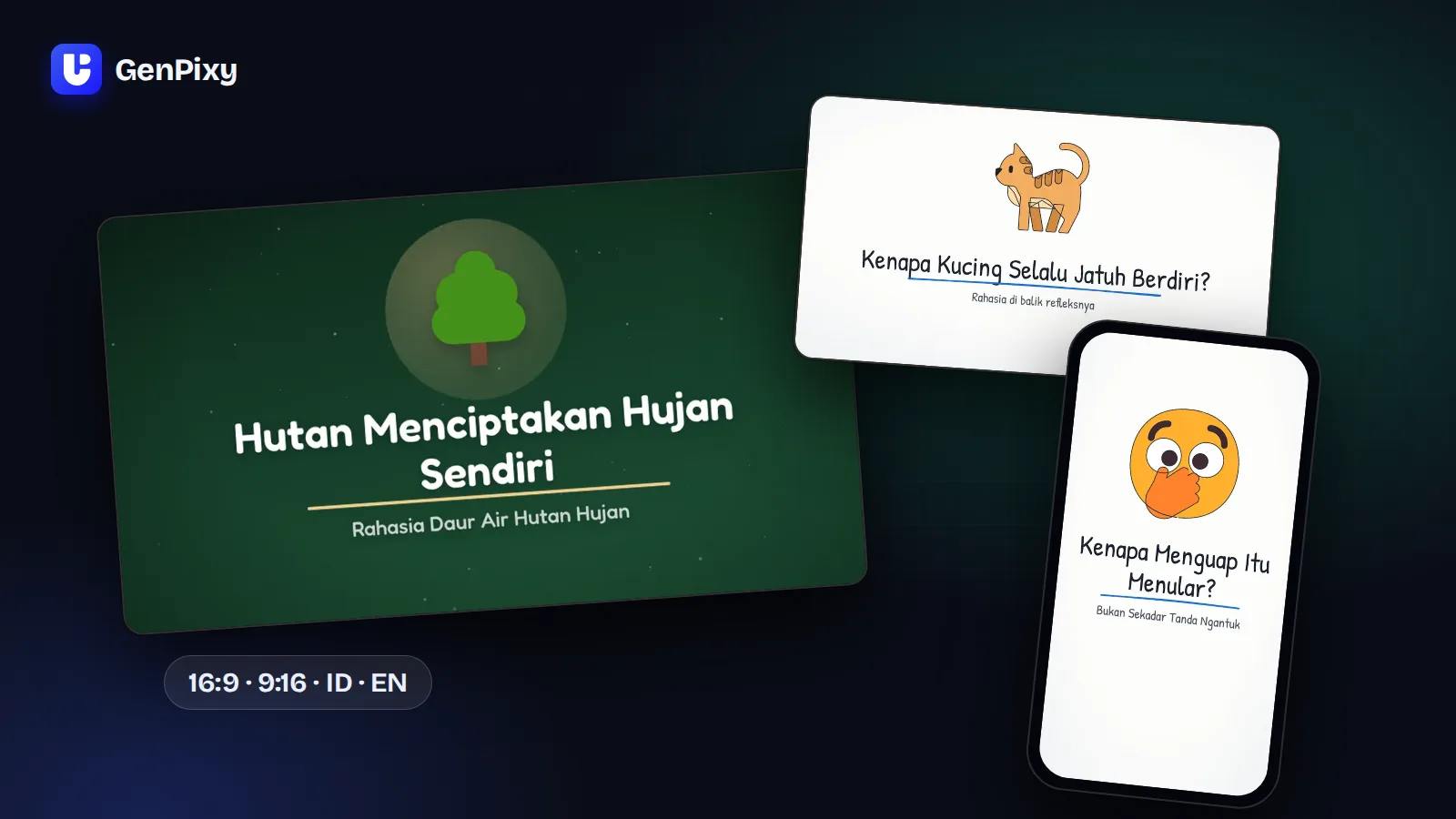
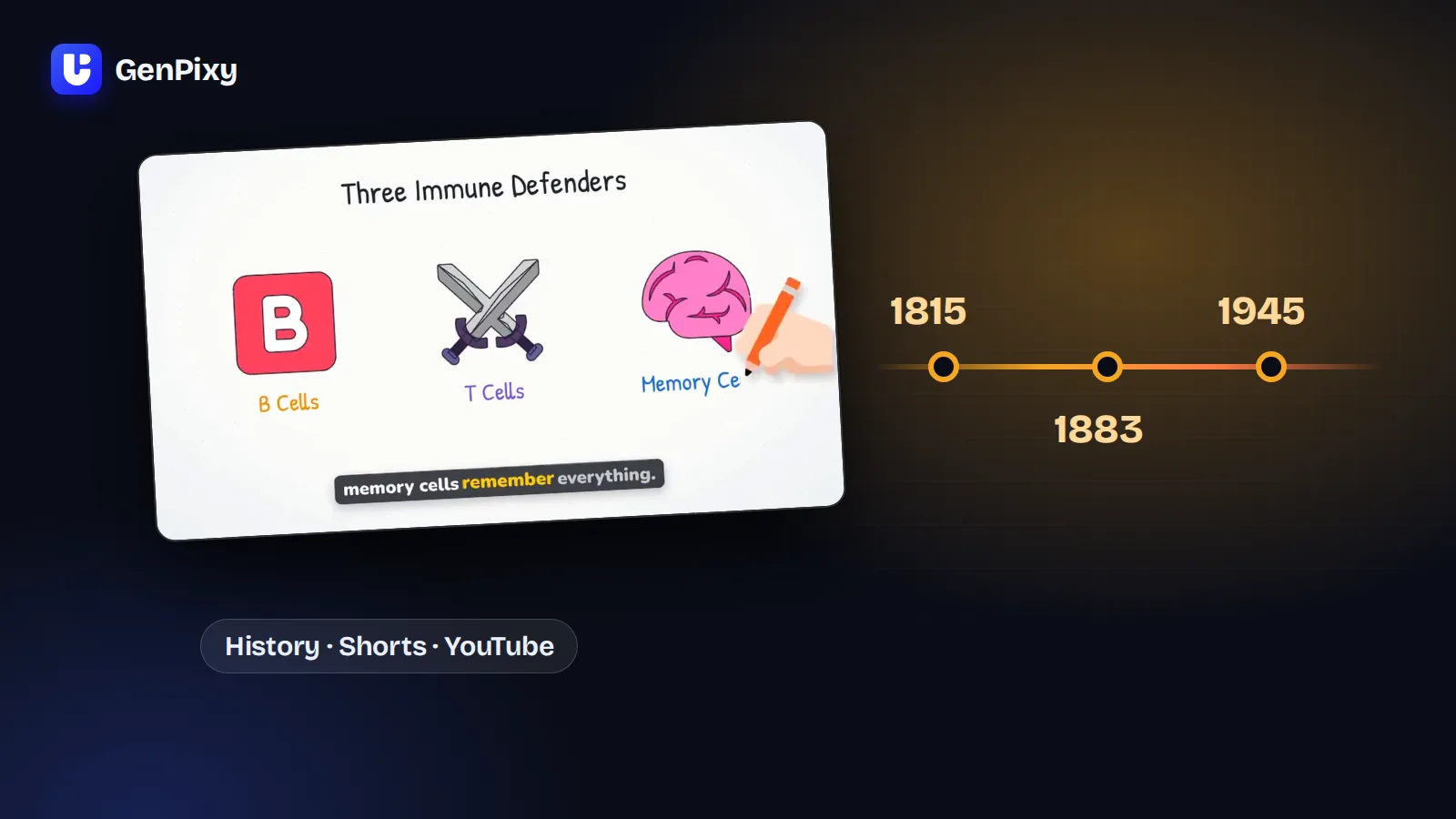
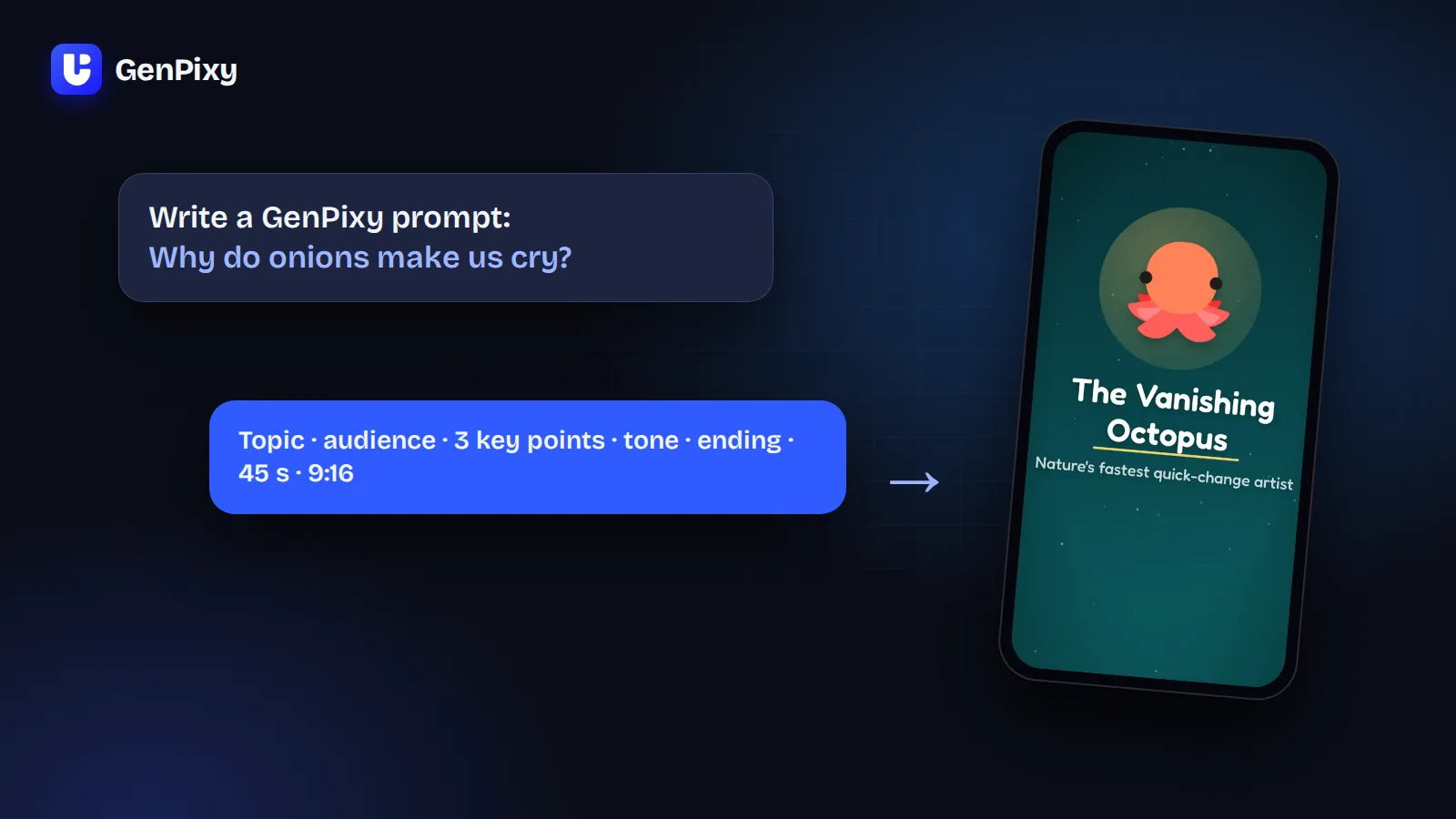
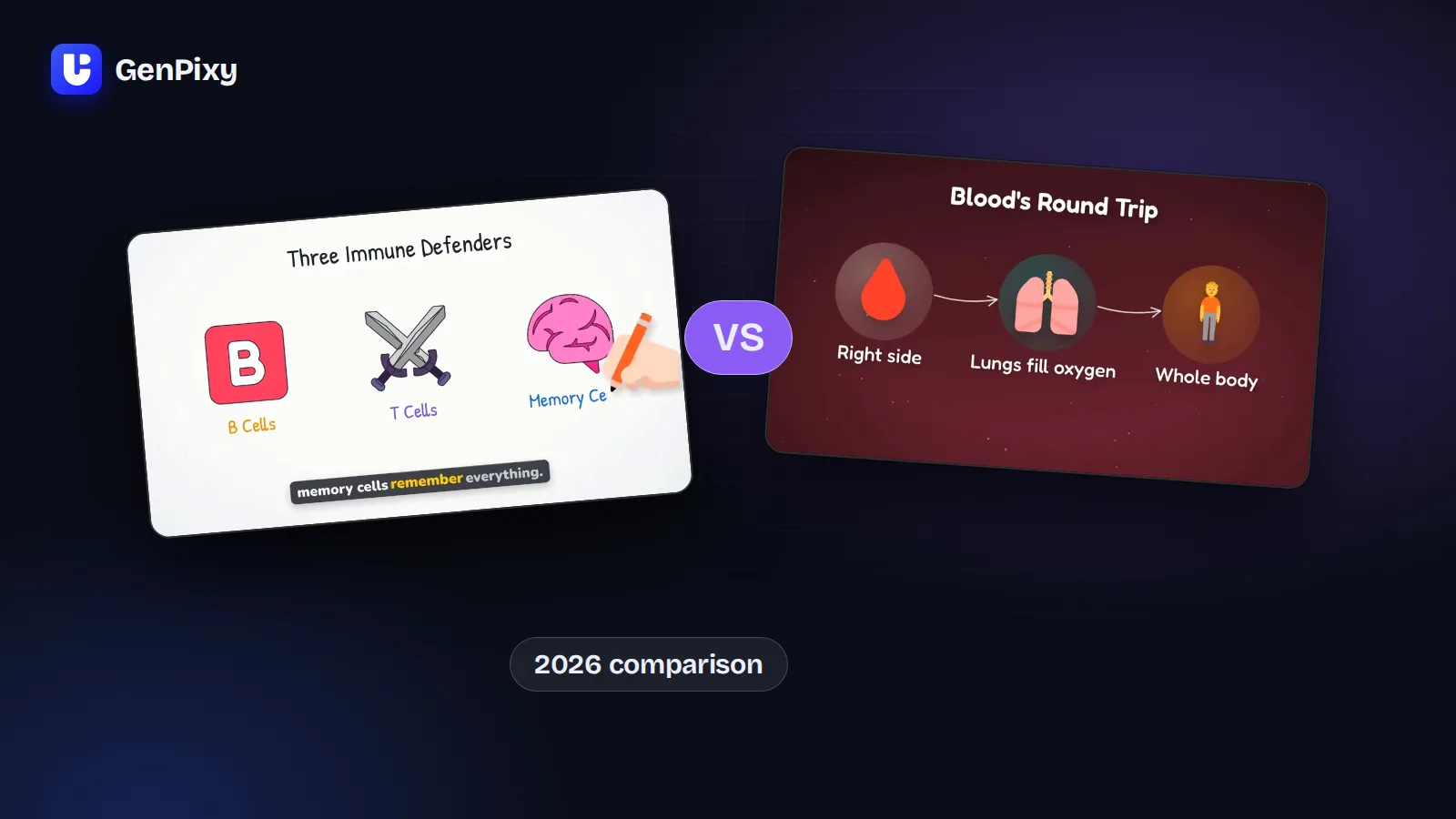
You type one topic, for example "Why do we yawn?", and GenPixy gives you a finished video with narration, drawings, word-by-word captions, and music. Choose Whiteboard (a hand draws every picture) or Full Color, 16:9 or 9:16, and one of more than 70 narration languages. Every video also comes with an SRT subtitle file, a cover image, and a YouTube title, description, and hashtags. With credits, videos can be up to 10 minutes long in 1080p with no watermark.
GenPixy does not make realistic footage, 3D scenes, or talking avatars. See example videos or read what GenPixy is.
InVideo AI
InVideo AI turns a prompt into a video built from generated clips and stock footage, with a voiceover. Good fit for social media and marketing videos that should look like real footage.
Synthesia and HeyGen
Both tools make videos with an AI presenter that talks to the camera. They fit training videos, product updates, and videos in many languages where a "person" should speak. Less suited to videos that must draw or animate an idea.
Vyond, Animaker, and Powtoon
These tools make cartoon style videos with characters, scenes, and infographics. They give you a lot of control, but you usually spend more time on each scene. Vyond is aimed at businesses and e-learning teams.
Steve AI and Pictory
Steve AI mixes cartoon scenes and stock footage. Pictory turns a script or a blog post into a stock footage video with an AI voice. Both are quick ways to repurpose text.
VideoScribe
VideoScribe is a classic whiteboard animation tool. You place each image and set the timing yourself, so you get full control, but it takes longer than typing one sentence.
Canva
Canva is a design tool with video templates and AI features. Best when you want to design slides and short clips yourself, with your own brand colors and fonts.
How to choose an AI explainer video generator
Ask yourself these four questions:
- Who explains the idea? A talking avatar (Synthesia, HeyGen), a narrator over drawings (GenPixy, VideoScribe), or cartoon characters (Vyond, Animaker, Powtoon)?
- How much time do you have? If you want a finished video from one sentence, choose a tool that makes the full video for you. If you want to control every scene, choose an editor.
- Where will you post it? For Shorts, TikTok, and Reels, you need 9:16. For YouTube and class screens, you need 16:9. GenPixy makes both.
- Which language do your viewers speak? Check that the tool has a natural voice in your language, not only English.
Common questions
What is the best free AI explainer video generator?
It depends on your style. If you want a narrated whiteboard or animated illustration video from one sentence, GenPixy gives you up to 3 free videos per day, each up to 60 seconds, with no credit card. Free videos have a GenPixy watermark.
Which AI tool makes whiteboard explainer videos?
GenPixy makes whiteboard videos from a text prompt. VideoScribe and Animaker also make whiteboard animation, but you build more of the scenes yourself. Read more in our whiteboard video maker guide.
Which AI explainer video tools have no watermark on free videos?
Most free plans add a watermark, including GenPixy, Synthesia, Animaker, and Powtoon. Paid plans remove it. In GenPixy, videos made with credits have no watermark.
Can AI explainer videos be in languages other than English?
Yes. GenPixy narration supports more than 70 languages, including Indonesian, Spanish, Hindi, and Arabic. Synthesia and HeyGen are also strong at multi-language avatar videos.
Try GenPixy free
Make your first explainer video from one sentence and compare it with your current tool.