 GenPixy
How to Make AI History Videos for YouTube (with Prompts)
How to make AI history videos for YouTube and Shorts: topic ideas, prompts to copy, the best settings for a history channel, and how to check your facts.
4 min read
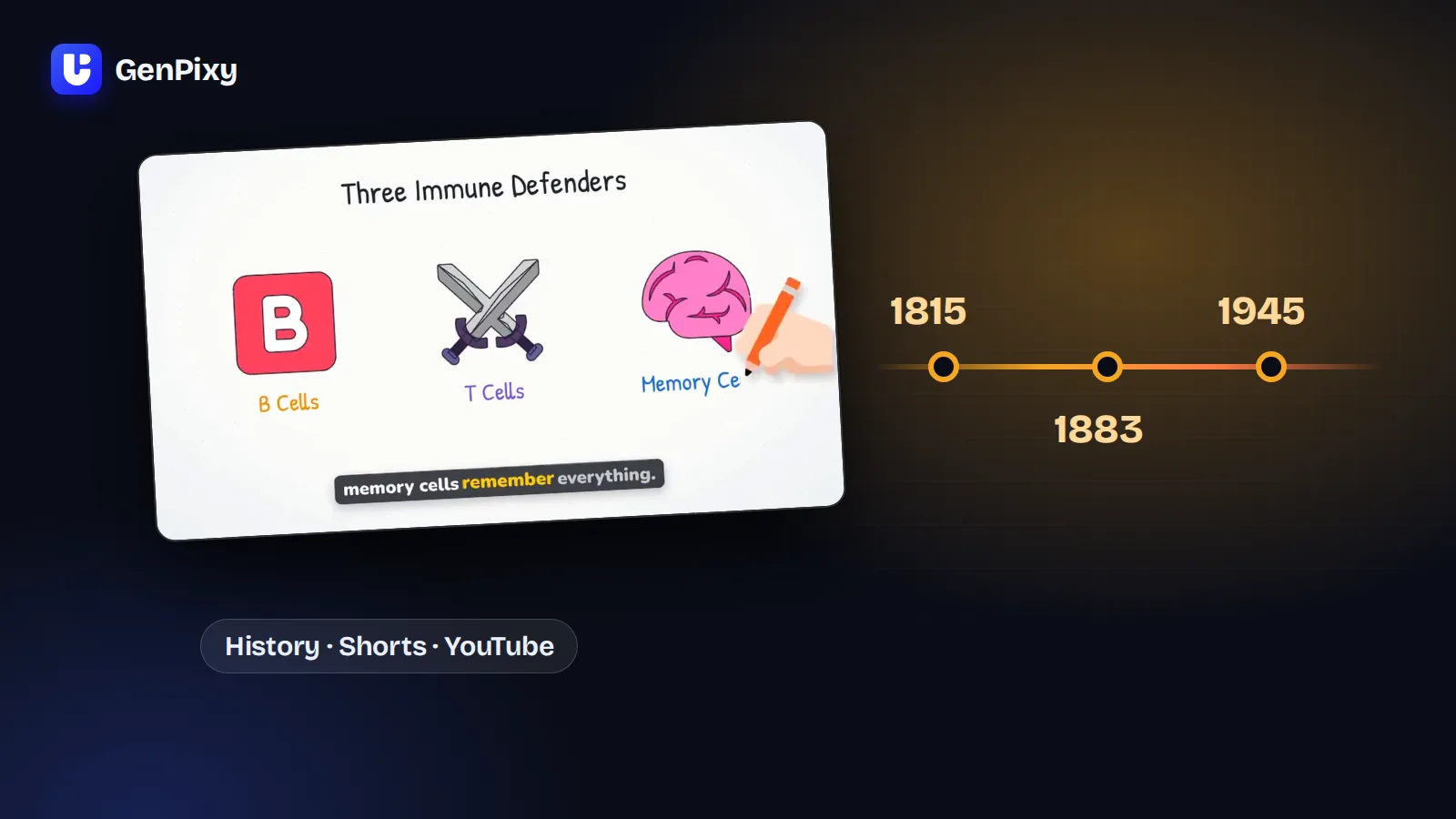
To make an AI history video, pick one historical question, type it into an AI video maker such as GenPixy, and choose a format for YouTube or Shorts. GenPixy gives you a finished animated video with narration, drawings, captions, and music. It also writes the title, description, and hashtags for YouTube.
What follows: topic ideas that work, prompts you can copy, settings that fit history channels, and how to check your facts.
What makes a good history video
The history videos that people watch to the end usually have four parts:
- A question as the hook. "Why did the Roman Empire fall?" works better than "The Roman Empire".
- A clear timeline. Viewers need to know what happened first and what happened next.
- One surprising detail. A fact that viewers did not expect keeps them watching.
- A short ending. One sentence that answers the question from the hook.
All four can go into your prompt. Examples below.
How to make an AI history video in 5 steps
- Create a free GenPixy account and open DrawGen.
- Type your history question, or paste one of the prompts below.
- Choose Landscape 16:9 for a YouTube video, or Portrait 9:16 for YouTube Shorts, TikTok, and Reels.
- Choose a style. Whiteboard fits timelines and "how it happened" stories. Full Color fits fast Shorts and dramatic stories. Turn on Big board if you want all scenes on one board with a zoom-out recap at the end.
- Select Create video, then download the MP4, the SRT subtitle file, the cover image, and the YouTube text.
History video ideas that work
| Type | Topic ideas |
|---|---|
| Why it happened | Why did the Roman Empire fall? · Why did the Titanic sink? · What caused World War I? |
| How it was built | How were the pyramids built? · How was the Great Wall of China built? |
| Inventions | The history of the printing press · How the telephone changed the world |
| Mysteries | What happened to the lost colony of Roanoke? · Who built Stonehenge, and why? |
| What if | What if the printing press was never invented? |
| Disasters | The 1883 eruption of Krakatoa · The year without a summer (1816) |
| People | Who was Cleopatra, really? · How did Genghis Khan start the biggest land empire in history? |
History video prompts you can copy
Short prompt (good for a first try):
Why did the Roman Empire fall?
Detailed prompt (more control):
Make a history explainer: Why did the Titanic sink?
Audience: curious adults with no history background.
Start with a hook question. Tell the story in time order, from the ship leaving Southampton to the last lifeboat.
Include one surprising fact that most people do not know.
End with one sentence that answers the hook question.
Tone: calm and serious, like a documentary.
Shorts prompt:
A 60-second history Short for YouTube Shorts: How were the pyramids built?
Open with a surprising number. Keep each scene short. End with a question for the comments.
Tip: after you paste a long prompt, select Match settings to prompt. GenPixy reads the length, format, and language from your prompt and sets the form to match.
Best settings for a history channel
| Goal | Format | Style | Length |
|---|---|---|---|
| Daily Shorts | 9:16 | Full Color | 30 to 60 seconds |
| Long YouTube video | 16:9 | Whiteboard | 3 to 10 minutes (credits) |
| Class or study summary | 16:9 | Whiteboard with Big board | 60 to 90 seconds |
Free videos are up to 60 seconds at 720p with a GenPixy watermark. Longer videos, 1080p, and videos without a watermark use credits. See the pricing page.
Check your facts before you publish
History videos need correct dates, names, and numbers. But GenPixy runs on AI, and AI gets things wrong. Before you upload:
- Watch the full video once and write down every date, name, and number.
- Check them against two trusted sources, such as an encyclopedia and a university or museum website.
- If something is wrong, change your prompt (for example, add the correct date) and select Try again on the finished video.
- Say "historians disagree" in your prompt when a topic has more than one accepted answer.
Can I make history videos in other languages?
Yes. The narrator can speak more than 70 languages. Write your topic in the language you want, choose Auto, and the video speaks that language. Many history channels post the same story in two languages to reach more viewers.
What GenPixy does not make
GenPixy makes 2D animated history explainers. It does not make realistic battle scenes, 3D reconstructions, or videos that show real historical faces. If you want a cinematic, realistic look, GenPixy is not the right tool. If you want a clear story that viewers can follow, it is.
Common questions
Is there a free AI history video generator?
Yes. A free GenPixy account can make up to 3 history videos per day, each up to 60 seconds. You do not need a credit card.
Can I make long history videos for YouTube?
Yes. With credits, GenPixy makes videos from 30 seconds up to 10 minutes long in 720p or 1080p.
Do I get a YouTube title and description?
Yes. Every video comes with a title, a short description, and hashtags that you can copy.
Are the facts in AI history videos correct?
Not always. Check every date, name, and number before you publish.
Start your first history video
Make a free AI history video. For channel ideas, read how to start a faceless YouTube channel with GenPixy.