 GenPixy
How to Make a Lesson Video with AI (Free Guide for Teachers)
Make an animated lesson video with AI from one sentence: narration, drawings, captions, and music included. Step-by-step guide for teachers, with real examples and free limits.
4 min read
The quickest way to make a lesson video with AI: type your lesson topic in one sentence, and let an AI video maker build the whole video. With GenPixy, you get a finished animated video with narration, drawings, captions, and music. A free account can make up to 3 videos per day.
This guide walks through the steps, shows real examples, and covers simple ways to use the videos in class. You do not need a camera or a microphone. And you do not need editing skills.
What you need
- One lesson topic, for example "How does the heart pump blood?"
- A free GenPixy account (no credit card)
- A phone or a computer with a browser. There is nothing to install.
How to make a lesson video with AI in 6 steps
- Create a free GenPixy account, then open DrawGen.
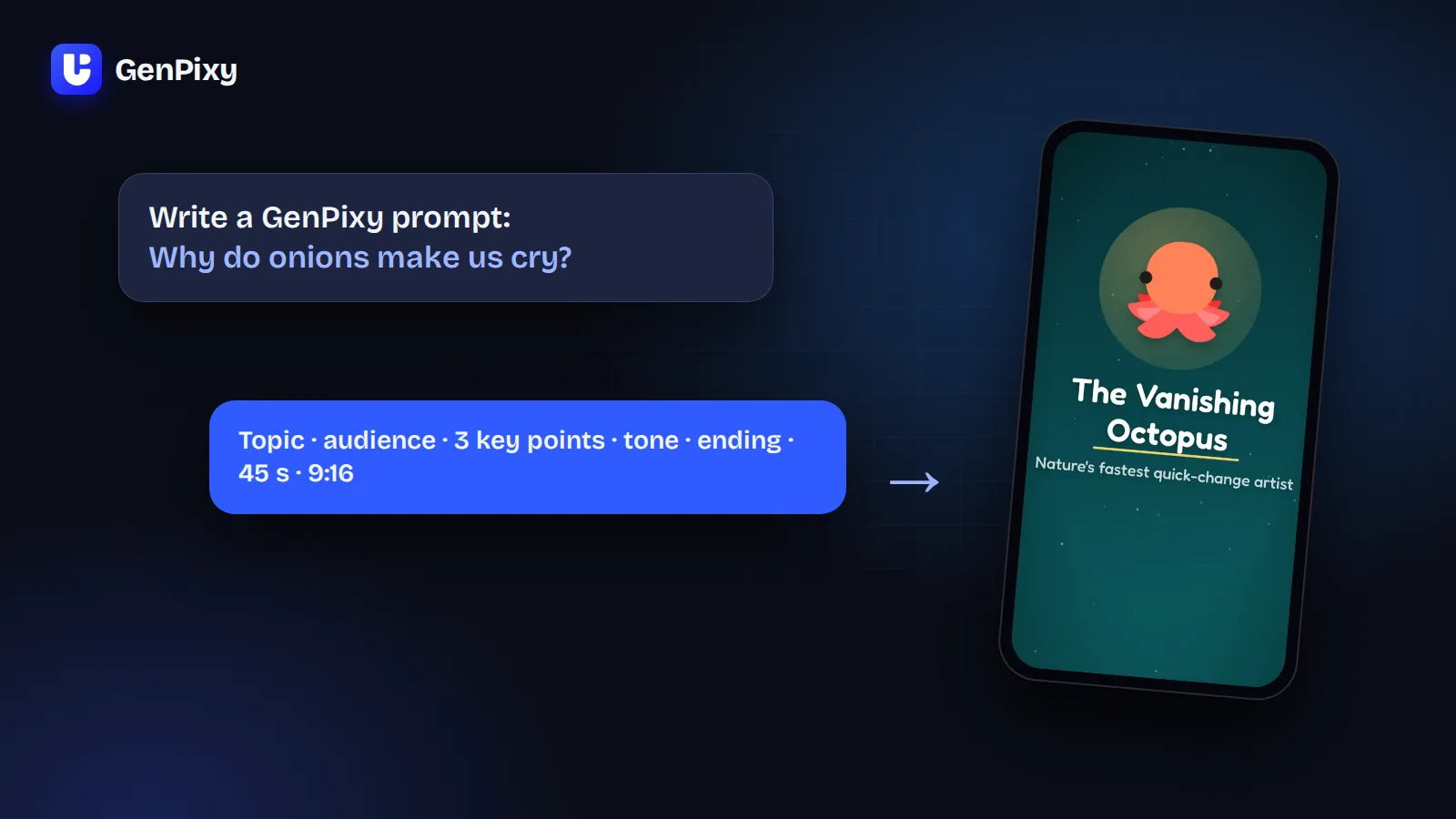
- Type your topic in the box What should the video explain?. One sentence is enough. For more control, add the grade level and the points the video must cover.
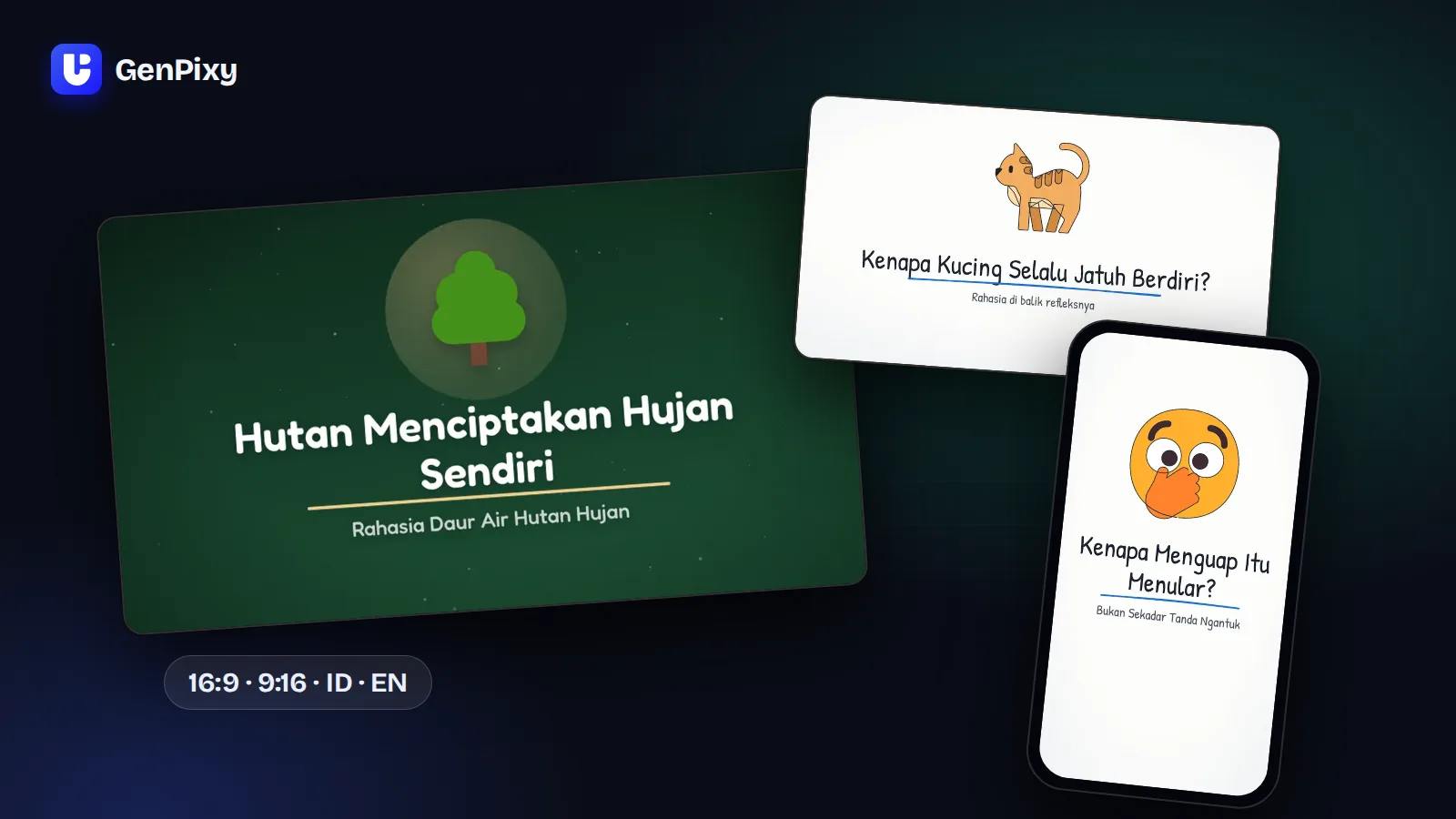
- Choose a format. Landscape 16:9 works for projectors, class TVs, and YouTube. Portrait 9:16 works for phones.
- Choose a style. Whiteboard draws every picture line by line, so students can follow each step. Full Color uses bright, moving scenes that grab attention at the start of a lesson.
- Choose the Narration language (English, Indonesian, or Auto for 70+ languages) and a voice, then select Create video. You can close the page. Your video waits for you in Your videos.
- Watch the video, check the facts, and download the MP4 video, the SRT subtitle file, and the cover image.
Lesson video examples made with GenPixy
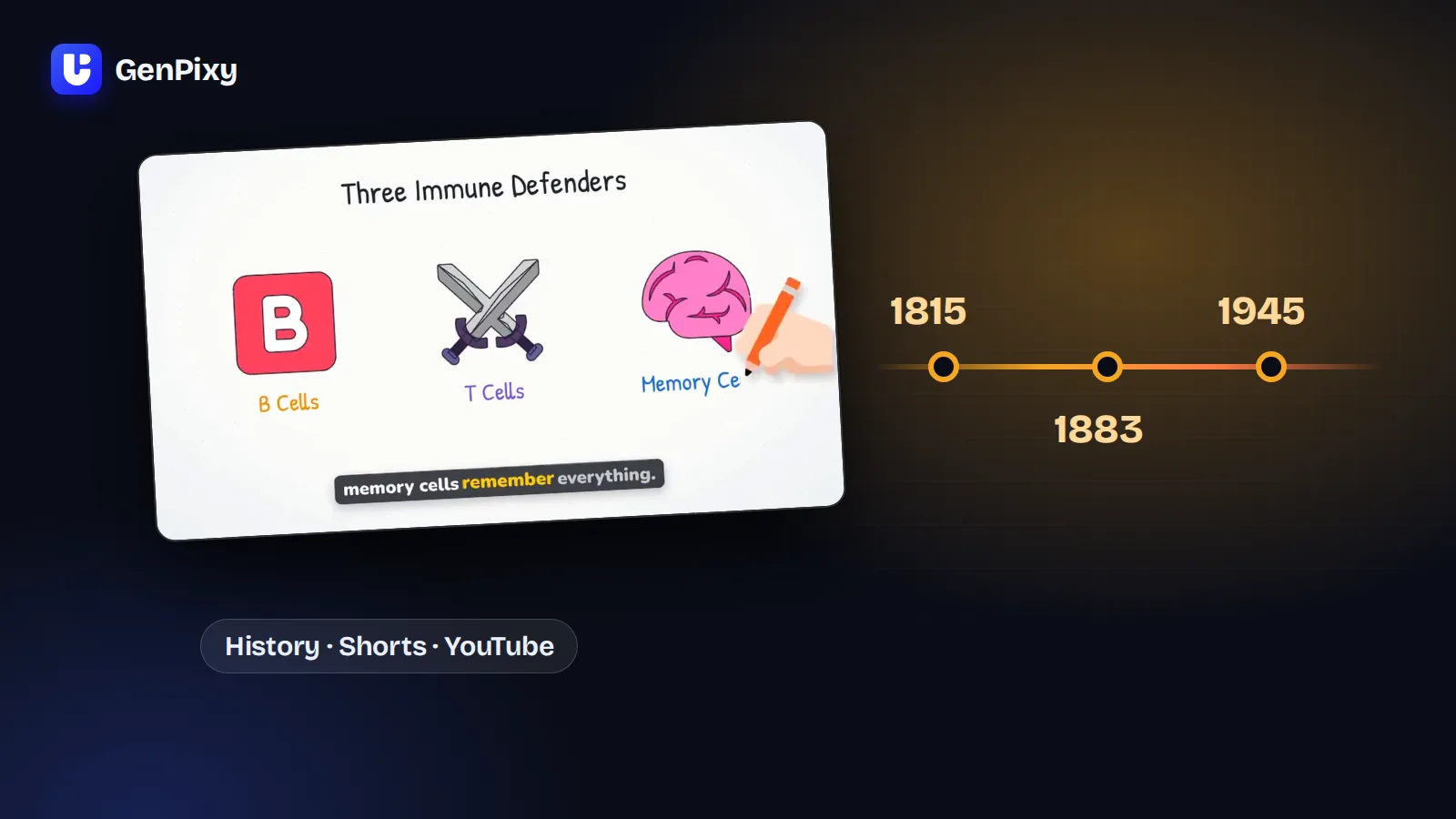
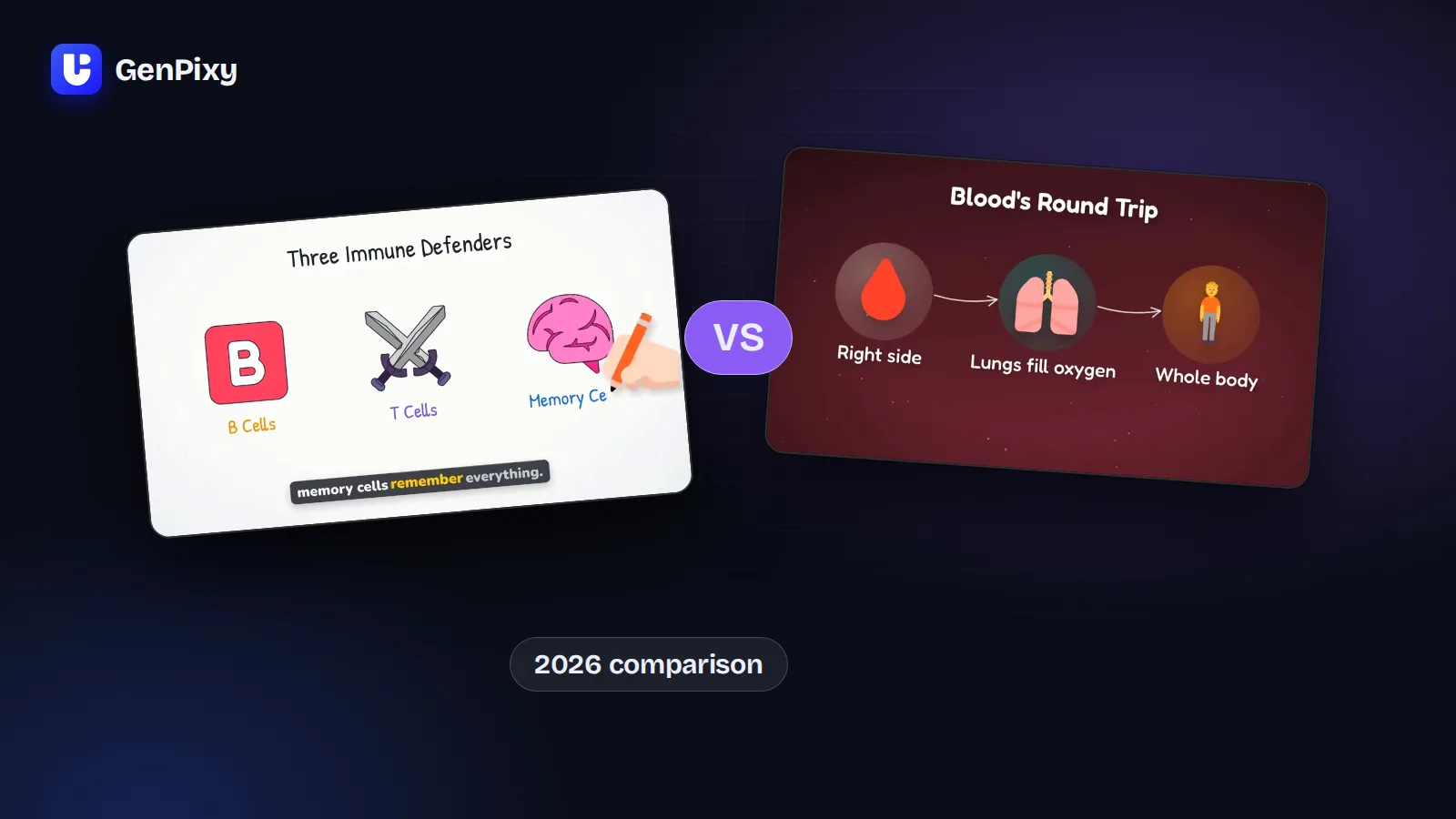
Each video below came from one topic in GenPixy, with no editing.
For more examples, see animated lesson video examples by subject.
How to write a topic that makes a good lesson video
| If you type | You get |
|---|---|
| "Photosynthesis" | A general video about photosynthesis |
| "Explain photosynthesis for 7th grade students" | Words and examples that fit 12-year-olds |
| "Explain photosynthesis for 7th grade. Cover the inputs, the outputs, and the role of chlorophyll. End with one question for the class." | A video that covers the points you asked for |
More tips:
- One video, one idea. A 60-second video is clearest when it explains one concept.
- Name the grade level. Elementary, middle school, high school, or university changes the words and the examples.
- Ask for everyday examples. For example, "use examples from the kitchen".
- Use the Match settings to prompt button. If your topic mentions a length, a format, or a language, GenPixy can set the form to match it.
How to use AI lesson videos in class
- Lesson opener: play a 60-second video before you start the topic.
- Flipped classroom: share the video before class, then use class time for discussion.
- Class group or Google Classroom: students can watch it again at home.
- YouTube or your school LMS: upload the SRT file with the video, so students can turn captions on.
- Two languages: make the same lesson in English and in another language for language learners.
Free or credits?
| Free | Credits | |
|---|---|---|
| Videos per day | Up to 3 | As many as your credits allow |
| Length | Up to 60 seconds | 30 seconds to 10 minutes |
| Quality | 720p | 720p or 1080p |
| Watermark | GenPixy watermark | No watermark |
Free videos for the whole site can run out early on a busy day. Credits you buy do not expire. Current prices are on the pricing page.
What GenPixy does not make
GenPixy makes 2D animated videos, whiteboard or full color. It does not do 3D, realistic footage, videos of your face, or talking avatars. For lessons, simple animation helps students focus on the idea.
Common questions
Can I make lesson videos with AI for free?
Yes. A free GenPixy account can make up to 3 videos per day, each up to 60 seconds at 720p. You do not need a credit card.
Which languages can the narrator speak?
More than 70. Choose English or Indonesian, or choose Auto and write your topic in the language you want, for example Spanish, Hindi, or Arabic.
Can I make lesson videos on my phone?
Yes. GenPixy works in a phone browser, so you do not need an app.
How long does one video take?
Usually a few minutes, depending on the length and the queue. You can close the page while it works.
Are the facts always correct?
No. GenPixy uses AI, and AI can make mistakes. Watch every video before class, and check important facts against your textbook.
Try it now
Make your first free lesson video. For topic ideas, read GenPixy for teachers and university students.