 GenPixy
Shorts Creator: Make Faceless YouTube Shorts, TikToks, and Reels
Make faceless YouTube Shorts, TikToks, and Reels. Type one topic and get a vertical video with narration, captions, and a cover image. Plus topic tips and a simple weekly plan.
阅读约 4 分钟 更新于 2026年10月21日
此页面还没有翻译,暂以英文显示。
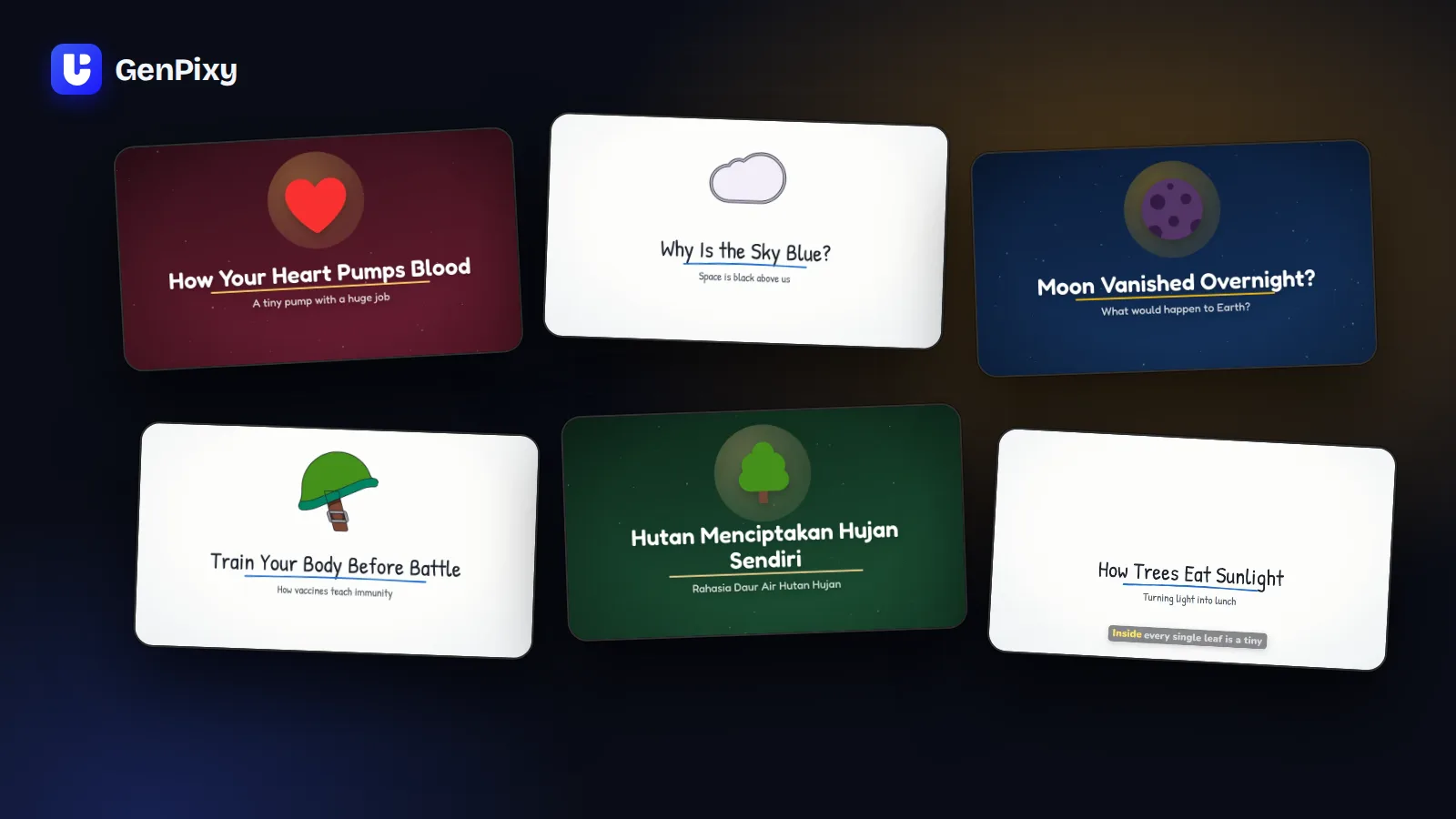
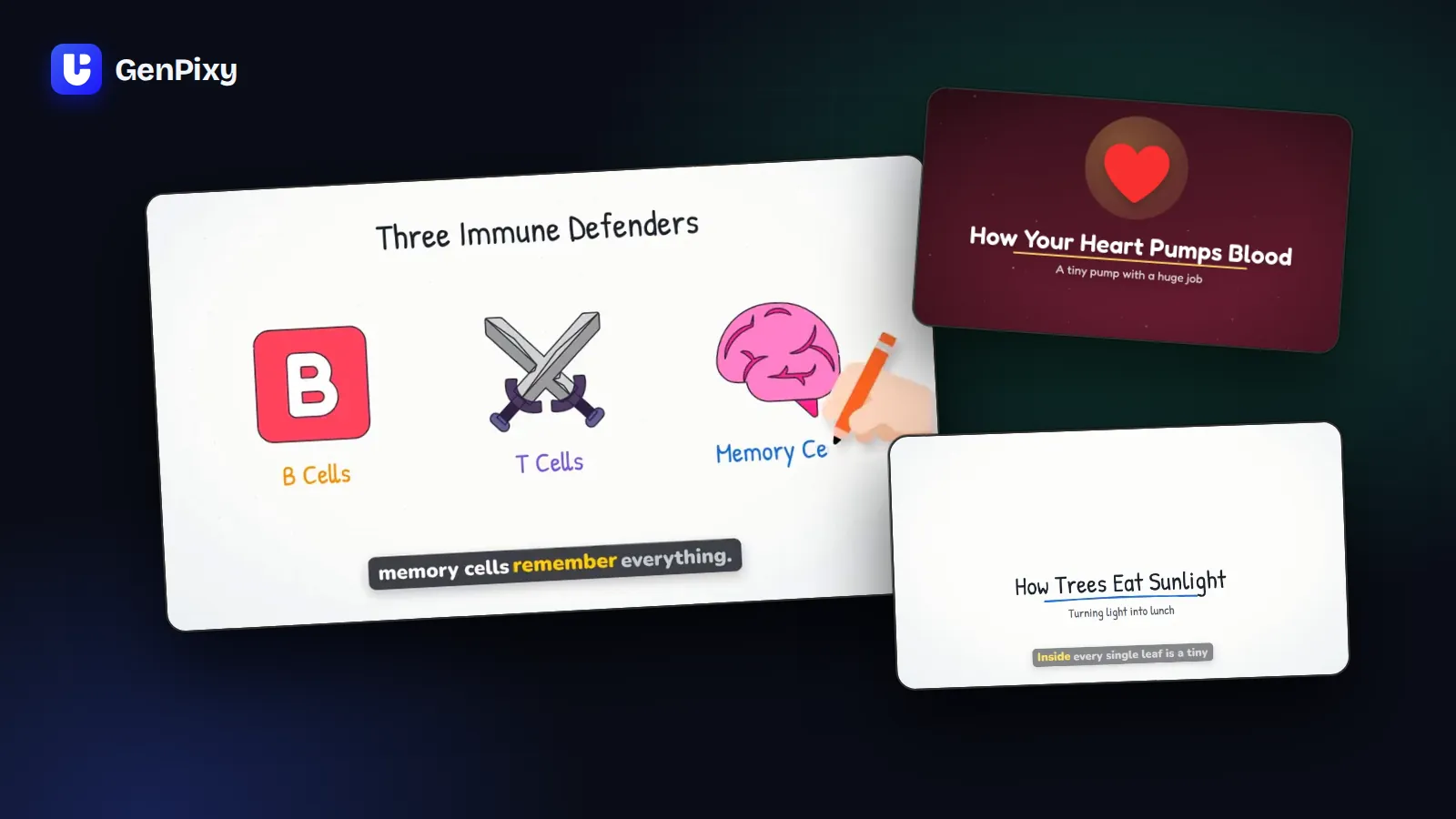
An AI shorts creator makes short vertical videos for you. With GenPixy, you type one topic and get a finished vertical video with narration, animated drawings, and word-by-word captions. You can post the same video on YouTube Shorts, TikTok, and Instagram Reels, and you never show your face.
This guide shows how to make faceless Shorts with AI, how to write topics that stop the scroll, and how to post often without burning out.
Why Shorts are great for faceless creators
- One idea per video. A short video answers one question. That is exactly what an explainer video does.
- Many people watch with the sound off. Captions that highlight each word keep them watching. GenPixy adds them for you.
- Posting often matters. Short-form channels grow when they post often. When one sentence gives you a full video, a regular schedule is easy to keep.
- One video, three platforms. One vertical MP4 file works on YouTube Shorts, TikTok, and Reels.
How to make Shorts with AI in 5 steps
- Make a topic list. Write 10 to 20 questions for one niche, for example animal facts or money basics.
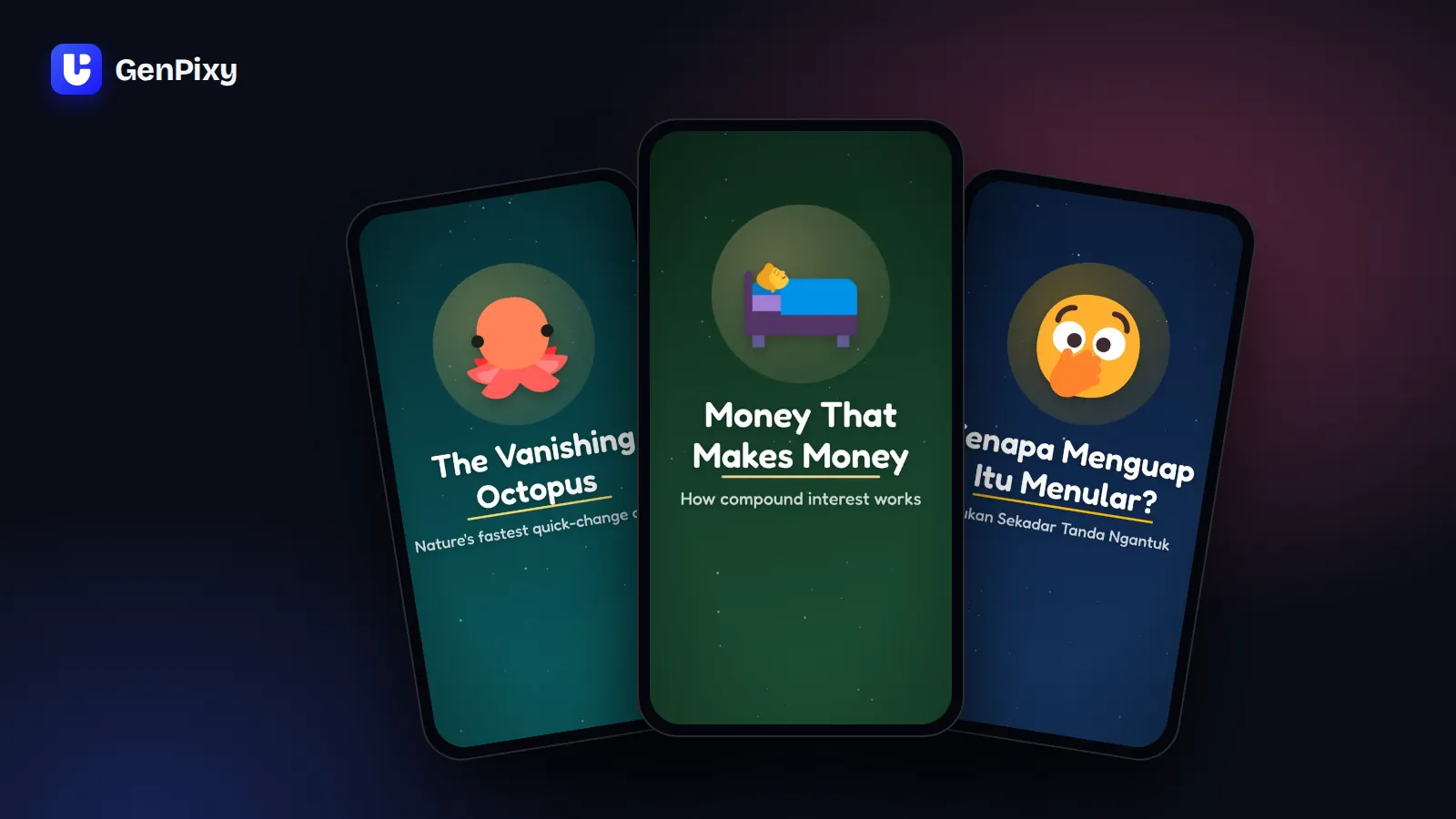
- Choose Portrait 9:19.5. In DrawGen, choose Portrait 9:19.5. Then choose a style: Full Color stands out in a busy feed, and Whiteboard feels calm and clear.
- Choose the length. Use the table below to choose 30, 60, or 90 seconds.
- Keep captions on. Leave Burn in captions on. You also get an SRT subtitle file.
- Post with the ready text. Download the MP4 and the cover image. Copy the suggested title, description, and hashtags, then edit them so they sound like you.
New to GenPixy? Create a free account first.
30, 60, or 90 seconds?
| Length | Best for | Tip |
|---|---|---|
| 30 seconds | One fact, one surprise, or a quick "why" | Good for testing many topics fast |
| 60 seconds | A short "how it works" with a few steps | Good for topics that need a little context |
| 90 seconds (credits) | A complete mini lesson | Good for viewers who like more depth |
Write topics that stop the scroll
Viewers decide in the first seconds whether they keep watching. A specific, curious topic gives you a stronger video and a stronger title.
| Weak topic | Strong topic |
|---|---|
| Octopus facts | How do octopuses change color in the blink of an eye? |
| Yawning | Why is yawning contagious? |
| Saving money | How does compound interest turn small savings into big money? |
| The Moon | What would happen if the Moon disappeared? |
- Ask what people already wonder about. "Why" and "how" questions get searched every day.
- Add a surprise. Words such as "really", "secretly", or "in one second" make people curious.
- Keep one idea per video. Split a big topic into a series of Shorts.
A simple weekly plan
| Step | When | What to do |
|---|---|---|
| Plan | Once a week | Choose a series and write 5 to 7 topics |
| Make | One or two sessions | Make the videos in DrawGen and check the facts |
| Post | Every day | Post one video on YouTube Shorts, TikTok, and Reels |
| Learn | At the end of the week | See which videos people watched to the end, then make more like them |
A free account makes up to 3 videos per day. That is enough for a daily Short. Do you want more videos or 1080p quality? Use credits, and see the GenPixy pricing.
Turn a winning Short into a long video
Did one Short do well? Open it in GenPixy and select Try again with the same settings. Change the format to Landscape 16:9 and the length to 60 or 90 seconds. Now you have a YouTube video about a topic that your viewers already like. On YouTube, link the Short to the long video, so Short viewers can find it.
Common questions
Can AI make YouTube Shorts for free?
Yes. A free GenPixy account makes up to 3 videos per day, each up to 60 seconds long at 720p. Portrait 9:19.5 is included on the free plan, and you do not need a credit card.
Can I post the same video on TikTok, YouTube Shorts, and Reels?
Yes. The vertical MP4 file works on all three platforms. Each platform has its own rules about AI content, so follow them when you post.
Does the AI shorts creator add captions?
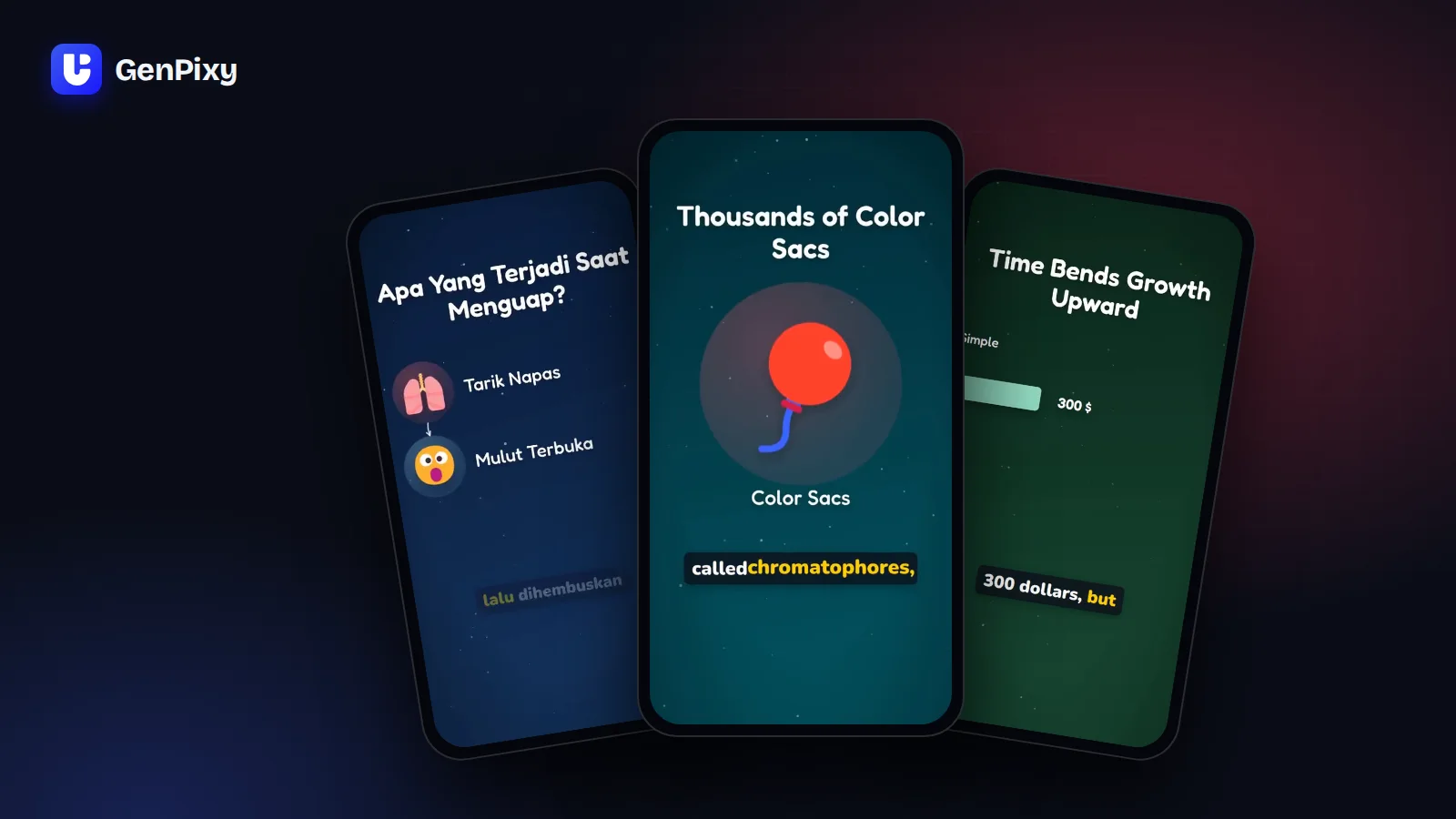
Yes. With Burn in captions on (the default), captions appear in the video and highlight each word as it is spoken. You also get an SRT subtitle file for platforms that accept caption files.
Do I need footage or a long video to start?
No. GenPixy makes a new Short from a topic. You do not need a camera, footage, or a long video to cut clips from.
Can I make Shorts in Bahasa Indonesia?
Yes. Choose Indonesian as the narration language, or write your topic in Indonesian and choose Same as topic.
Start your Shorts channel today
Make your first Short free on GenPixy.
- Want to know which kind of AI tool fits your channel? Read the AI faceless video maker guide.
- Want the hand-drawn look? Read about the AI whiteboard video generator.
- Need a niche? See the niche ideas in how to start a faceless YouTube or TikTok channel.