 GenPixy
GenPixy for Teachers and University Students: Lesson Videos from One Sentence
How teachers and university students use GenPixy to make short, narrated lesson videos in English or Bahasa Indonesia from one topic, with no video editing skills.
阅读约 2 分钟 更新于 2026年10月21日
此页面还没有翻译,暂以英文显示。
A short video with simple drawings and clear narration can help a class follow a new idea. But most teachers and university students do not have time to make one. GenPixy makes a lesson video from one sentence, so you can spend your time on the lesson itself.
How teachers use GenPixy
- Start a new topic: play a 60-second explainer at the start of the class.
- Explain once, replay often: use the same video for every class that studies the topic.
- Help university students review: share the video in the class group, so university students can watch it again at home.
- Teach in two languages: make the same lesson in English and in Bahasa Indonesia.
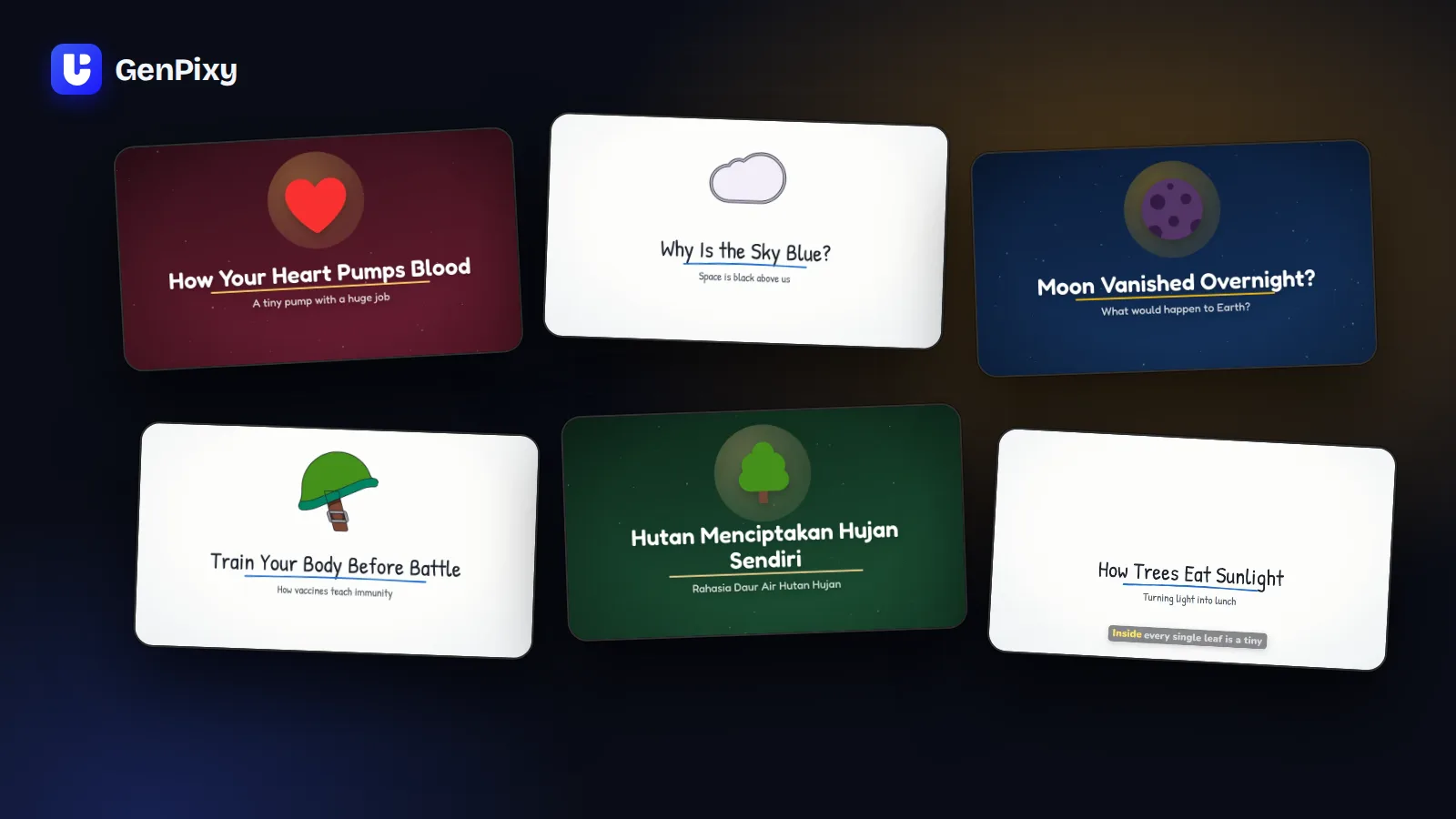
Here are lesson topics that work well in GenPixy:
| Subject | Example topic |
|---|---|
| Science | The water cycle |
| Biology | How does the heart pump blood? |
| Math | Fractions for beginners |
| History | What caused World War I? |
| Geography | Why do some countries have many earthquakes? |
How university students use GenPixy
- Presentations: put a finished video in your slides, or send it to your group.
- Study summaries: turn a chapter title into a 60-second summary before a test.
- Group projects: make a short video that explains your project idea.
GenPixy helps you explain a topic, but you still need to understand it. Check the facts in your video against your textbook or your teacher's notes.
Tips for classroom videos
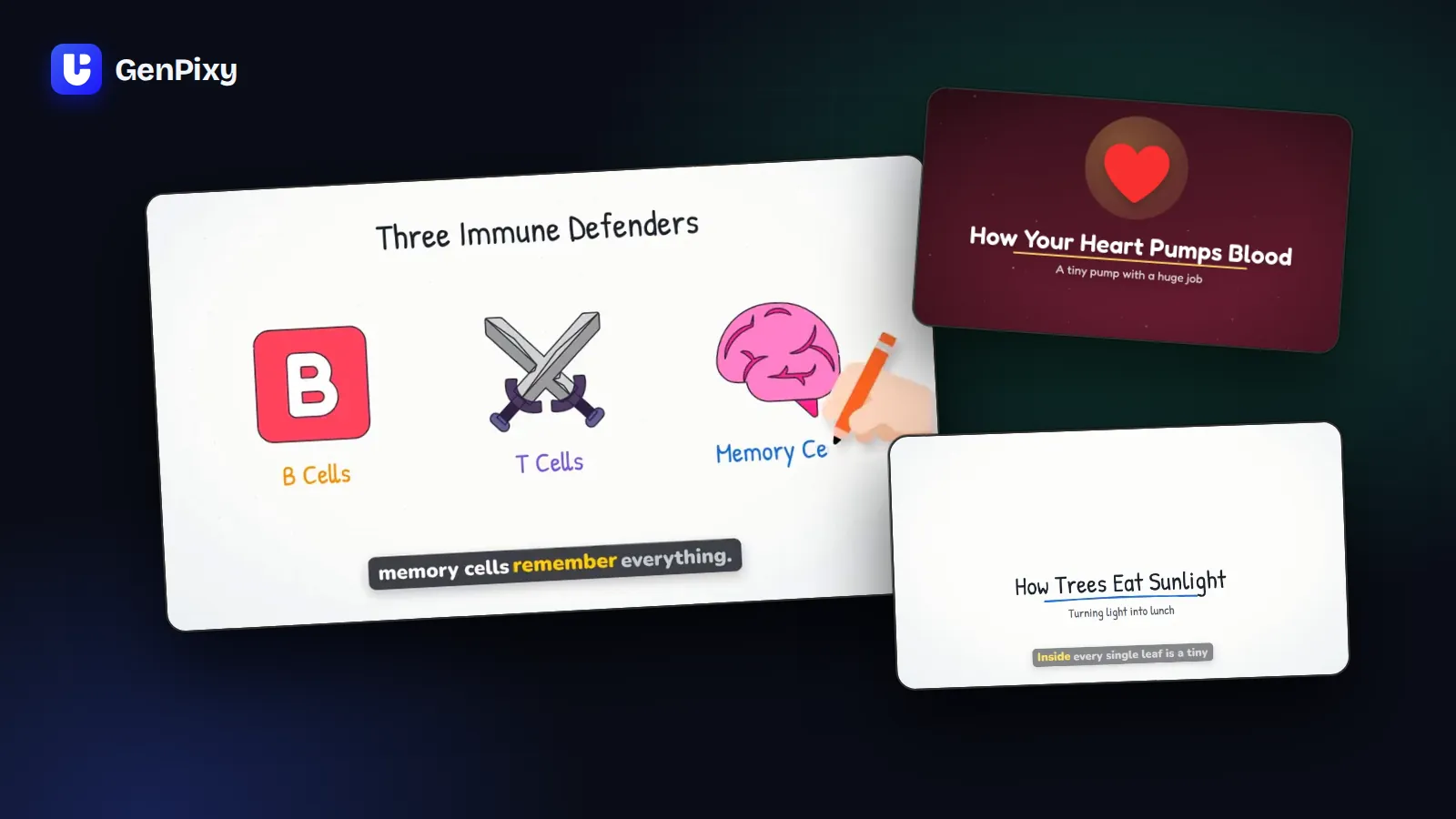
- Use the Whiteboard style for lessons. The drawings appear line by line, so university students can follow each step.
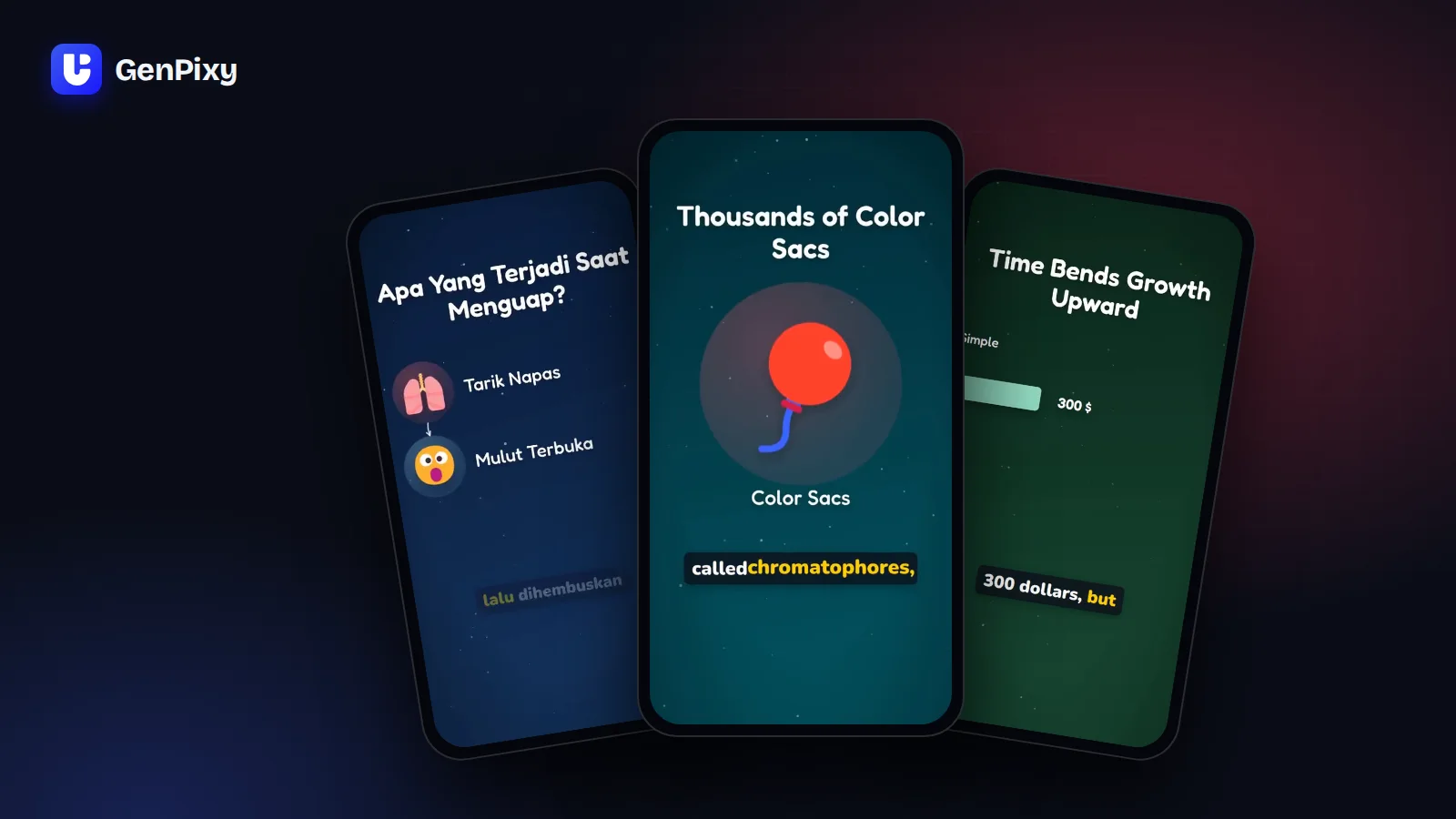
- Use Landscape 16:9 for a projector or a TV, and Portrait 9:19.5 for phones.
- Keep captions on. They help every student follow along, also in a noisy classroom.
- Upload the SRT subtitle file when you post the video to YouTube or to a learning platform.
- Watch every video before class. GenPixy uses AI, and AI can make mistakes.
Start free
A free GenPixy account can make up to 3 videos per day, each up to 60 seconds long. You do not need a credit card. Create your free GenPixy account, then read how to make an explainer video with GenPixy.