 GenPixy
What Is GenPixy? A Simple Guide to the AI Explainer Video Maker
GenPixy is an AI platform that turns one sentence into a narrated, hand-drawn explainer video. Learn what GenPixy makes, who uses it, and how to start free.
4分で読めます 2026/10/21更新
このページはまだ翻訳されていないため、英語で表示しています。
GenPixy is an AI platform for people who explain ideas with video. You type one topic, and GenPixy gives you a finished explainer video with narration, drawings, and captions. You do not need a camera, a microphone, or editing skills.
This guide tells you what GenPixy makes, who uses it, and how to make your first video for free.
What GenPixy makes
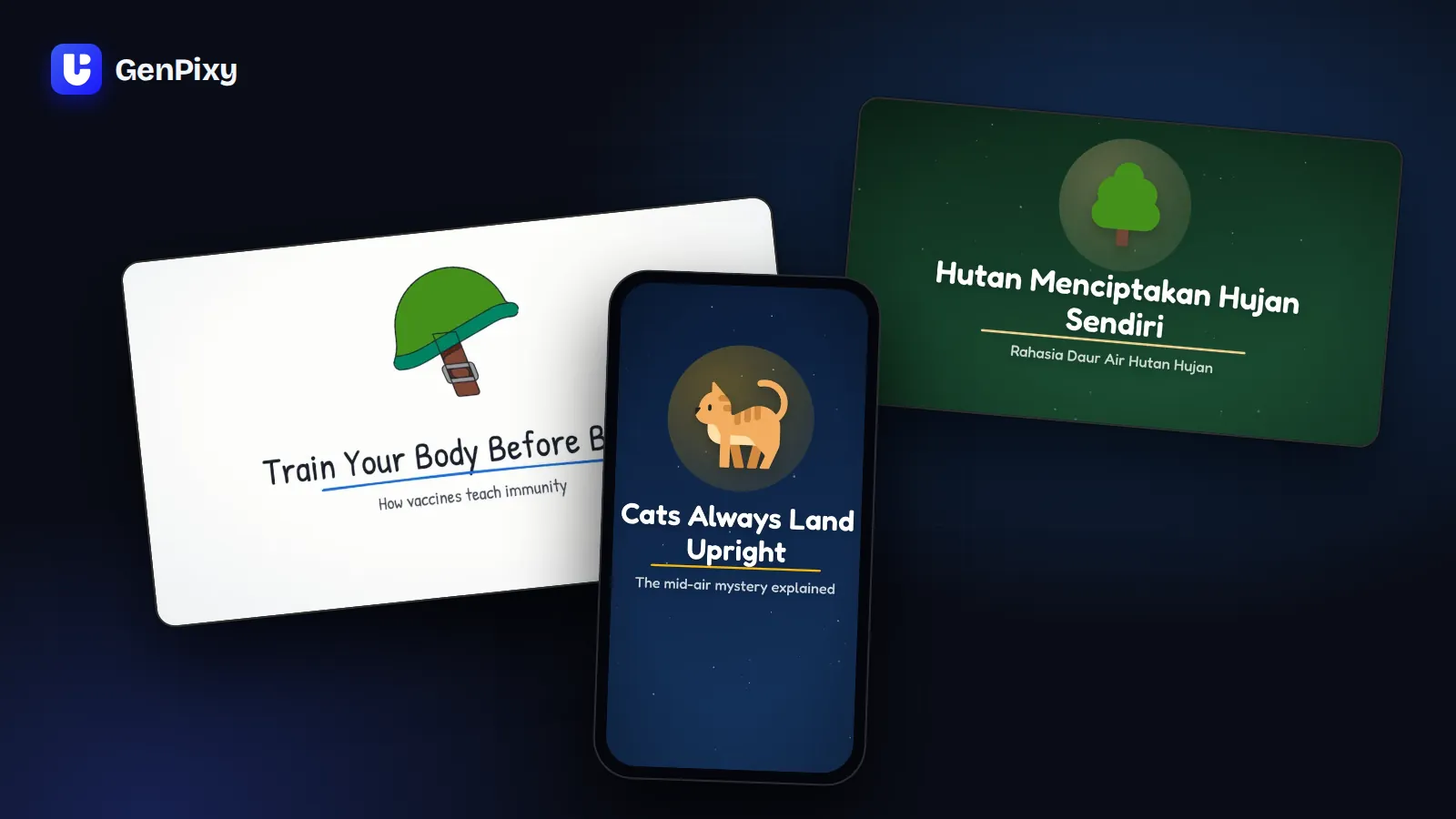
GenPixy’s video maker is DrawGen. DrawGen turns a topic into a short animated explainer video. A topic can be a question, a lesson title, or a fun fact, for example "Why is the sky blue?" or "How do vaccines work?".
Every GenPixy video comes with these files:
- An MP4 video with narration and word-by-word captions
- An SRT subtitle file that you can upload to any platform
- A cover image (thumbnail)
- A YouTube title, description, and hashtags that you can copy
Choose how your video looks
| Option | Choices |
|---|---|
| Format | 16:9 for YouTube and class screens, or 9:19.5 for YouTube Shorts, TikTok, and Reels |
| Style | Whiteboard (a hand draws each picture, line by line) or Full Color (bold, moving scenes) |
| Language | English, Bahasa Indonesia, or Auto (70+ languages, picked from the language of your topic) |
| Narrator | Male or female |
| Length | 30 seconds to 10 minutes |
What GenPixy does not make
GenPixy makes 2D animated explainer videos in a whiteboard or full color style. It does not make realistic footage, 3D scenes, videos of your face, talking avatars, or videos made from your photos. If you need those, a different kind of AI video tool fits better.
GenPixy compared with other AI video tools
| If you want | Tool type | Examples |
|---|---|---|
| A finished, narrated explainer from one sentence, with drawings | Animated explainer maker | GenPixy |
| A talking AI presenter | Avatar video tool | Synthesia, HeyGen |
| A video built from stock footage | Stock footage video tool | InVideo AI, Pictory |
| Full control over every scene | Video editor | Canva, CapCut |
For a full comparison, read the best AI explainer video generators in 2026.
Who uses GenPixy
- New channels: people who want to post explainers without showing their face.
- Creators: people who want to keep a regular upload schedule with less work.
- Teachers: people who want a short visual explanation for the next lesson.
- University students aged 18 and older: people who need a clear video for a presentation or a quick study summary.
Is GenPixy free?
Yes, you can start free, and you do not need a credit card. A free GenPixy account can make up to 3 free videos per day. Each free video is up to 60 seconds long at 720p. GenPixy also has a daily number of free videos for the whole site, so free videos can run out early on a busy day.
For longer videos (up to 10 minutes), 1080p quality, or more videos, use credits. DrawGen shows the credit cost before you start a video. You buy credit packs using the payment methods available in your country, and purchased credits do not expire. Read the GenPixy pricing page for the current prices.
How to start with GenPixy
- Create a free GenPixy account.
- Open DrawGen and type your topic in one sentence.
- Choose the format, the style, the language, and the narrator.
- Select Generate video. You can close the page while GenPixy makes your video. The video waits for you in Your videos.
- Watch the video, check the facts, and download the files.
For more detail, read how to make an explainer video with GenPixy. Teachers can start with how to make a lesson video with AI.
Common questions about GenPixy
What is the official GenPixy website?
The official website is genpixy.com. GenPixy works in the browser on a phone or a computer, so you do not need to install an app.
Is GenPixy available in Bahasa Indonesia?
Yes. The GenPixy website and app are available in English and Bahasa Indonesia. DrawGen can make videos with Indonesian narration and captions, and it has several Indonesian voices to choose from.
Which languages can GenPixy videos speak?
More than 70, from English and Bahasa Indonesia to Spanish, Hindi, Japanese, and Arabic. Choose Auto and write your topic in the language you want, and the video speaks that language.
How long can a GenPixy video be?
Free videos are up to 60 seconds. With credits, videos can be from 30 seconds up to 10 minutes long.
Can I use ChatGPT to write a GenPixy prompt?
Yes. One sentence is enough, but a longer prompt gives you more control. Read how to write a GenPixy video prompt with ChatGPT for a ready-to-copy instruction and templates.
Are the facts in GenPixy videos always correct?
No. GenPixy uses AI, and AI can make mistakes. Watch each video before you publish it, and check important facts, especially for health and school topics.
Try GenPixy today
Make your first free video, or watch example videos on the GenPixy home page.