 GenPixy
GenPixy AI vs Vyond: Which Is Better for Explainers?
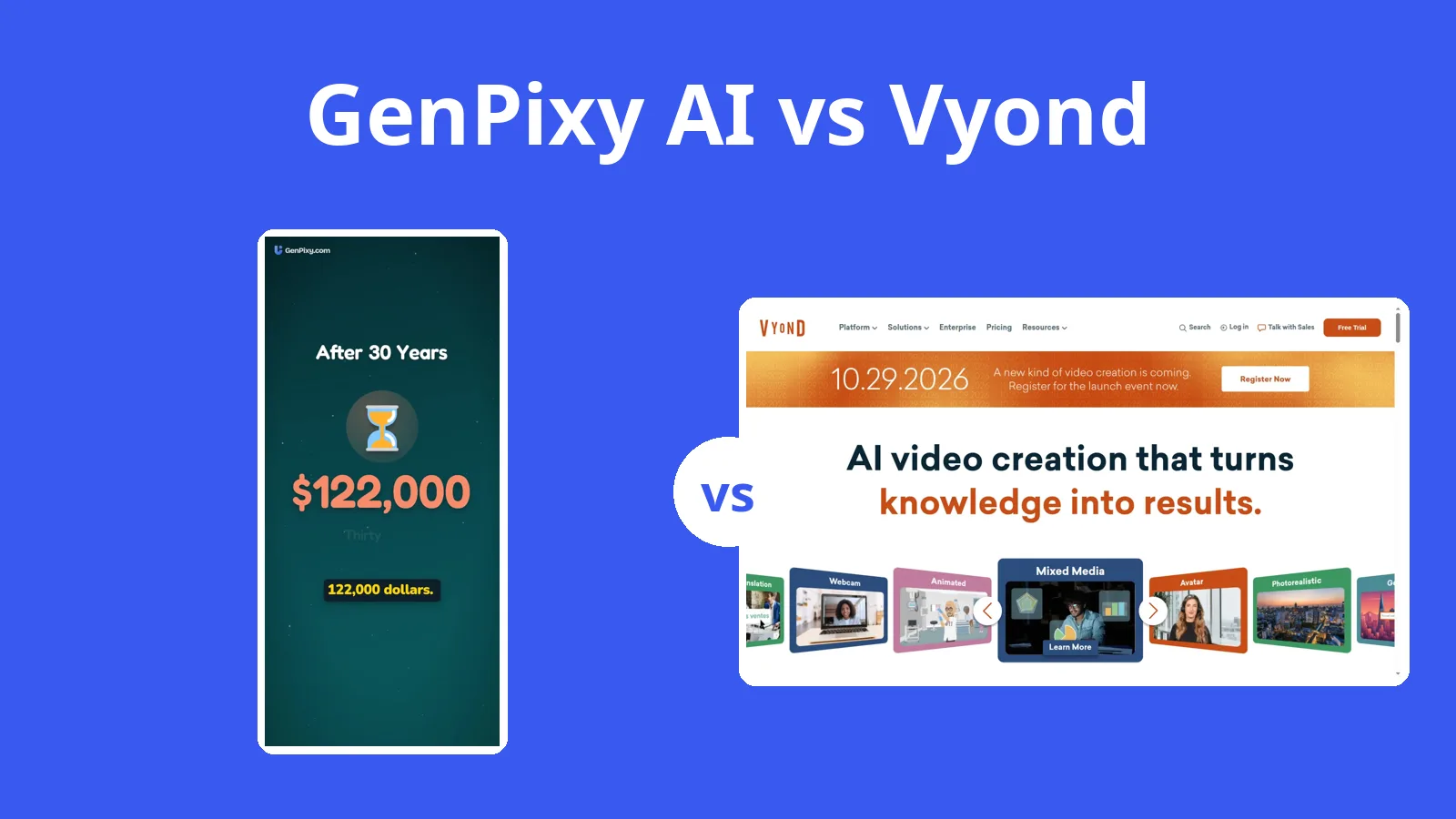
Vyond starts at $58 a month on a yearly team plan and has no free plan. If you make explainers on your own, GenPixy AI charges per video and lets you start free.
5分で読めます
このページはまだ翻訳されていないため、英語で表示しています。
GenPixy AI bills one creator by the video; Vyond sells team subscriptions, with the lowest price at $58 a month paid yearly. For anyone working alone, that gap decides the choice. A topic is enough for GenPixy AI to produce a narrated explainer, and you can start free without a subscription or an editor to learn. Vyond is an enterprise video platform for company teams in training, HR, and marketing. Its price makes sense when the work needs cartoon characters, AI avatars, SCORM export, brand controls, or videos of up to 90 minutes. Vyond facts here come from its website, pricing page, FAQ, and help center, all checked on 27 October 2026.
Making a video in GenPixy AI and in Vyond
| GenPixy AI | Vyond | |
|---|---|---|
| How a video is made | AI makes the whole video: script, drawings, voice, and captions | Vyond Studio editor, plus AI Instant Video from a prompt or a file |
| What you start with | A topic, or your own script (up to 5,000 characters) | A prompt, a .doc, .pdf, .ppt, or .txt file, a URL, or templates |
| Look | Whiteboard (hand-drawn) or Full Color | Cartoon characters, props, and AI avatars |
| Video shape | Landscape 16:9 or Portrait 9:16 | 16:9, 9:16, 1:1, or a custom size |
| Video length | 30 seconds to 10 minutes | 25 to 90 minutes, by plan |
| Voice | AI narration in 70+ languages, male or female voice | Text to speech, avatars with 70+ languages, AI video translation |
| Captions and extras | Word-by-word captions, SRT file, thumbnail, YouTube title and hashtags | Exports .srt and .vtt subtitle files |
| Free option | 3 videos a day, up to 60 s, 720p, no card | Free trial only; trial videos have a watermark |
| Paid price | Credits from $1.00, no subscription; about $0.15 per 1-minute 720p video | Starter $58/month billed yearly ($99 monthly) |
| Works on | Browser on a phone or computer | Browser, plus the Smart Capture mobile app |
Making a GenPixy AI video from a topic
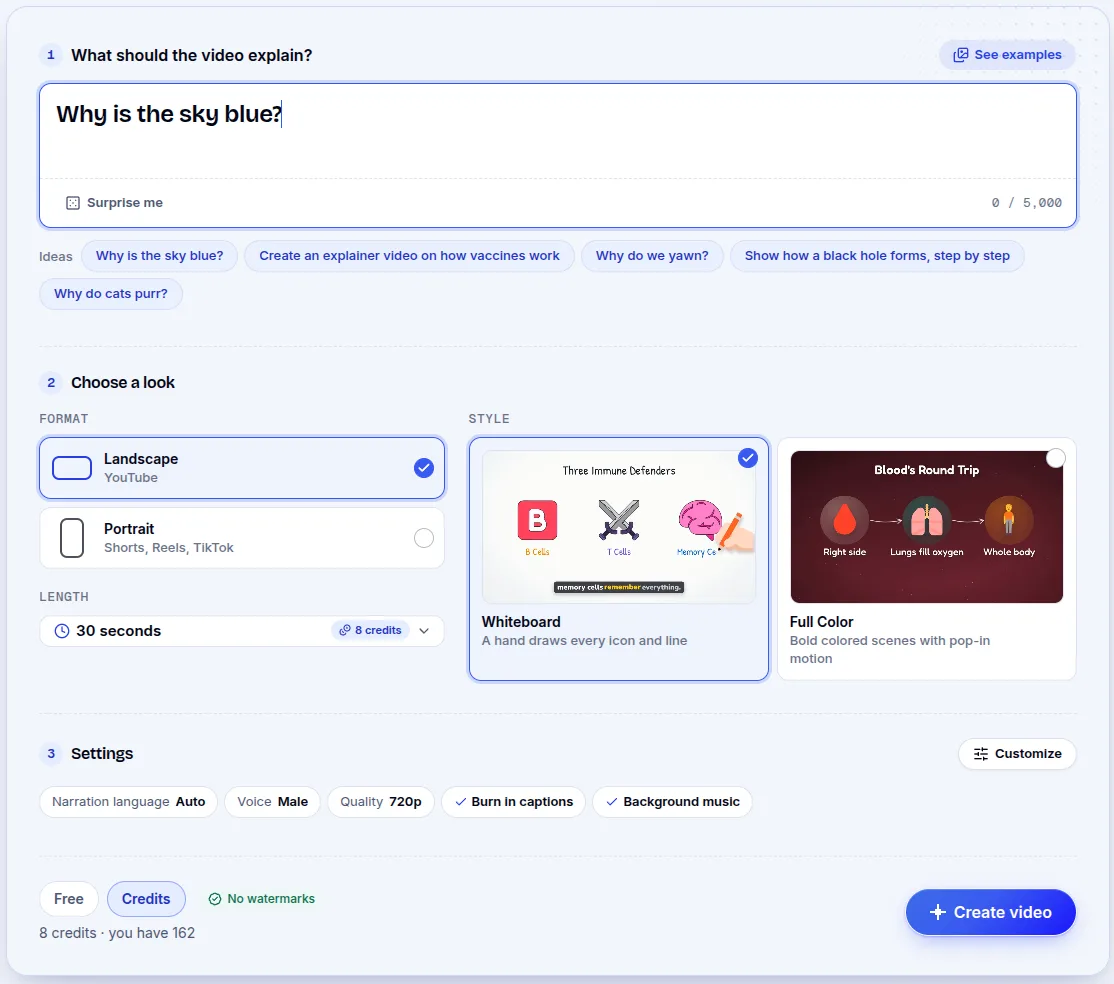
Enter a topic, for example "Why is the sky blue?", or paste your own script of up to 5,000 characters. Then choose the shape (Landscape or Portrait), the look (Whiteboard or Full Color), the narration language, and a duration between 30 seconds and 10 minutes. The tool writes the script and draws the scenes, then adds narration, captions, and music. The download includes an MP4, a subtitle file in SRT, a thumbnail, and a YouTube title, description, and hashtags. It runs in a browser on a phone or a computer.
Vyond Studio and AI Instant Video
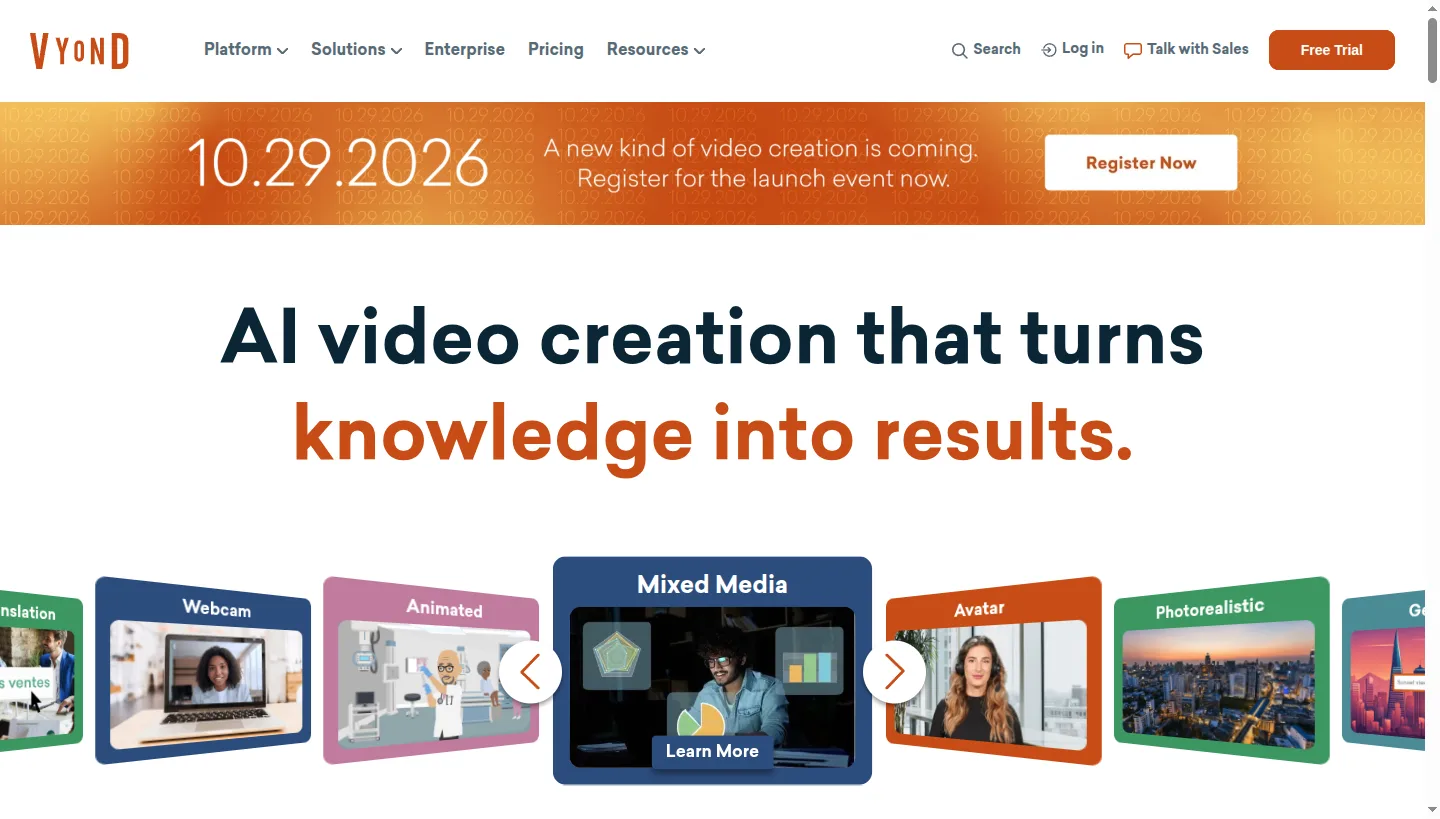
Vyond runs in a browser. In Vyond Studio you build scenes with characters and props, start from a template, and edit many scenes at once. AI Instant Video turns a prompt, document, slide deck, or web page into a first draft. Text to speech, more than 1,300 AI avatars, and AI video translation are also part of the tool. Exports cover MP4 at 1080p, GIF, MP3, SCORM, SRT, VTT, and WebM with a transparent background. Every plan is a subscription, and yearly billing gives the lowest price, while AI features draw on credits.
What one person pays
A single teacher or creator cannot use Vyond for free. The free trial includes 2,000 AI credits, and trial videos carry a watermark; the help center also says a trial allows up to 3 videos and no downloads. The trial leads to paid plans:
| Plan | Billed monthly | Billed yearly | Longest video |
|---|---|---|---|
| Starter | $99 per month | $58 per month | 25 minutes |
| Professional | $199 per month | $100 per month | 40 minutes |
| Enterprise | Yearly only | $137 per month | 90 minutes |
| Agency | Yearly only | $167 per month | 90 minutes |
GenPixy AI has no subscription. The free plan allows 3 videos a day, each one up to 60 seconds in 720p, with no credit card. Videos longer than the free limit, or in 1080p, use credits bought once, from $1.00. A one-minute 720p video costs about $0.15, so ten minutes comes to less than $1. You see the cost before you start, and Indonesian prices appear in rupiah.
The compound interest video, made from one topic
GenPixy AI built this video from a single topic. Press play to see the drawings, hear the voice, and read the captions.
What Vyond does well, and what it costs one person
Vyond is the stronger tool for character animation, with a large library of characters, props, and templates, plus shared spaces, brand management, a security suite, and SCORM export. It also has more than 1,300 AI avatars, AI video translation, square or custom sizes, GIF and transparent WebM export, and videos up to 90 minutes. Those features sit behind a team subscription: no free plan, a trial limited to 3 videos with a watermark, AI credits drawn from a monthly pool, and a 25-minute cap on the cheapest plan. The plans assume a team rather than a single buyer.
A teacher or creator buying alone
For a company with a training or marketing budget, Vyond is a strong choice. One teacher or creator making a quick explainer pays for coordination and capacity that the job does not use. GenPixy AI turns a topic into a narrated explainer, adds captions plus an SRT file, and costs nothing to try on the free plan.
Questions about cost and cartoon characters
Is GenPixy AI a cheaper Vyond alternative?
Yes, because Vyond's cheapest plan is $58 per month if you pay for a year. GenPixy AI takes no subscription: a set number of free videos each day, then credits from $1.00.
Can I use Vyond without paying?
You can use it only through a free trial, and anything made in it carries a watermark. GenPixy AI's free plan allows up to 3 videos a day.
Can GenPixy AI make cartoon characters like Vyond?
GenPixy AI makes hand-drawn whiteboard scenes or full color illustrated scenes with icons and diagrams, not cartoon characters that move and talk. For those, Vyond is the better fit.
Sources
These pages reflect information from 27 October 2026. Plans and prices change, so check the Vyond site before you buy.
For other tools, see the comparison page and our 2026 AI explainer video generator list.
Start free with GenPixy AI. No credit card needed.