 GenPixy
GenPixy AI vs StrokeVideo: Which Is Better for Explainers?
StrokeVideo has 23 drawing styles and narrates in 15 languages. GenPixy AI narrates in 70+ languages and includes an SRT caption file with every video.
5分で読めます
このページはまだ翻訳されていないため、英語で表示しています。
GenPixy AI narrates in 70+ languages and gives you free videos to download; StrokeVideo has 23 drawing styles and can start from a PDF. You bring a topic or a script, and either one returns a narrated, hand-drawn explainer.
What each tool takes in and what it costs
StrokeVideo figures are from its own site and pricing page as of 27 October 2026.
| GenPixy AI | StrokeVideo | |
|---|---|---|
| How a video is made | AI makes the whole video: script, drawings, voice, and captions | AI makes the whole video from a topic or script |
| What you start with | A topic, or your own script (up to 5,000 characters) | A topic, a script, a recording, a web page, a PDF, or a Word file |
| Look | Whiteboard (hand-drawn) or Full Color | 23 drawing styles (marker, chalkboard, crayon, and more) |
| Video shape | Landscape 16:9 or Portrait 9:16 | 3:2, 16:9, or vertical 9:16 |
| Video length | 30 seconds to 10 minutes | 30 seconds to about 15 minutes |
| Voice | AI narration in 70+ languages, male or female voice | AI narration in 15 languages, or your own recording |
| Captions and extras | Word-by-word captions, SRT file, thumbnail, YouTube title and hashtags | No official statement found about captions or SRT files |
| Free option | 3 videos a day, up to 60 s, 720p, no card | 1 free video a day, up to 2 minutes, no watermark, 2-second end card |
| Paid price | Credits from $1.00, no subscription; about $0.15 per 1-minute 720p video | $19.90/month for 40 minutes; $99.90/year for 500 minutes |
| Works on | Browser on a phone or computer | Browser, also on phones |
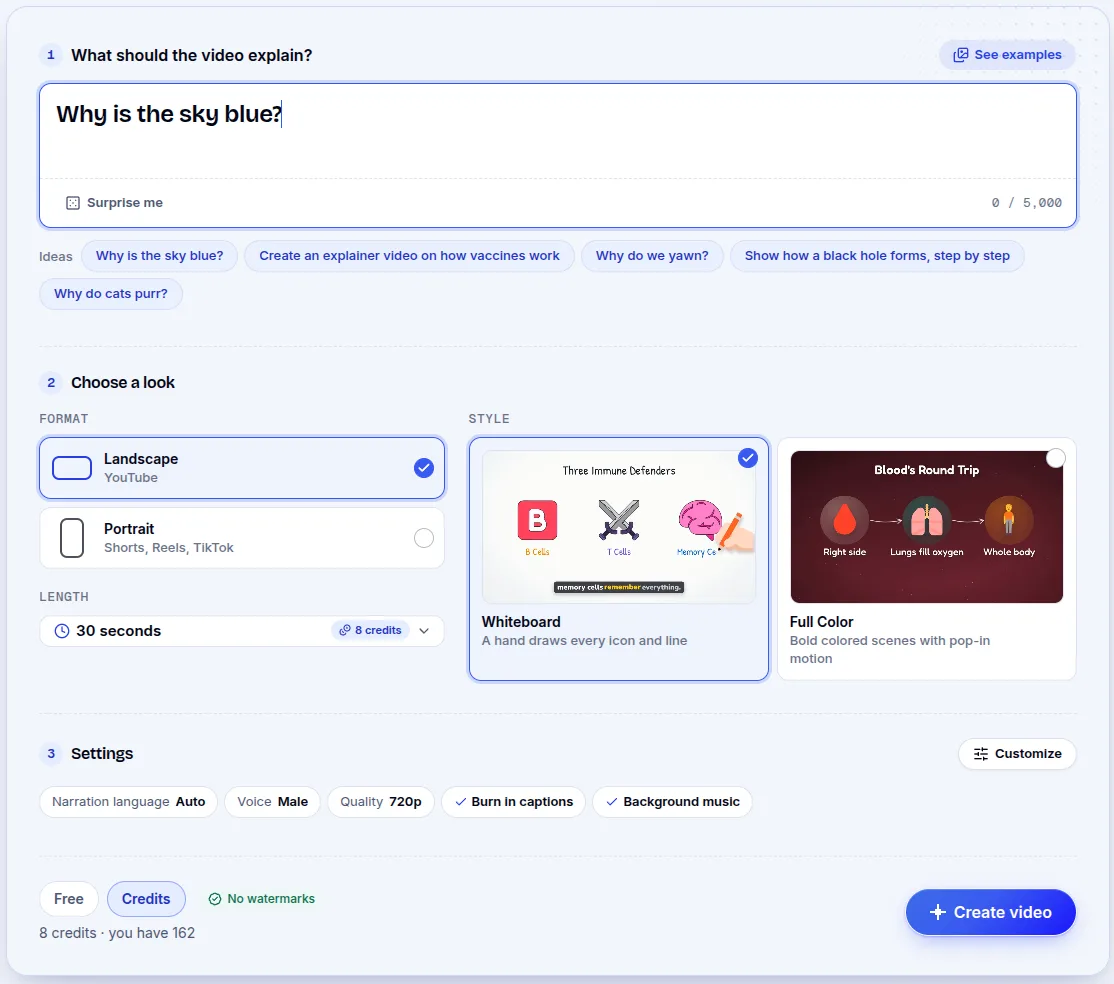
A GenPixy AI video from topic to download
Give GenPixy AI a topic (the sample uses "Why is the sky blue?") or paste a script you already have. Pick portrait or landscape, Whiteboard or Full Color, a length between 30 seconds and 10 minutes, and the voice language. It writes the script, draws the images, and adds voice, captions, and music. The download includes the MP4, a thumbnail, and an SRT subtitle file, plus hashtags, a YouTube title, and a description.
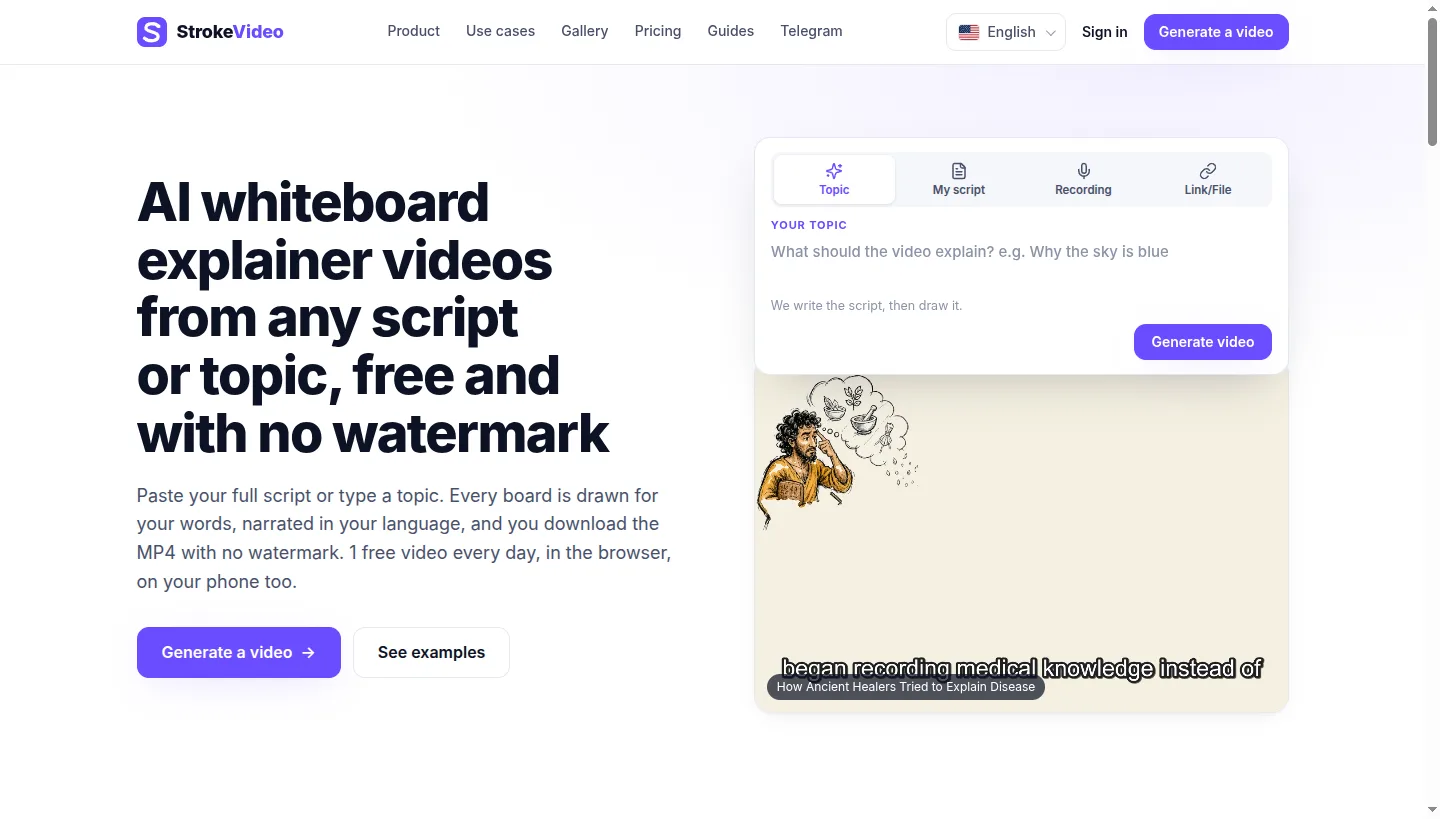
PDFs, recordings, and board edits in StrokeVideo
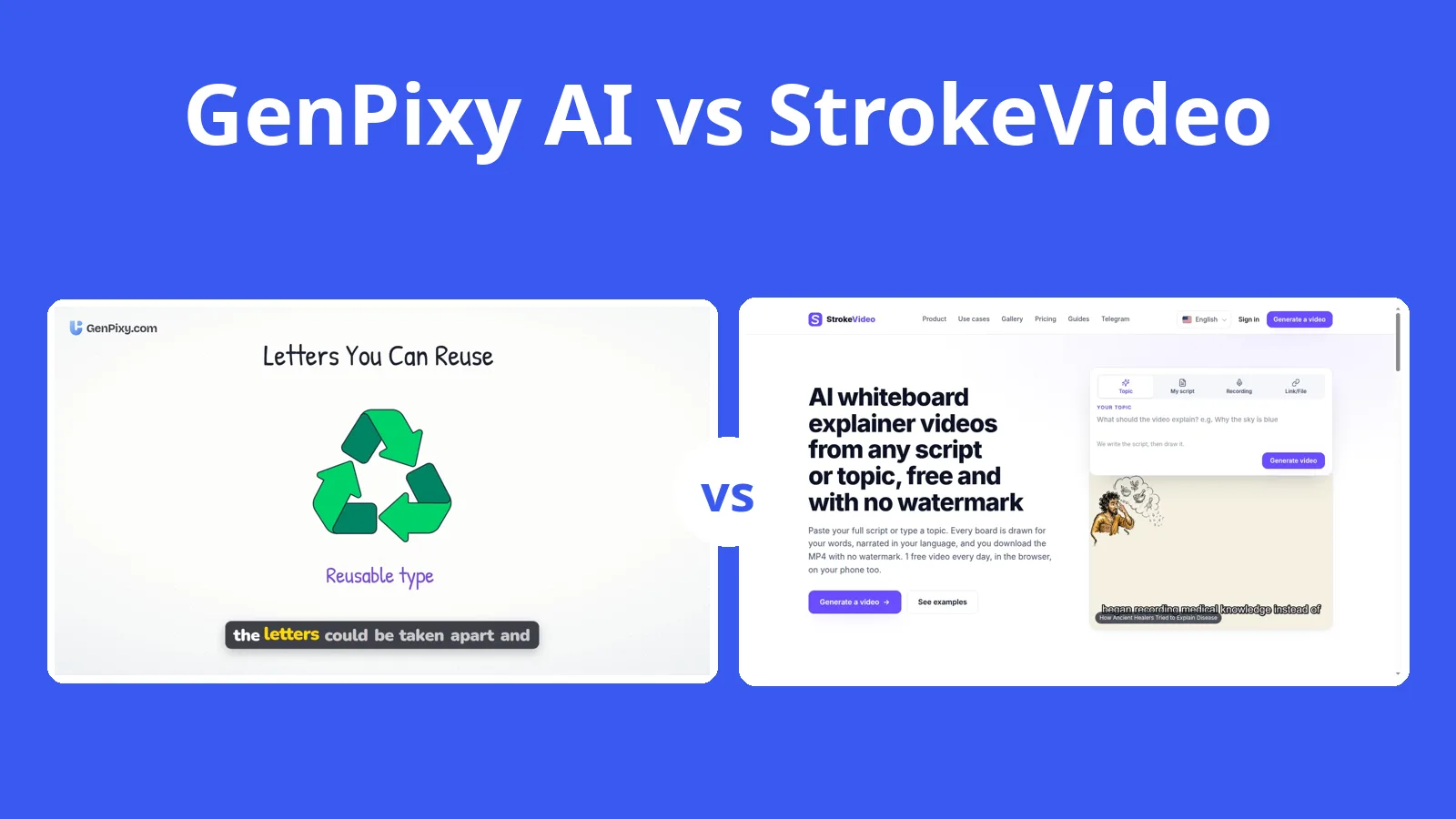
StrokeVideo runs in a browser. You can start with a topic or a script, or bring a recording, web page, PDF, or Word file. It writes the script, draws the boards, adds narration, and renders the video stroke by stroke. You choose a voice, one of 23 drawing styles, and a length. After rendering, you can redraw one board, swap a picture, or record the narration again. It is a new, small product, and its maker answers questions in a public Telegram group. Free videos end at the 2-minute mark; the site says nothing about captions or an SRT file.
StrokeVideo's minutes and GenPixy AI's credits
Paid StrokeVideo plans sell minutes, with 50 credits equal to 1 minute:
| Plan | Price | Video included | Price per minute |
|---|---|---|---|
| Monthly | $19.90 per month | 40 minutes | $0.50 |
| Quarterly | $39.90 per 3 months | 120 minutes | $0.33 |
| Yearly | $99.90 per year | 500 minutes | $0.20 |
StrokeVideo notes that prices vary by region, so the numbers you see may differ. Its credits do not expire.
GenPixy AI uses credit packs, not a subscription; packs start at $1.00. A 720p minute runs about $0.10 to $0.15, a 720p video of 10 minutes costs under $1, and the price appears before you confirm. In Indonesia, prices are listed in rupiah.
A GenPixy AI sample: The Printing Press
This sample started from a single topic in GenPixy AI. Its video shows the drawings with narration and on-screen captions.
When StrokeVideo's extra inputs matter
StrokeVideo is the right tool when you need one of its 23 drawing styles, since GenPixy AI has two looks. It also starts from a PDF, a Word file, a web page, or your own recording, and you can fix one board after the render without making a new video. Its length limit of about 15 minutes goes past GenPixy AI's 10.
StrokeVideo's free plan, languages, and captions
StrokeVideo's free video runs once a day for up to 2 minutes, adds a 2-second end card, and offers narration in 15 languages; its pages say nothing about captions or an SRT file.
Where GenPixy AI is easier to use
For a hand-drawn explainer, most people will find GenPixy AI easier: it has more languages, a Full Color look, captions plus an SRT file, and credit pricing instead of a subscription.
Narration languages, cost, and product questions
Are StrokeVideo and GenPixy AI the same product?
They are separate products from different companies, though each turns a topic into an AI whiteboard explainer.
Which one supports more languages?
GenPixy AI lists more than 70 narration languages; StrokeVideo lists 15.
Which one is cheaper?
StrokeVideo's Yearly plan works out to $0.20 per minute. GenPixy AI credits run roughly $0.10 to $0.15 a minute at 720p; a small pack starts at $1.00 and requires no subscription.
Sources
All sources were checked on 27 October 2026. Prices and plans can change, so confirm details on the official page before paying.
Our comparison page covers more tools; our 2026 roundup of AI explainer video generators has the wider list.
Create a free GenPixy AI video. No credit card needed.