 GenPixy
GenPixy AI vs Doodly: Which Is Better for Explainers?
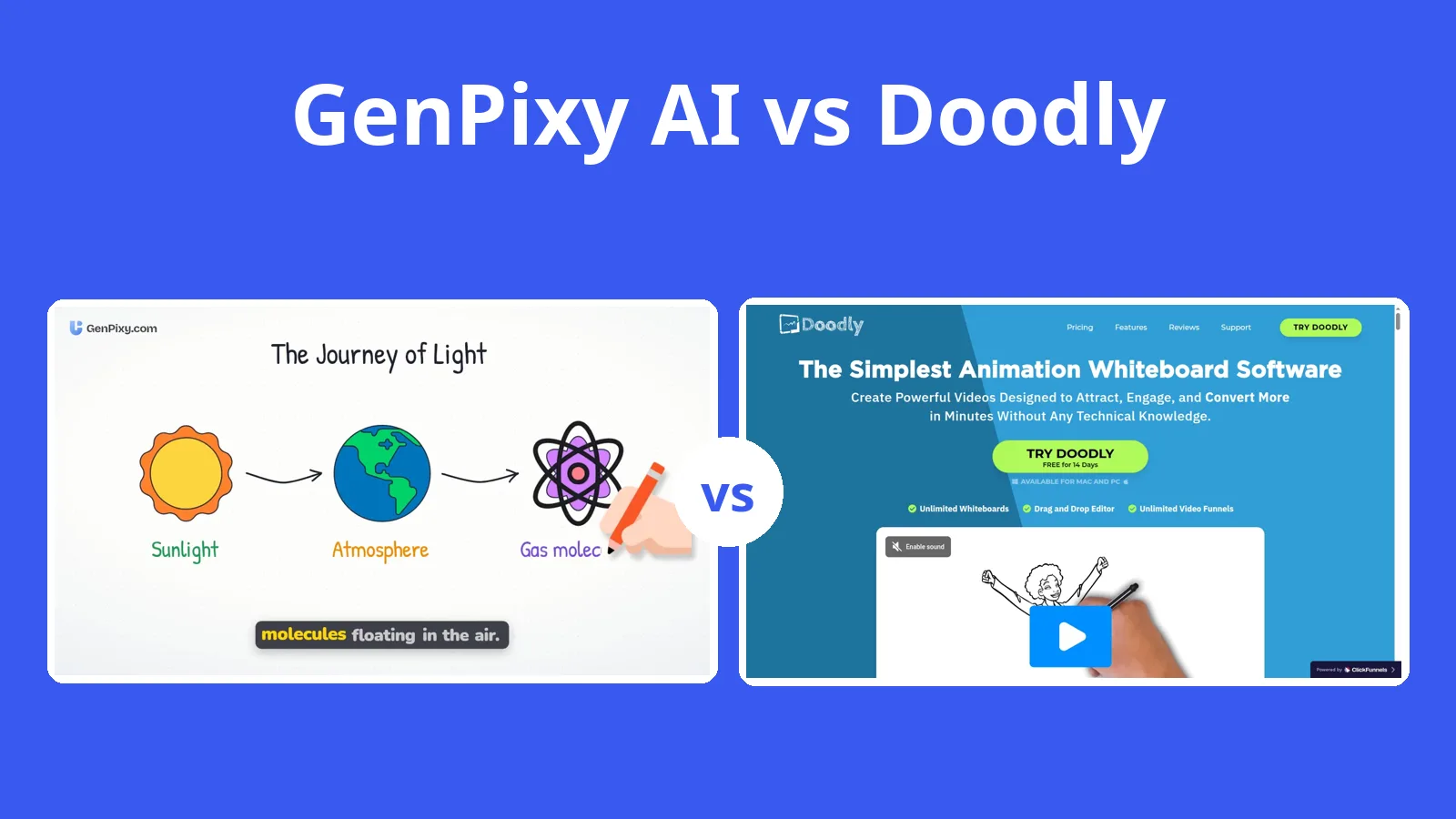
In Doodly you drag every character onto the canvas and record the voice yourself. GenPixy AI starts from a topic you type and gives you back a narrated video.
5分で読めます
このページはまだ翻訳されていないため、英語で表示しています。
In Doodly you place characters on a board and record the voice yourself; GenPixy AI builds a video from a topic, with narration and captions. Doodly's official pages list no AI script writer, so each scene is a manual build. GenPixy AI can begin with your topic or a pasted script and supply the script, drawings, narration, captions, and music.
Scene building in Doodly, topic entry in GenPixy AI
Doodly's information comes from its own site and pricing page, read on 27 October 2026.
| GenPixy AI | Doodly | |
|---|---|---|
| How a video is made | AI makes the whole video: script, drawings, voice, and captions | You build each scene in a drag-and-drop editor |
| What you start with | A topic, or your own script (up to 5,000 characters) | Templates, characters, and props |
| Look | Whiteboard (hand-drawn) or Full Color | Whiteboard and blackboard doodles |
| Video shape | Landscape 16:9 or Portrait 9:16 | Not stated on the official pages |
| Video length | 30 seconds to 10 minutes | Not stated |
| Voice | AI narration in 70+ languages, male or female voice | Record or upload your own; text to speech through Talkia, a separate product |
| Captions and extras | Word-by-word captions, SRT file, thumbnail, YouTube title and hashtags | Not stated |
| Free option | 3 videos a day, up to 60 s, 720p, no card | 14-day free trial; no free plan |
| Paid price | Credits from $1.00, no subscription; about $0.15 per 1-minute 720p video | Standard $49/month or $490/year |
| Works on | Browser on a phone or computer | Desktop app for Windows and Mac (needs internet) |
What one topic produces in GenPixy AI
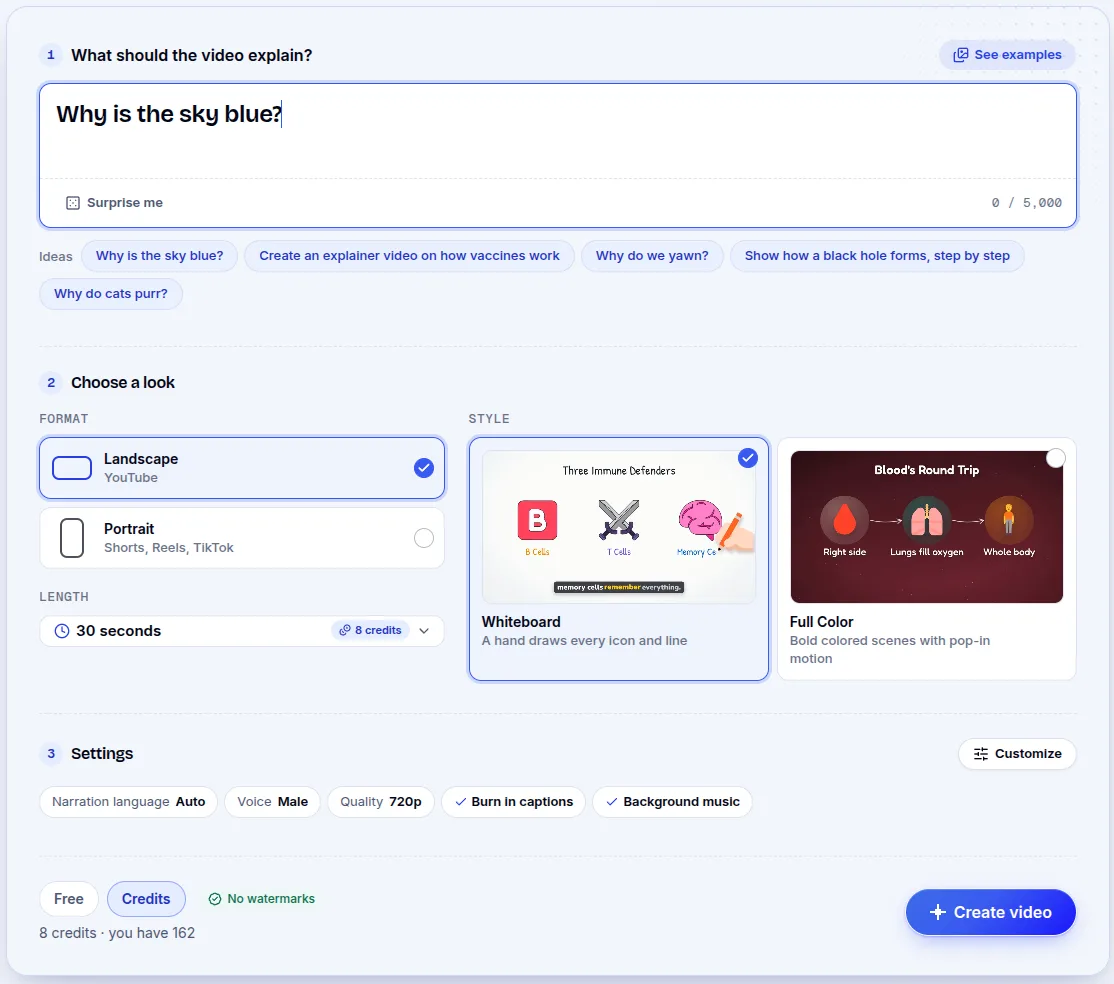
GenPixy AI accepts a topic such as “Why is the sky blue?” or a script you paste in. You set orientation, look, length, and narration language on the form, and the tool produces the script, drawings, voice, captions, and music. The result is an MP4, an SRT subtitle file, a thumbnail, and a YouTube title, description, and hashtags. It works in a browser on a phone or a computer.
Building every scene in Doodly
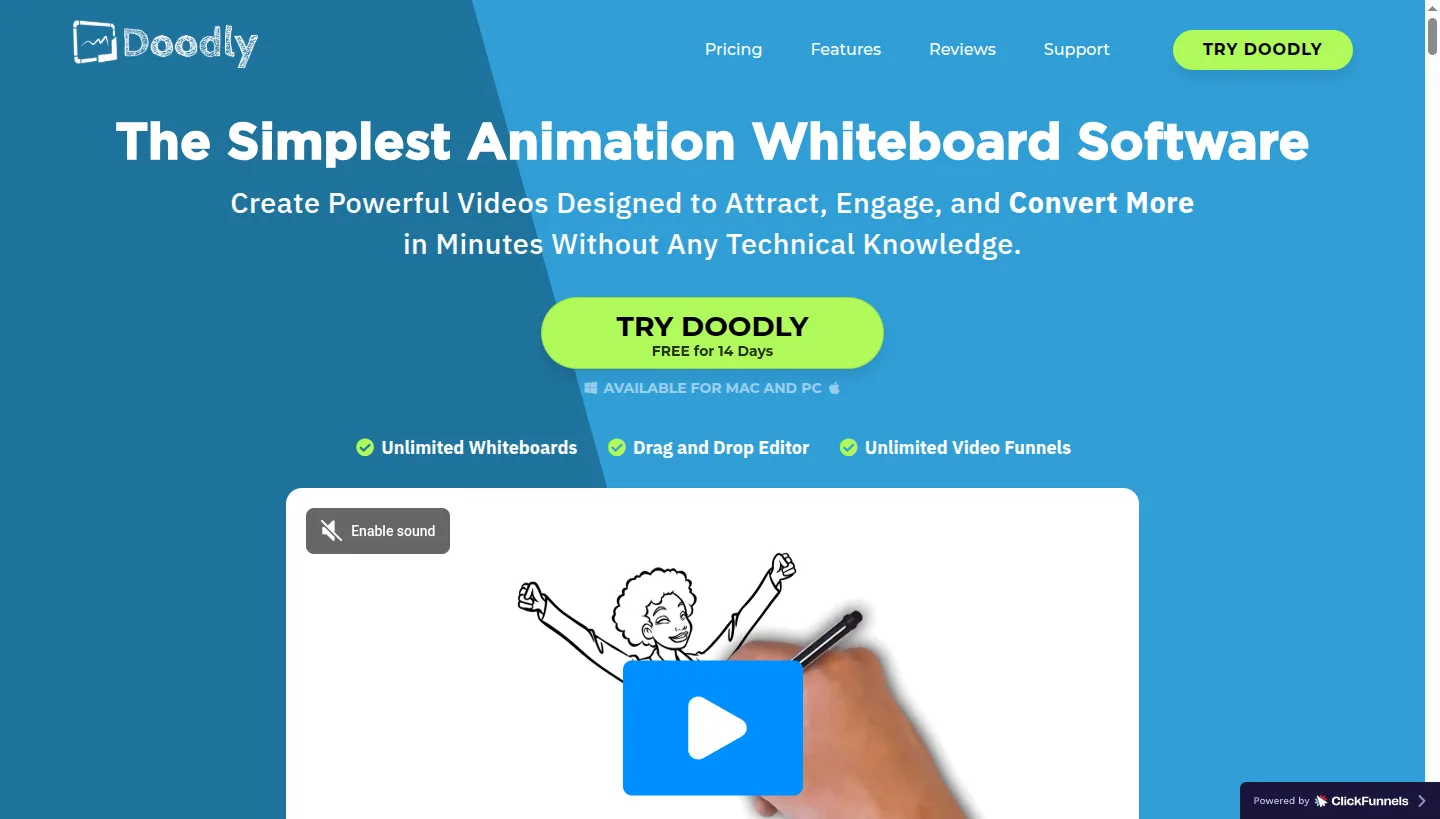
Doodly is whiteboard animation software from Voomly. You choose characters, props, and scene templates, arrange them on a board, and Doodly animates a hand drawing them. You also get blackboard mode, can import your own PNG or JPEG images and fonts, and can set a custom drawing path for each image. For voice, record your own, upload audio, or use Talkia, a separate text to speech product. The app runs on Windows and Mac, needs an internet connection, and exports MP4 from 360p to 1080p. Those pages list no AI script writer and no topic-to-video feature; every video comes from scenes you build.
Doodly's trial and GenPixy AI's credits
Doodly has no free plan. It offers a 14-day free trial and a 30-day money-back guarantee. Its official pricing page lists:
| Plan | Billed monthly | Billed yearly |
|---|---|---|
| Standard | $49 per month | $490 per year |
| Enterprise | $79 per month | $790 per year |
Both plans include unlimited videos. Enterprise adds more characters, props, music tracks, templates, and fonts. The home page sometimes shows special offers that differ from this list.
GenPixy AI uses prepaid credits instead of a monthly plan. Each day the free tier includes 3 videos up to 60 seconds at 720p, and no card is needed. You spend credits for longer videos and 1080p output, with packs from $1.00. One minute of 720p video costs around $0.15, while ten minutes of 720p remains below $1. The exact cost is shown before you create, and Indonesian customers pay in rupiah.
Why Is the Sky Blue?, made from one topic
The video below began with one topic in GenPixy AI; the drawings, narration, and captions came from the tool.
Doodly's character, prop, and drawing path controls
Doodly earns its price when you want control over every scene and the drawing path of each image. Standard includes 1,164 character images and 1,620 props. The flat price covers unlimited videos and the other Voomly tools.
Limits that come with manual scene building
AI voiceover is not built in, every video needs manual scene building, and the desktop app requires an internet connection.
When Doodly's scene-by-scene work makes sense
Doodly makes sense for a marketer who likes building each doodle scene and does not mind recording the voiceover. A teacher or a student who needs a finished explainer can give GenPixy AI one topic and get the script, drawings, narration, and captions; a creator can do the same. You can start on the free tier.
Doodly's trial, plan, and voice questions
Is GenPixy AI a good Doodly alternative?
Yes, if you want the video made for you. GenPixy AI takes a topic and returns the script, drawings, narration, and captions; in Doodly, you build every scene.
Does Doodly have a free plan?
Doodly has no free plan. After a 14-day trial, plans start at $49 per month or $490 per year. GenPixy AI lets you make 3 videos a day without paying.
Does Doodly have AI voiceover?
Doodly has no built-in AI voiceover. You record your own voice, upload audio, or use Talkia, a separate text to speech tool from the same company. GenPixy AI includes AI narration in more than 70 languages.
Where the Doodly facts come from
We read the Doodly pages listed here on 27 October 2026. Prices and plans change, so check Doodly's own page before you buy.
More comparisons are on our comparison page. Our 2026 guide to AI explainer video generators covers the wider field.
Start a GenPixy AI video without a card.