 GenPixy
An InVideo AI alternative for drawn explainer videos
InVideo AI builds videos from generated and stock footage, priced in credits per generation. GenPixy AI makes drawn whiteboard and cartoon explainers, priced per finished video.
3分で読めます

このページはまだ翻訳されていないため、英語で表示しています。
InVideo AI and GenPixy AI both take a prompt and give you a video. That's about where the overlap ends. InVideo AI pulls together realistic clips from AI video models and stock media and puts an AI voiceover on top. We make drawn explainers instead, in Whiteboard, Color Board or the Animate cartoon style, and every scene gets illustrated to match the sentence being said. Need footage that looks like someone filmed it? Go with InVideo AI, that's what it's built for. Need one idea to finally make sense to people? That's more our thing.
InVideo AI and GenPixy AI side by side
We took the InVideo AI facts from its official pricing page and help center on 8 November 2026.
| GenPixy AI | InVideo AI | |
|---|---|---|
| Kind of video | Drawn explainer: Whiteboard, Color Board, or Animate cartoon | Realistic clips from AI video models and stock media |
| What you start with | A topic, notes, or your own script (up to 5,000 characters) | A text prompt |
| Narration | Included, 70+ languages, male or female voice | AI voiceover |
| Extras in the download | Word-by-word captions, SRT file, thumbnail, YouTube title and hashtags | Not listed on the pricing page |
| How you pay | Per finished video, no subscription; a failed video is never charged | Monthly plans per seat, counted in credits that each generation uses |
| Paid plans | See the pricing page | Basic from $9 per seat a month, Pro $30, Ultra $80; less on yearly billing |
| Free option | Free videos every day, up to 60 seconds | A free plan with a small number of credits |
Generated footage or drawn scenes
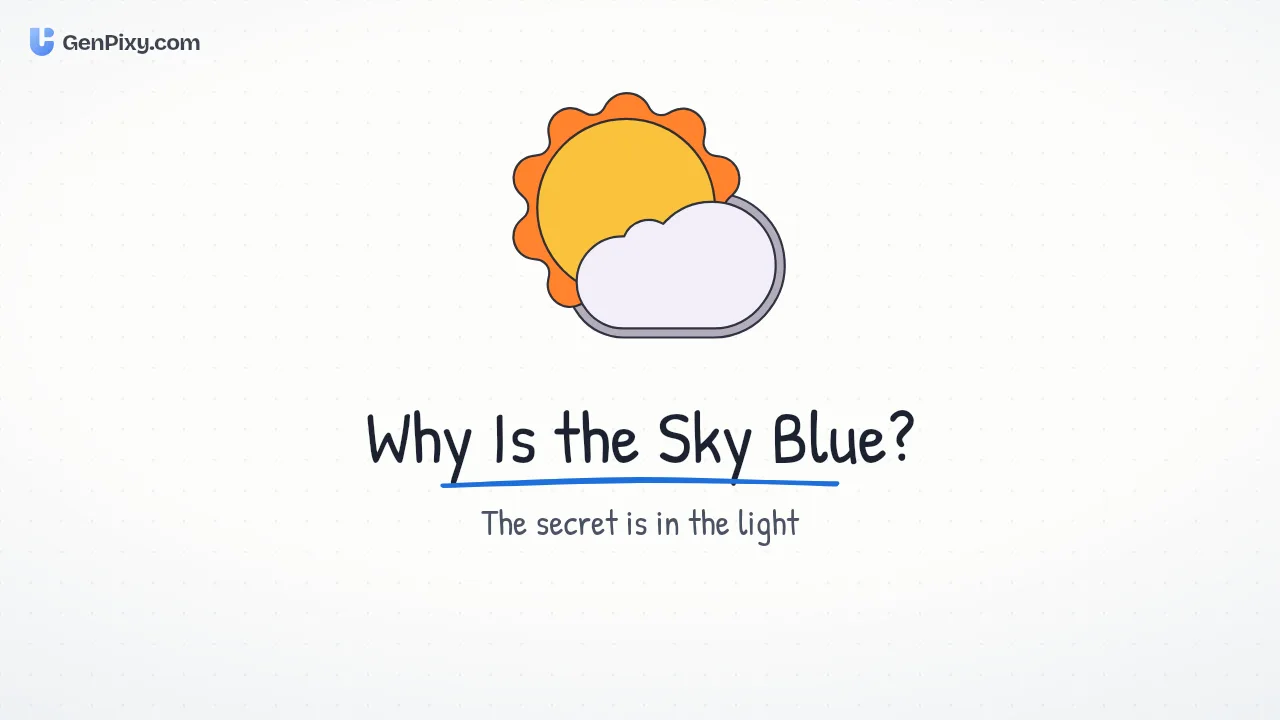
Footage is amazing at showing what a thing looks like. A beach. A product on a table. A busy street at night. Where it struggles is showing how something works, because no camera is getting inside a cell, or filming a loan as it grows, or catching sunlight scattering blue. A drawing can do all three. It keeps the bits that matter and quietly drops the rest.
So that's really the choice. Mood shots, travel and product b-roll? InVideo AI's generated footage makes sense there. Lessons, how-it-works topics, training, those curious-question channels? Drawn scenes usually get the point across faster. There's also a consistency thing. A drawn explainer looks the same from the first scene to the last, while a video stitched from separate clips needs more babysitting to feel like one piece.
How the bill adds up
InVideo AI counts credits per generation, and the different AI video models eat different amounts, so redoing a scene takes a bigger bite out of your plan. We charge for the finished video at whatever length you pick. You see the price before it starts, and if a video fails you don't pay. One thing to know: a new version made with Try again counts as a new video.
InVideo AI alternative questions
For explainers, yeah, we'd say so. Type a topic or paste a script and you get a narrated, captioned video with drawn scenes. Realistic footage is a different story though, InVideo AI is still the better pick for that.
No, and that's on purpose. Everything is drawn or cartoon. No realistic footage, no real people, no face swaps.
Sure. As long as it fits the length you pick, GenPixy AI reads it word for word.
You can. Free videos every day, up to 60 seconds each, and you won't need a credit card.