 GenPixy
 AI vs Canva: Which Is Better for Explainer Videos?
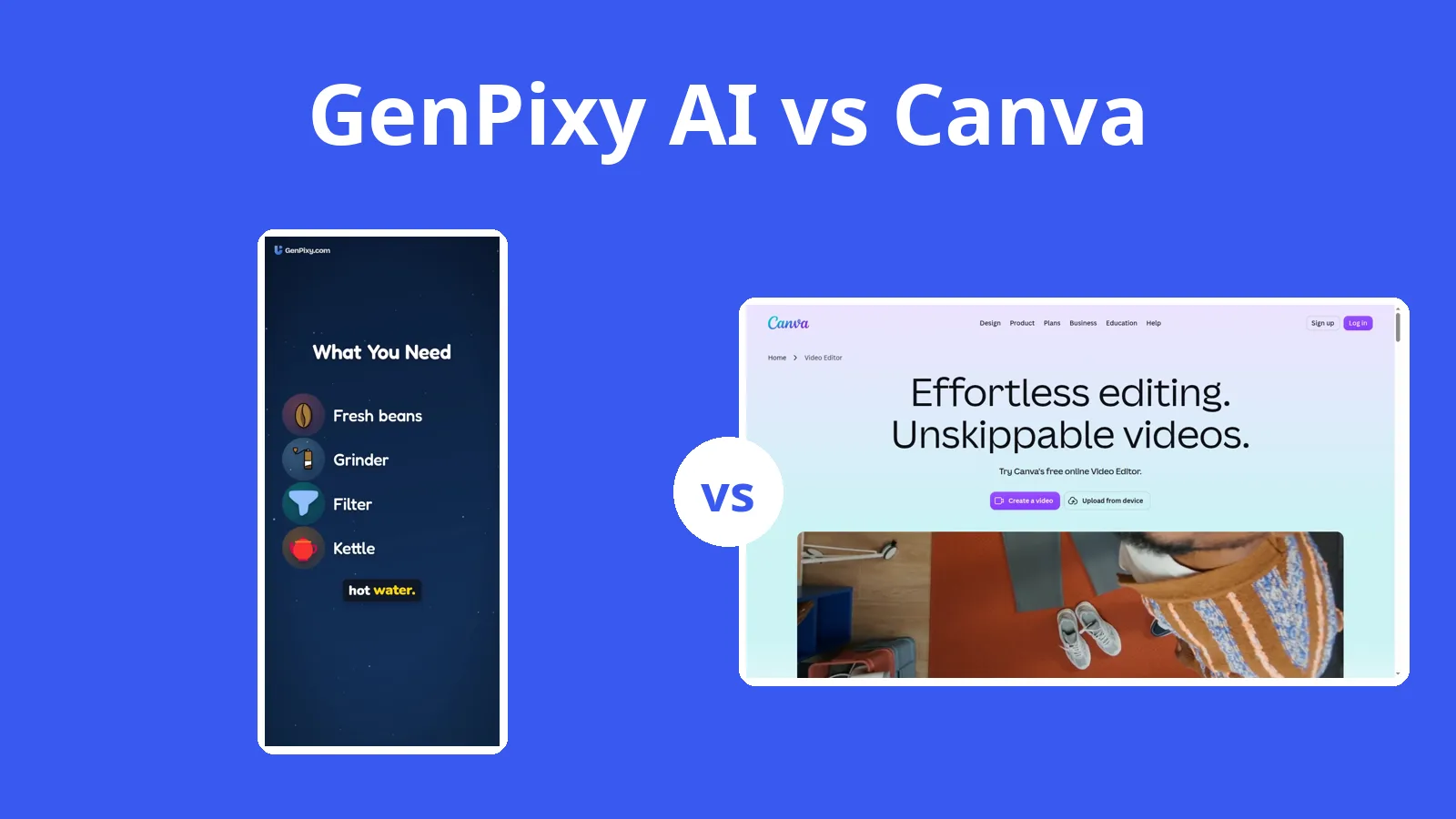
Canva's AI video makes clips of 6 to 8 seconds. GenPixy AI makes the full narrated explainer from one topic, and you can still upload the MP4 to Canva to add your brand.
5 Min. Lesezeit
Diese Seite ist noch nicht übersetzt und wird deshalb auf Englisch angezeigt.
If you already work in Canva, its AI video tool produces clips of 6 to 8 seconds, while GenPixy AI can build a narrated explainer from a topic. Canva's real strength is design control, and the two can be used together.
What each tool produces and costs
Canva's pricing page, video editor page, and help center were checked on 27 October 2026.
| GenPixy AI | Canva | |
|---|---|---|
| How a video is made | AI makes the whole video: script, drawings, voice, and captions | You design the video in an editor; AI makes short clips |
| What you start with | A topic, or your own script (up to 5,000 characters) | Templates, your own media, or a prompt for an 8-second AI clip |
| Look | Whiteboard (hand-drawn) or Full Color | Anything you design: templates, photos, video, animation |
| Video shape | Landscape 16:9 or Portrait 9:16 | Any size you set; AI clips are 16:9 |
| Video length | 30 seconds to 10 minutes | Not stated; AI clips are up to 8 seconds |
| Voice | AI narration in 70+ languages, male or female voice | Not stated for the editor; AI clips include sound |
| Captions and extras | Word-by-word captions, SRT file, thumbnail, YouTube title and hashtags | Captions with styles and animations |
| Free option | 3 videos a day, up to 60 s, 720p, no card | Free plan with up to 20 AI uses |
| Paid price | Credits from $1.00, no subscription; about $0.15 per 1-minute 720p video | Pro US$144 per year for one person |
| Works on | Browser on a phone or computer | Browser, mobile app, and offline mode |
GenPixy AI returns a finished narrated explainer within minutes, complete with drawings, voice, an SRT file, and captions. Canva is for designing the video yourself from templates, photos, and your brand kit, and for short AI clips that look like real footage.
From one topic to a narrated MP4
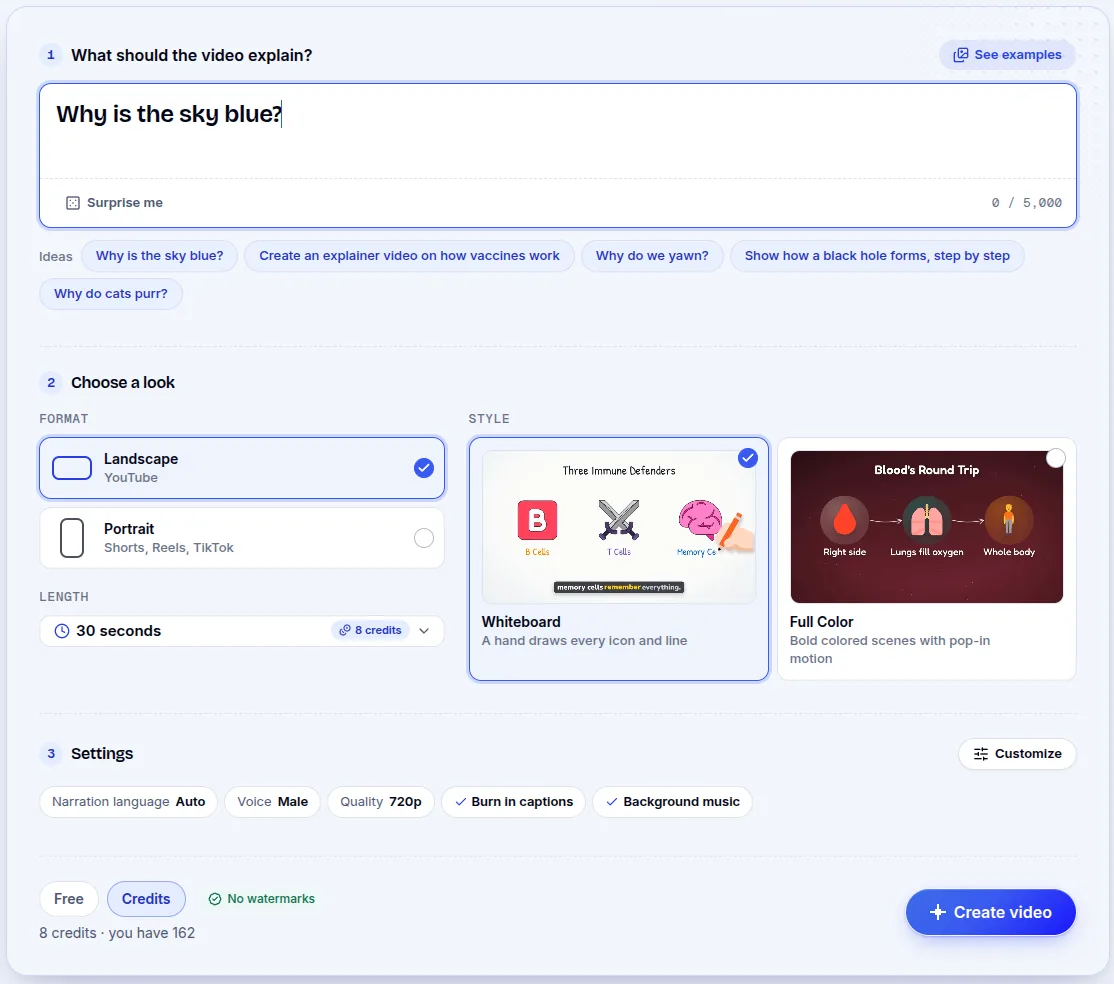
You begin with a subject, "Why is the sky blue?" for instance, or with a script you already wrote. Before generating, you choose orientation and style, video length (30 seconds to 10 minutes), and narration language.
One run produces the script, drawings, voice, captions, and music. Downloads include the MP4, a thumbnail, an SRT subtitle file, plus a YouTube title, a description, and hashtags. You open it in a browser, whether you are on a phone or a computer.
Canva's editor and its AI clip tool
Canva is a design platform with a drag-and-drop video editor. You pick a template and add text, photos, video, and music on a timeline, plus captions, animation, and transitions.
Canva AI can also make a short video clip from a prompt: 8 seconds with sound or 6 seconds without, in 16:9. Other AI tools include Magic Animate, Highlights, auto-trim, and image to video.
Canva's pages describe template-based design and short AI clips; they do not describe turning a single topic into a full narrated explainer. The AI clips are 8 seconds with sound or 6 seconds without, and the clip tools need a paid plan.
Canva Pro at US$144 a year, GenPixy AI by credits
Canva Free includes more than 1.6 million templates, 5 GB of storage, and up to 20 AI uses. Canva Pro costs US$144 per year for one person, and it includes up to 200 premium AI uses, Brand Kits, and 100 GB of storage.
AI video clips are for Pro, Business, Enterprise, and Nonprofit users, with a limited number per month. Canva prices by country, so the pricing page shows yours.
GenPixy AI sells no subscription. Its free plan gives 3 videos a day of up to 60 seconds each at 720p, with no credit card required.
Anything longer, or at 1080p, runs on credits bought once, starting at $1.00. A minute of 720p costs about $0.15, and ten minutes at 720p is under $1. The price is shown before you start, and Indonesian pricing is quoted in rupiah.
A sample made with GenPixy AI
The clip below was made in GenPixy AI from a single topic. Play it to hear the narration and see the drawings and captions.
Canva's template library and design control
If you want control over each layer, images and timeline included, Canva is the better tool. It brings a very large template and stock library, Brand Kits, and team features, and it covers social posts, slides, ads, and video in one place. It also has a mobile app and an offline mode, and its AI clips look like real footage rather than drawings.
Canva AI's clip length and plan limits
Canva AI stops at clips of 6 to 8 seconds; it does not write a script or narrate a full video from a topic. Pro costs US$144 per year for one person, and free AI use is capped at 20 uses.
Using the two together
Use Canva when you want to design the video yourself. If you would rather have the explainer made for you, with a voice and captions, use GenPixy AI.
Many creators make the narrated explainer in GenPixy AI and then add brand graphics or design social posts in Canva.
Canva clips, scripts, and free plans
Can Canva make a whiteboard explainer video from a topic?
Canva's official pages describe template-based design and AI clips of 6 to 8 seconds; they do not describe a script becoming a full narrated explainer. GenPixy AI turns a single topic into a narrated whiteboard video.
Is GenPixy AI free like Canva?
Yes. The free plan covers 3 videos a day at up to 60 seconds each. Longer videos use credits, and there is no subscription.
Can I use GenPixy AI videos in Canva?
Yes. Download the MP4 from GenPixy AI and upload it to Canva to add your own graphics or brand elements.
Sources
All links below were read on 27 October 2026. Prices can change, so check the official page for the current price.
Our comparison page has more tools, and the 2026 roundup of the best AI explainer video generators is the wider list.
Start your first video free on GenPixy AI, no credit card needed.